This tutorial shows how to offboard users and cancel a LastPass Business or Enterprise subscription as an admin.
Notes:
- This process requires admin access to the LastPass Admin Console. Canceling the business account removes all managed user vaults and shared folder access. Ensure all team members export their personal vault data before proceeding.
- Contact LastPass support directly via the Contact Us button in the Admin Console for subscription termination assistance. If the option is not available in your account settings, enterprise contracts may require manual cancellation.
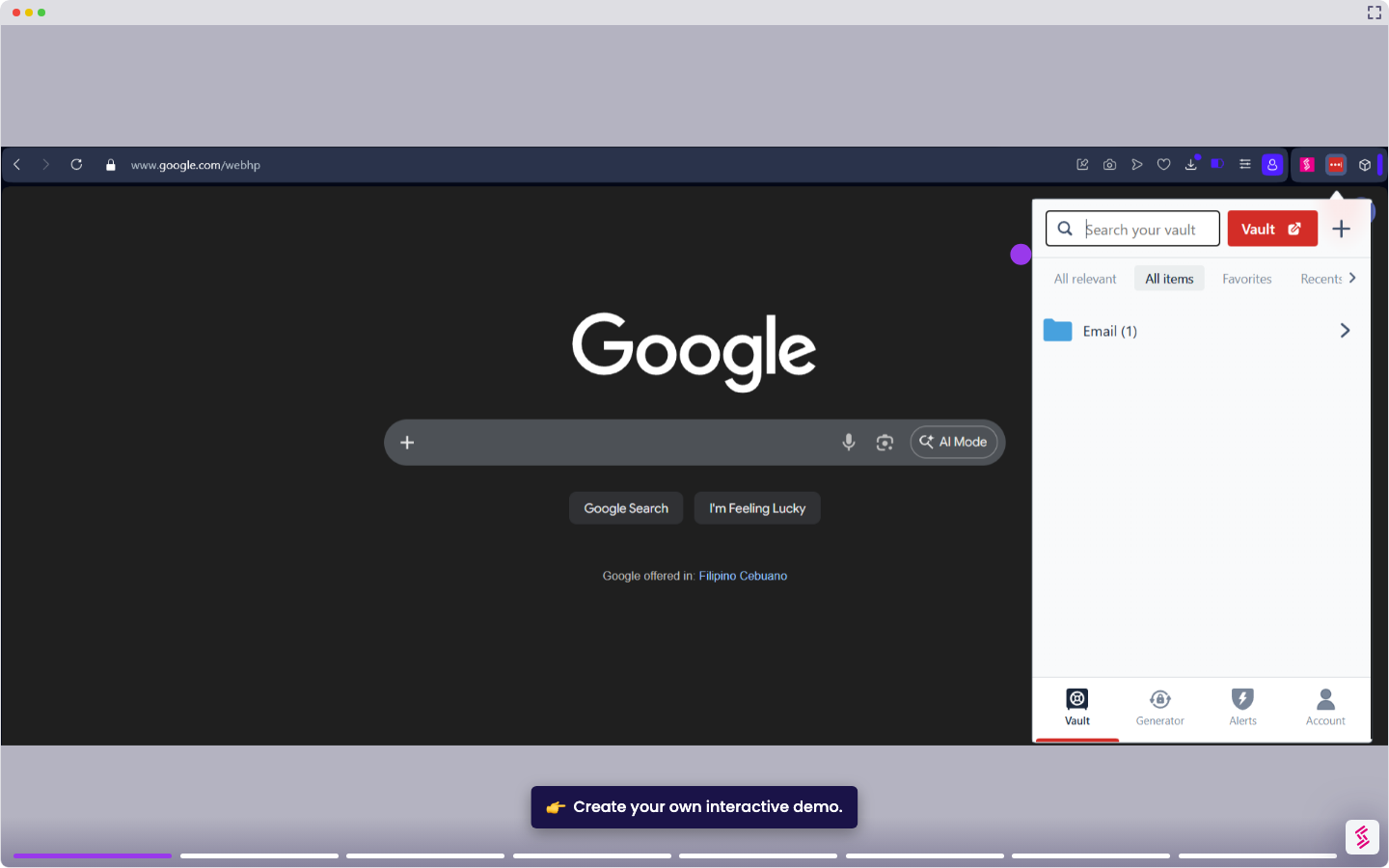
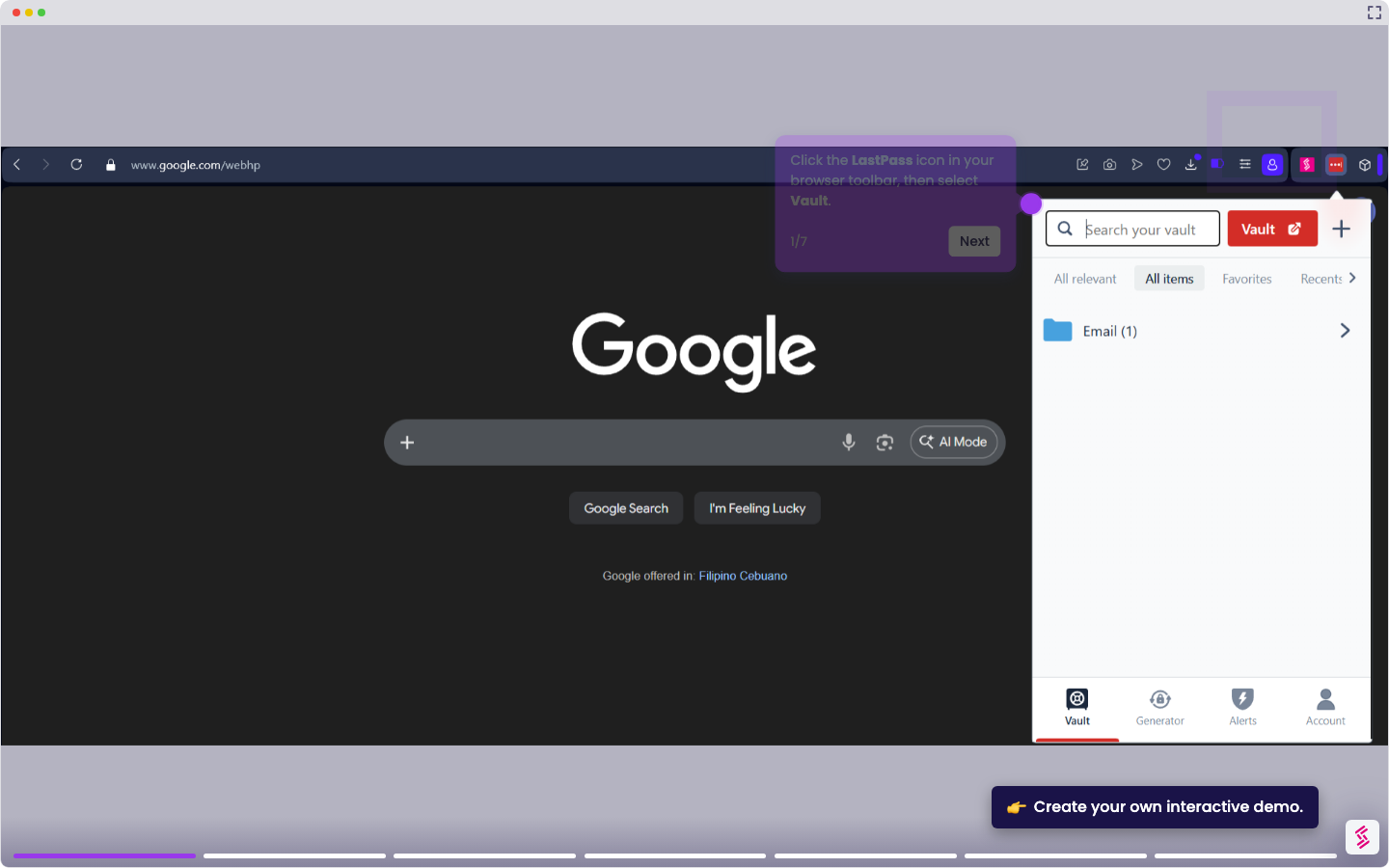
- Click the LastPass icon in your browser toolbar, then select Vault. Alternatively, log in to LastPass using your admin account credentials at lastpass.com.
- In the left navigation menu, click Account Settings.
- In the Links section, click the My Account hyperlink.
- In the LastPass Business Status, click Cancel Auto-Renewal and confirm the cancellation. Retain any confirmation email for your records.
Note: This interactive demo uses a paid trial version of LastPass. The steps and navigation remain the same. In a trial account, the option appears as Purchase, while in an active subscription, it appears as Cancel Auto-Renewal. - If no self-serve cancellation option appears, go to LastPassSupport Center and submit a cancellation request to LastPasssupport.