Quick summary
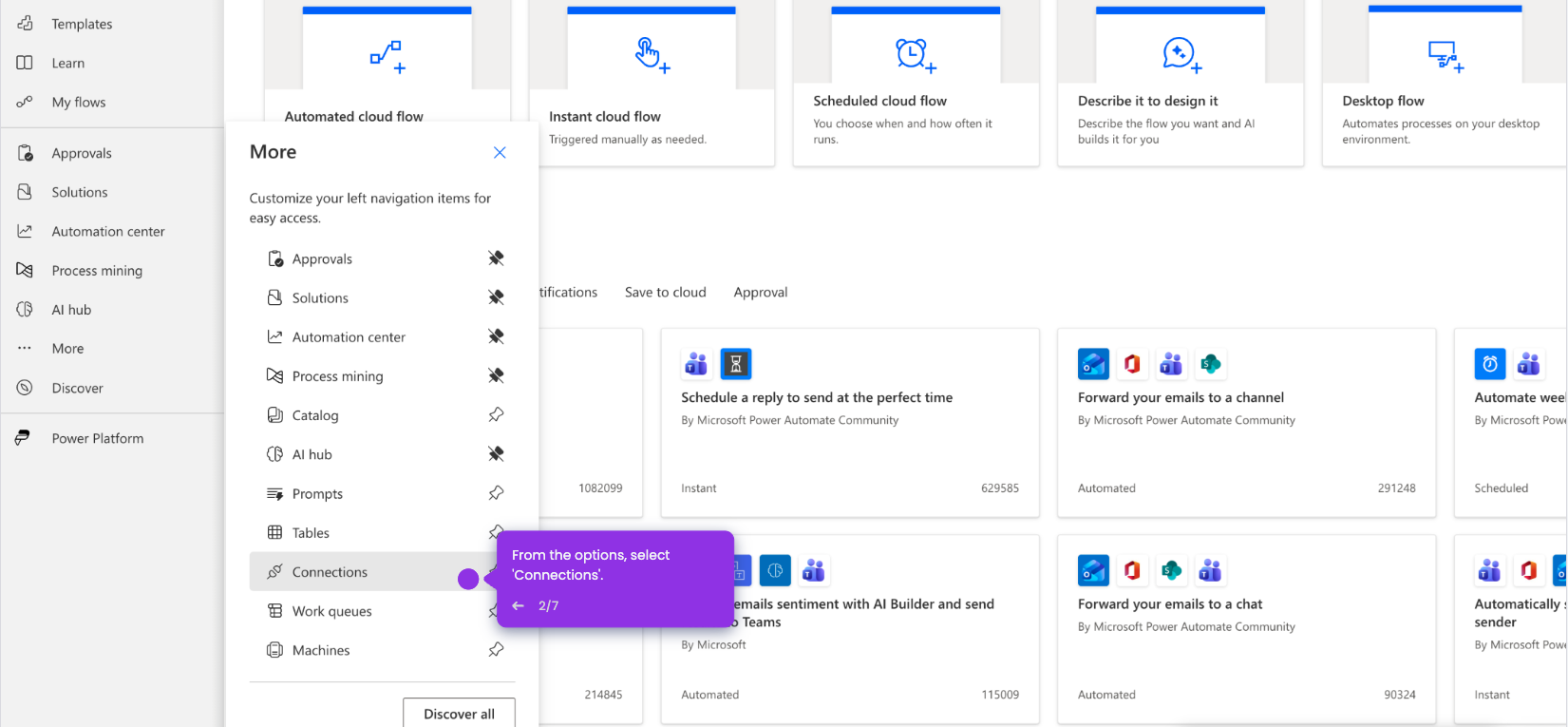
Microsoft Copilot is accessible directly inside Microsoft 365 apps through the Copilot icon in the sidebar — it is not a standalone tool. Users need a valid Microsoft 365 Copilot license to activate and use it across apps on the go.
Steps
- Open any Microsoft account app and navigate to the menu.
- Click the Copilot icon in the sidebar — Copilot appears inside apps, not as a standalone tool.
- Ensure you have the correct license, then begin using Copilot inside your Microsoft 365 apps on the go.