.svg)
.gif)
.svg)



Quick summary
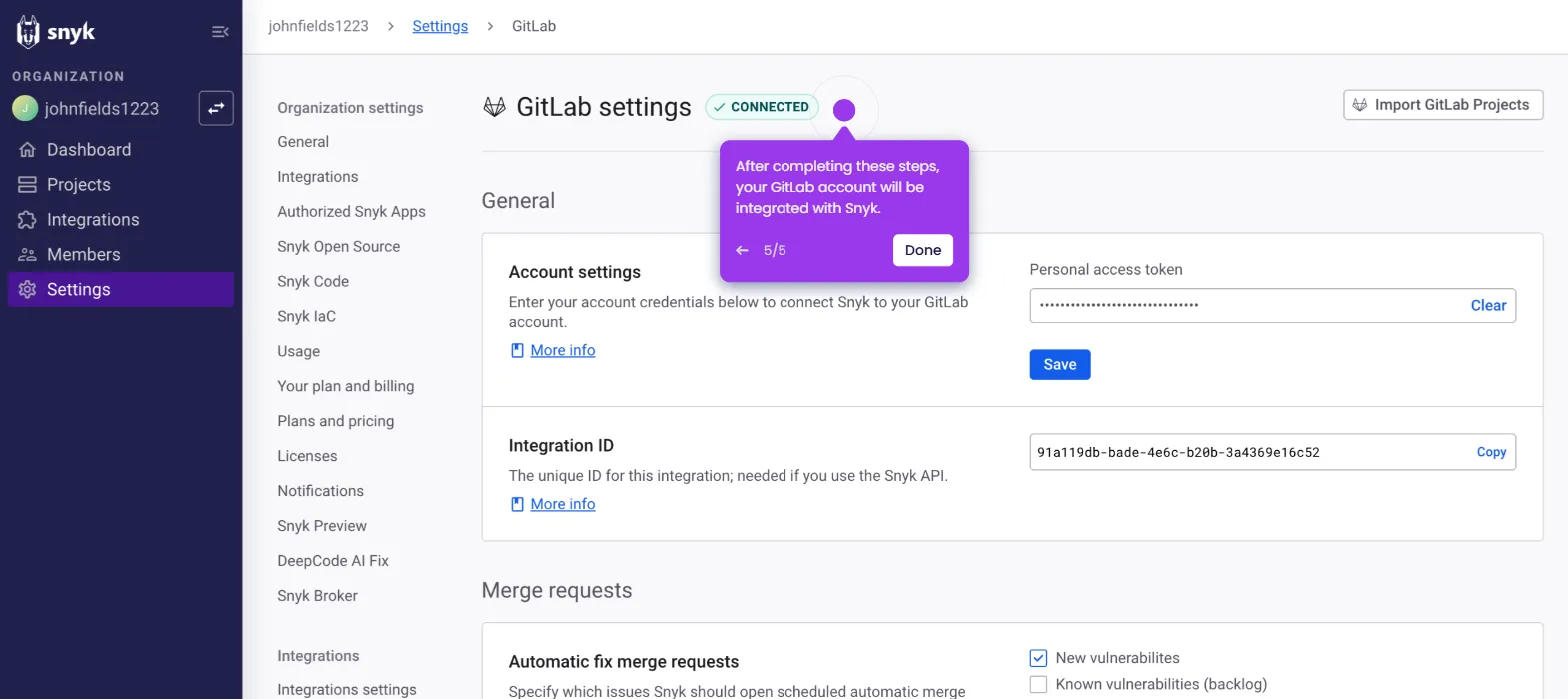
A GitLab personal access token is a secure credential that lets you authenticate with the GitLab API and services without using your password. This step-by-step demo shows how to create and configure a personal access token with the right name, expiry date, and scopes directly from your profile settings.
Steps
- Log in to your GitLab account and click on your avatar or profile icon in the top navigation.
- Select Edit profile from the dropdown menu.
- Navigate the left sidebar and select Access tokens.
- Click the Add new token button to begin creating a token.
- Fill in the required fields including the token name and expiration date.
- Set a specific scope for your token to limit its permissions and improve security.
- Click the Create Personal Access Token button to complete the process and generate your token.