Quick summary
PowerPoint's built-in Change Case feature lets you instantly uncapitalize or convert text to lowercase without retyping. Access it from the Home tab in just a few clicks.
Steps
- Select the text you want to uncapitalize on your slide.
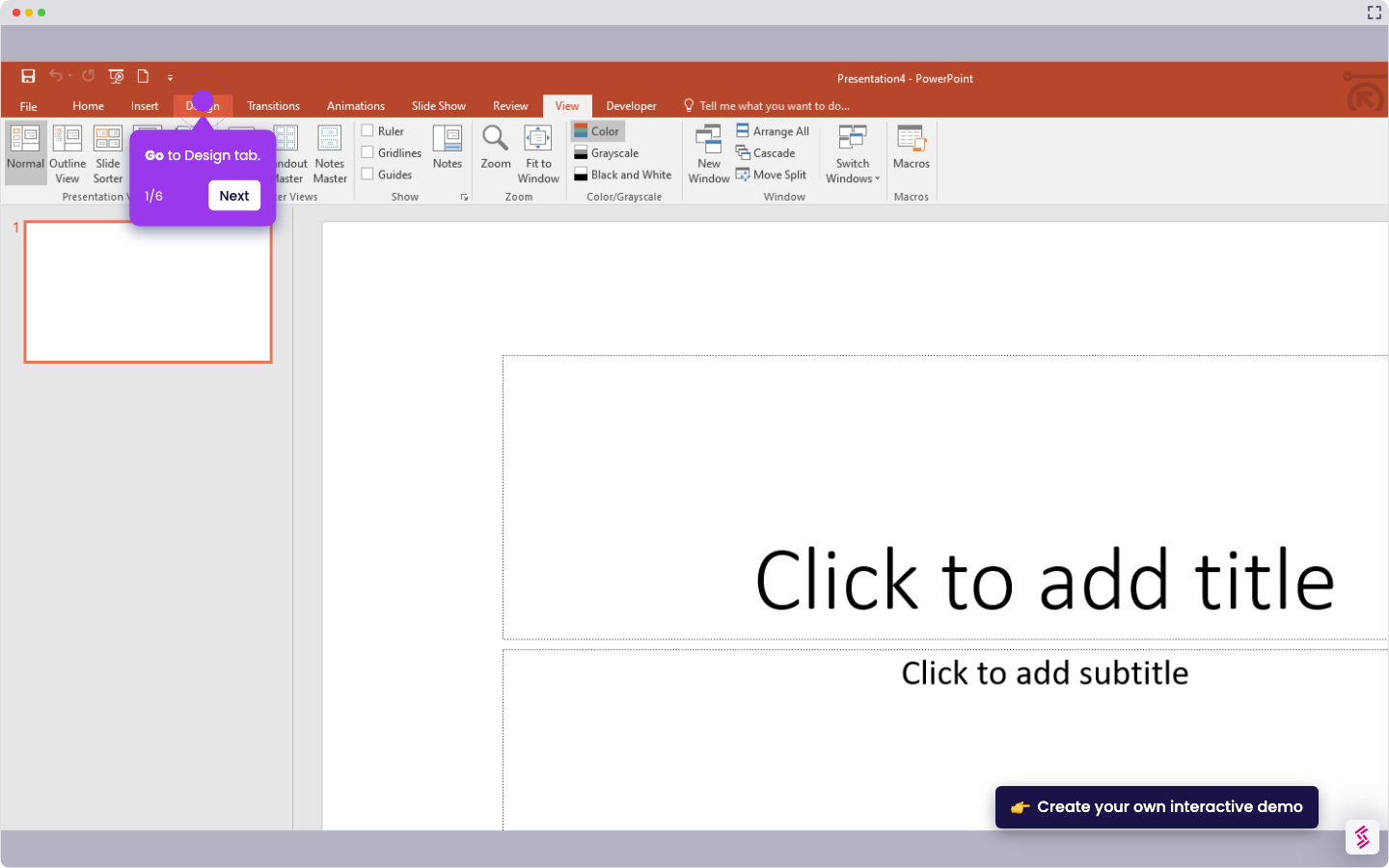
- Go to the Home tab in the PowerPoint ribbon.
- Click Change Case (Aa) in the Font group.
- Select lowercase from the dropdown menu to apply the change.