.svg)
.gif)
.svg)



Quick summary
Transferring an AppSheet app to another account lets you hand off app ownership without rebuilding from scratch. This process uses the built-in Transfer feature inside the Manage settings to initiate and accept ownership requests.
Steps
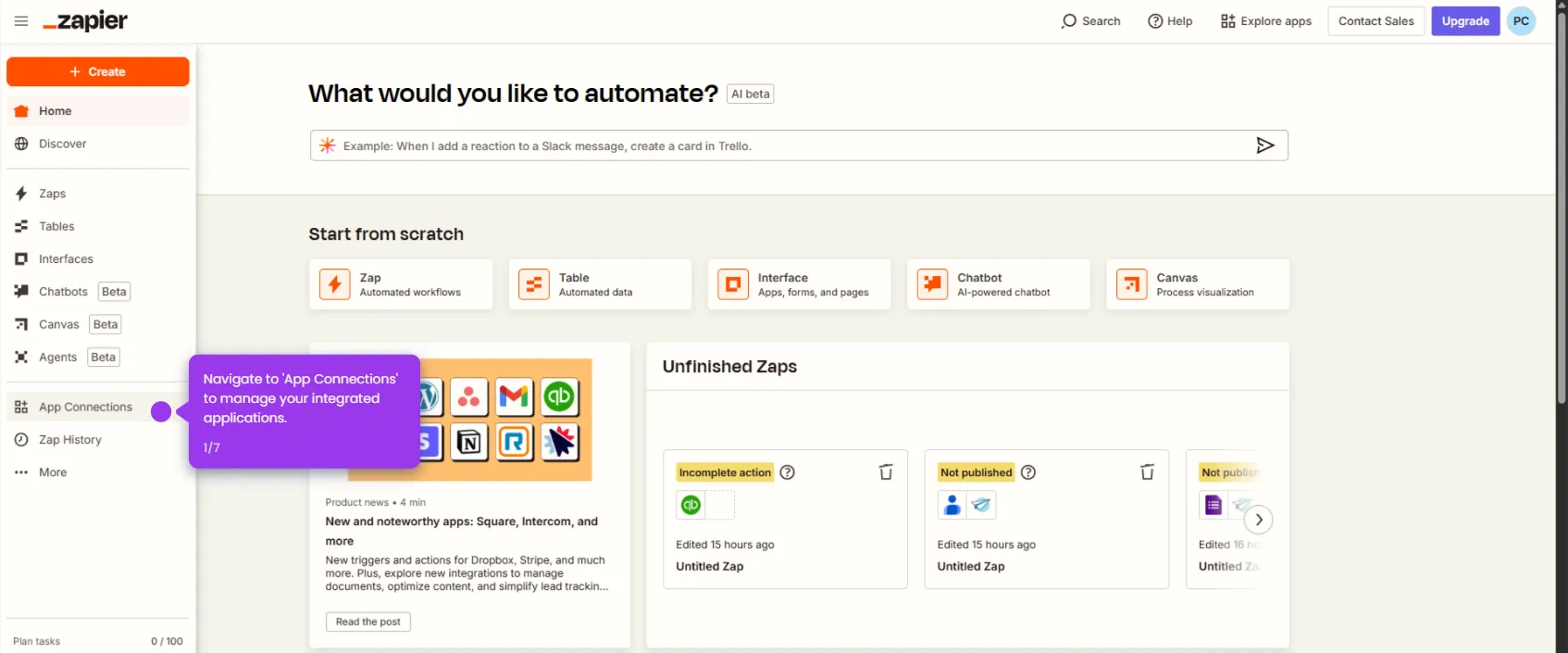
- Navigate to your app in AppSheet from the home apps dashboard.
- Open the Manage section to access your app's settings and permissions.
- Go to the Author workspace where you design and customize your application.
- Enable the Transfer feature to accept and manage app ownership requests from team members.