This interactive demo was created free with Storylane in 2 minutes. Create your own demo
Start free
All Tutorials /Perplexity

How to Train Perplexity AI

Updated on:
May 13, 2026
By:
Madhav Bhandari
Use this interactive demo to learn how to get smarter, more accurate answers from Perplexity AI.

Quick summary

Perplexity AI is a conversational search engine that delivers cited, real-time answers to your questions. Training it effectively means crafting specific prompts, using source filters, and leveraging features like Rewrite and Spaces to refine and organize results.


Steps

  1. Understand that Perplexity AI is a conversational search tool — be specific with your prompts for best results.
  2. Type your question or prompt into the search bar using clear, conversational language.
  3. Explore related insights surfaced by Perplexity to support planning and deeper research.
  4. Access the Rewrite feature to rephrase your query and get results from different perspectives.
  5. Use the Models filter to narrow results by source type — such as academic papers or social media — for more relevant answers.
  6. Explore how Perplexity handles follow-up questions to deepen your understanding of a topic.
  7. Click the arrow icon to submit your follow-up query and continue the conversation.
  8. Compare results across multiple queries to spot patterns and changes in the information.
  9. Click Add to Space to organize your research and collaborate on complex tasks.
📌 Why this matters

Perplexity AI transforms how people search by delivering direct, cited answers instead of a list of links to sift through. Learning to train it with specific prompts, source filters, and follow-up questions unlocks far more accurate and relevant results for research, planning, and decision-making. Features like Rewrite and Spaces make it a powerful tool for both individual productivity and team collaboration. Mastering these techniques helps users get more value from AI-powered search in a fraction of the time.
Your product deserves an interactive demo
Start free
Similar Articles
Perplexity

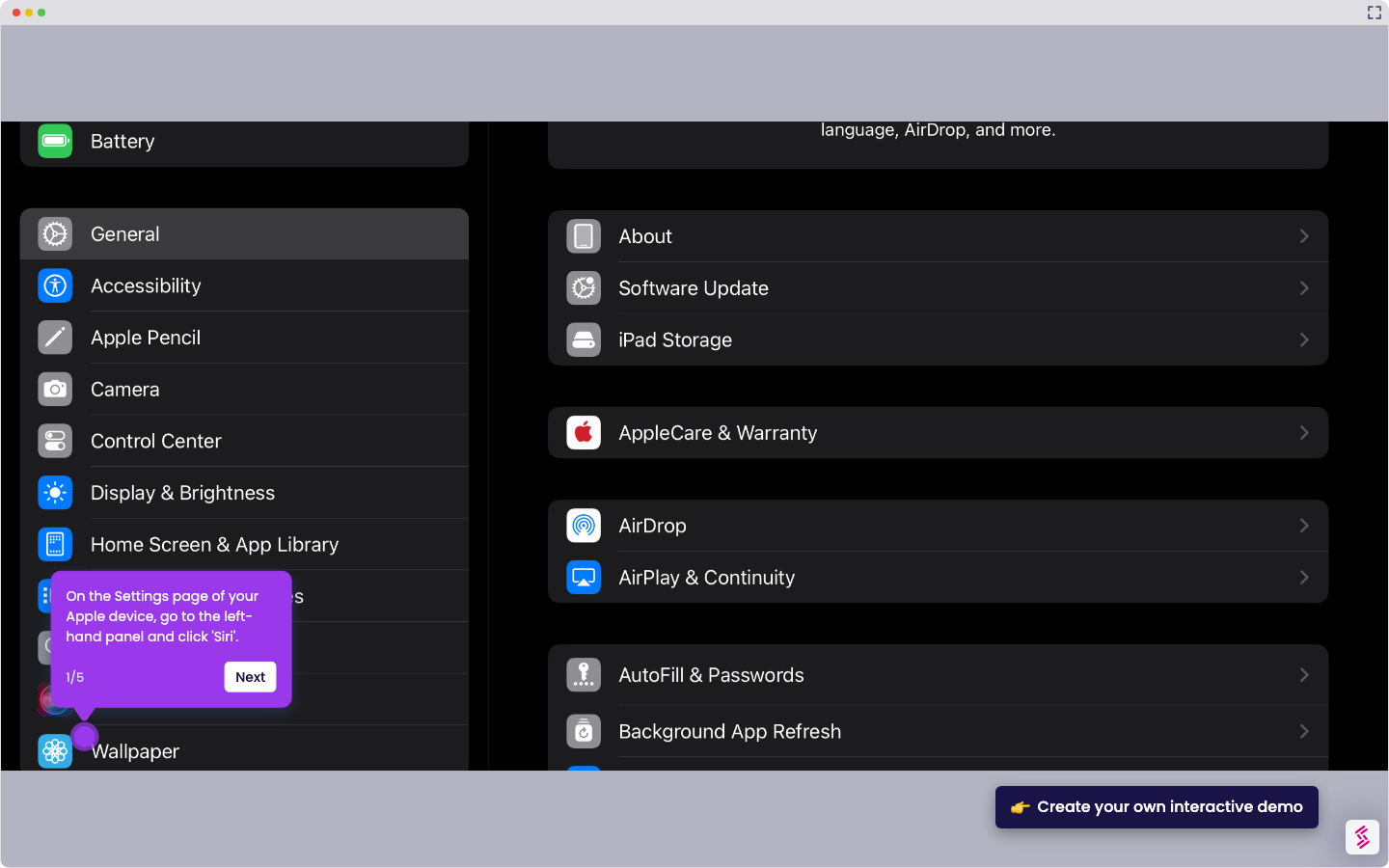
How to Integrate Perplexity with Siri

Madhav Bhandari
Director of Marketing @ Storylane
Perplexity

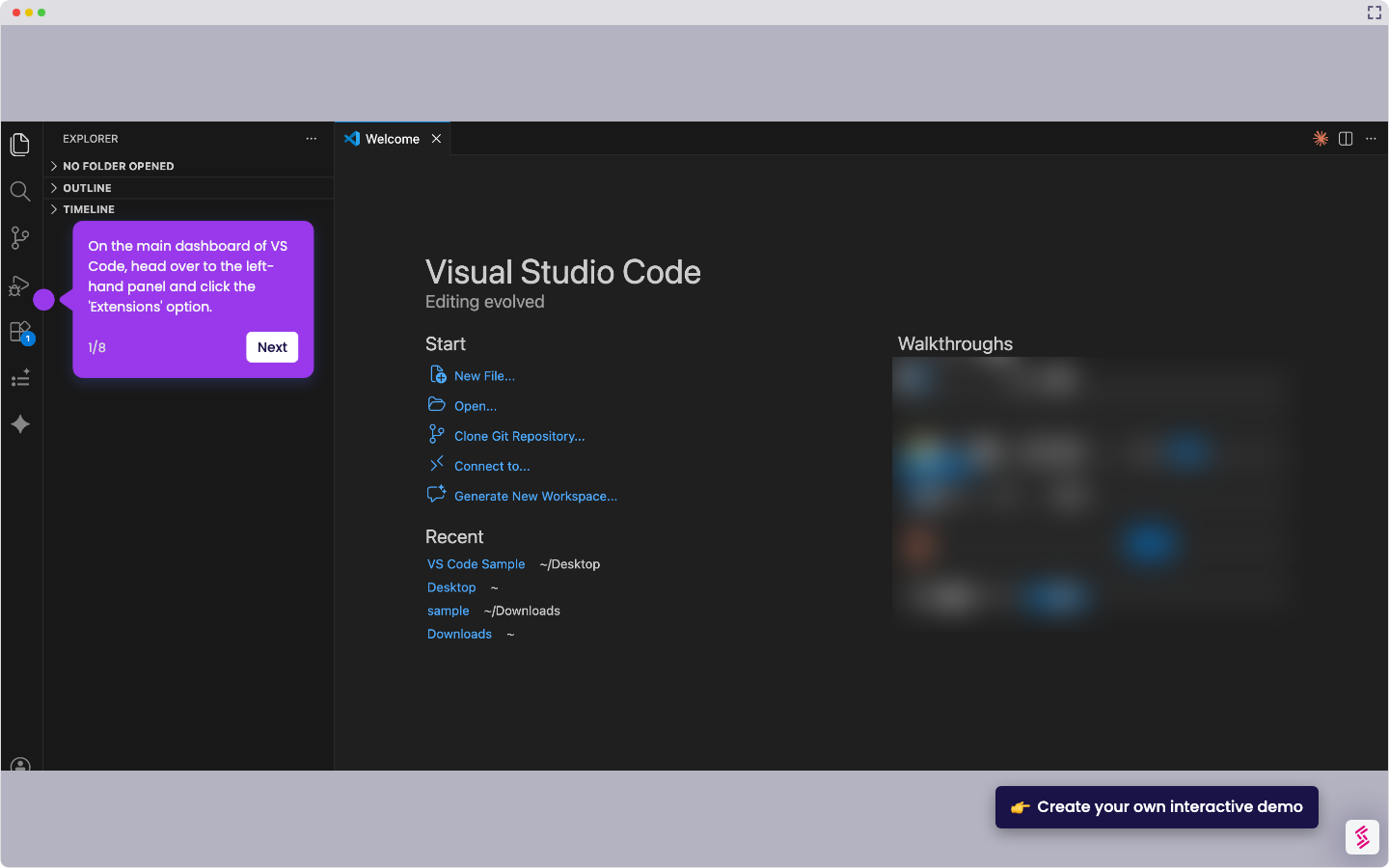
How to Integrate Perplexity Chat with VS Code

Madhav Bhandari
Director of Marketing @ Storylane
Perplexity

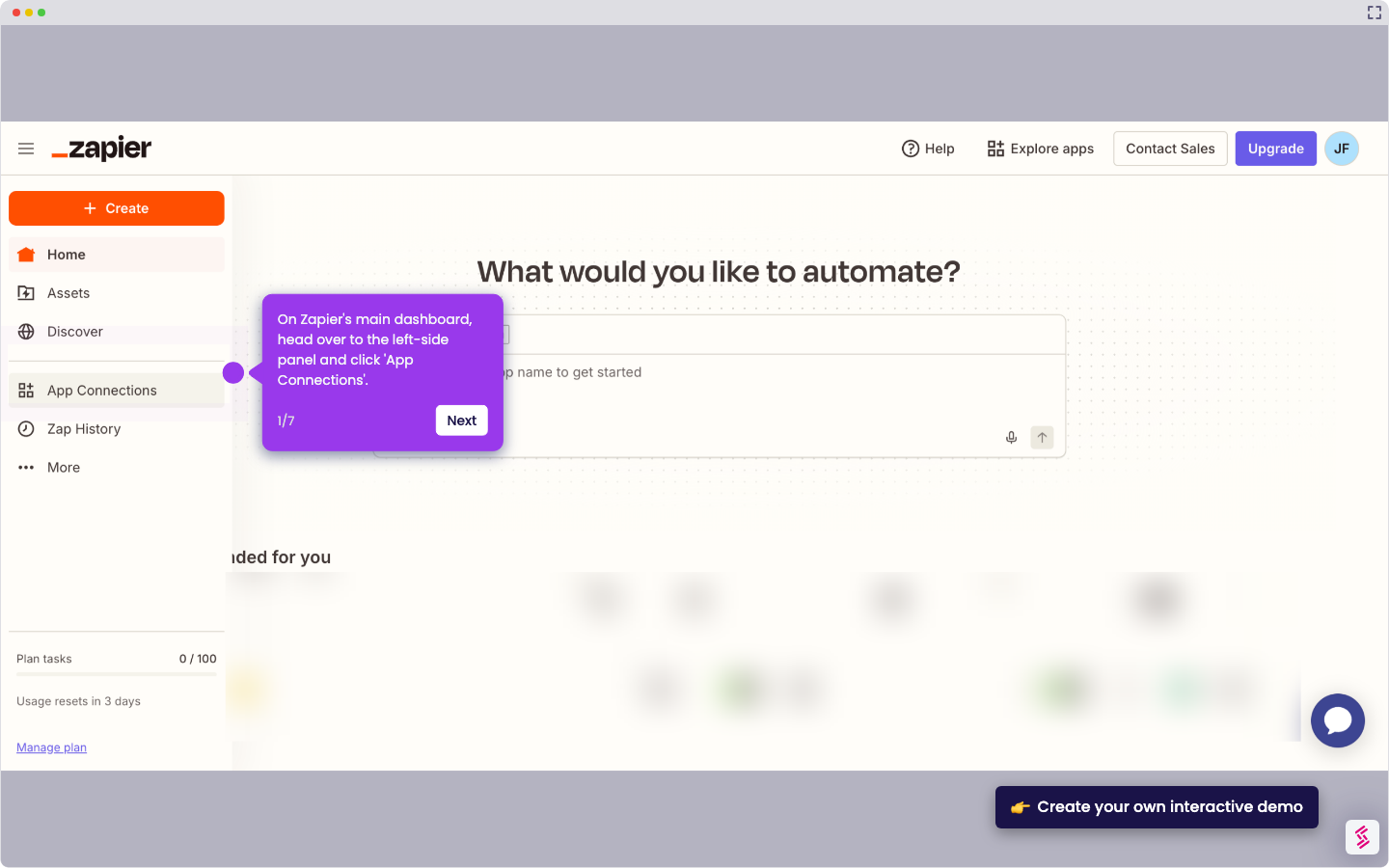
How to Integrate Perplexity with Zapier

Madhav Bhandari
Director of Marketing @ Storylane
No items found.
Platform
Interactive Demos
Sandbox Demos
Buyer Hub
RepX
Integrations
Solutions
Product Marketers
Growth & Demand Gen
Sales Reps & AEs
Presales & SEs
Customer Success
Product Managers
Customers
Demo Showcase
Customer Stories
Finer Demos Club
Features
Demo Signals
Personalization
Deal Intelligence
Resources
Blog
The Plot
Tutorials
Help Docs
What’s New
Demo Dundies
Company
Careers
Pricing
Partners
Contact
Trust Center
Backed by
Chrome Extension Icon
Chrome extension
Download
Desktop app
Download
Built in San Francisco Bay Area - ©2026 Storylane
Privacy PolicyTerms & Conditions
X Corp (formerly Twitter)LinkedIn
This website uses cookies to ensure you get the best experience on our website. Learn More
Got it
This website uses cookies to ensure you get the best experience on our website. Learn More
Got it