Quick summary
To stop animation in PowerPoint, select the animated object, open the Animations tab, and set the animation to None. This three-step process permanently removes the animation effect from any selected element in your presentation.
Steps
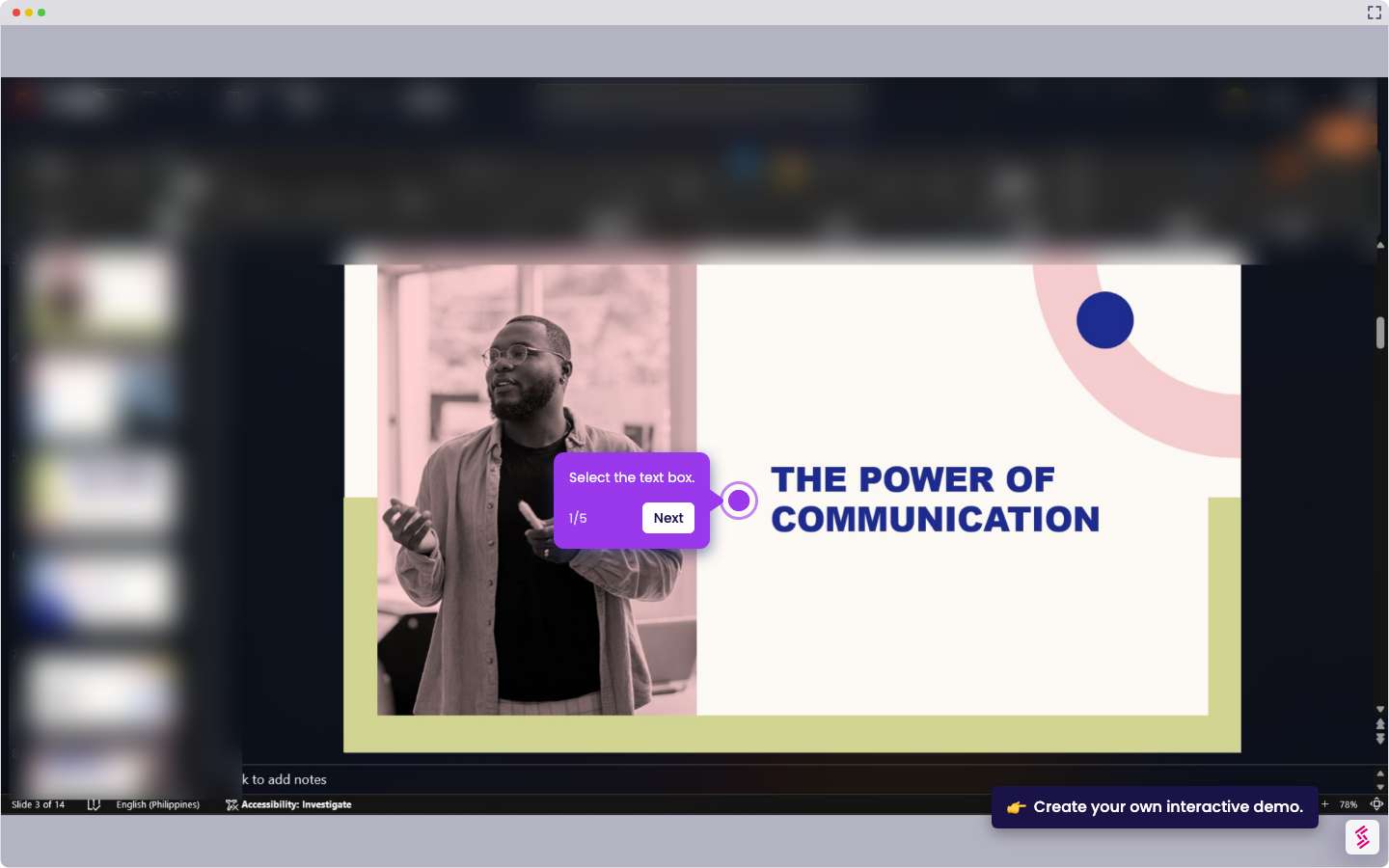
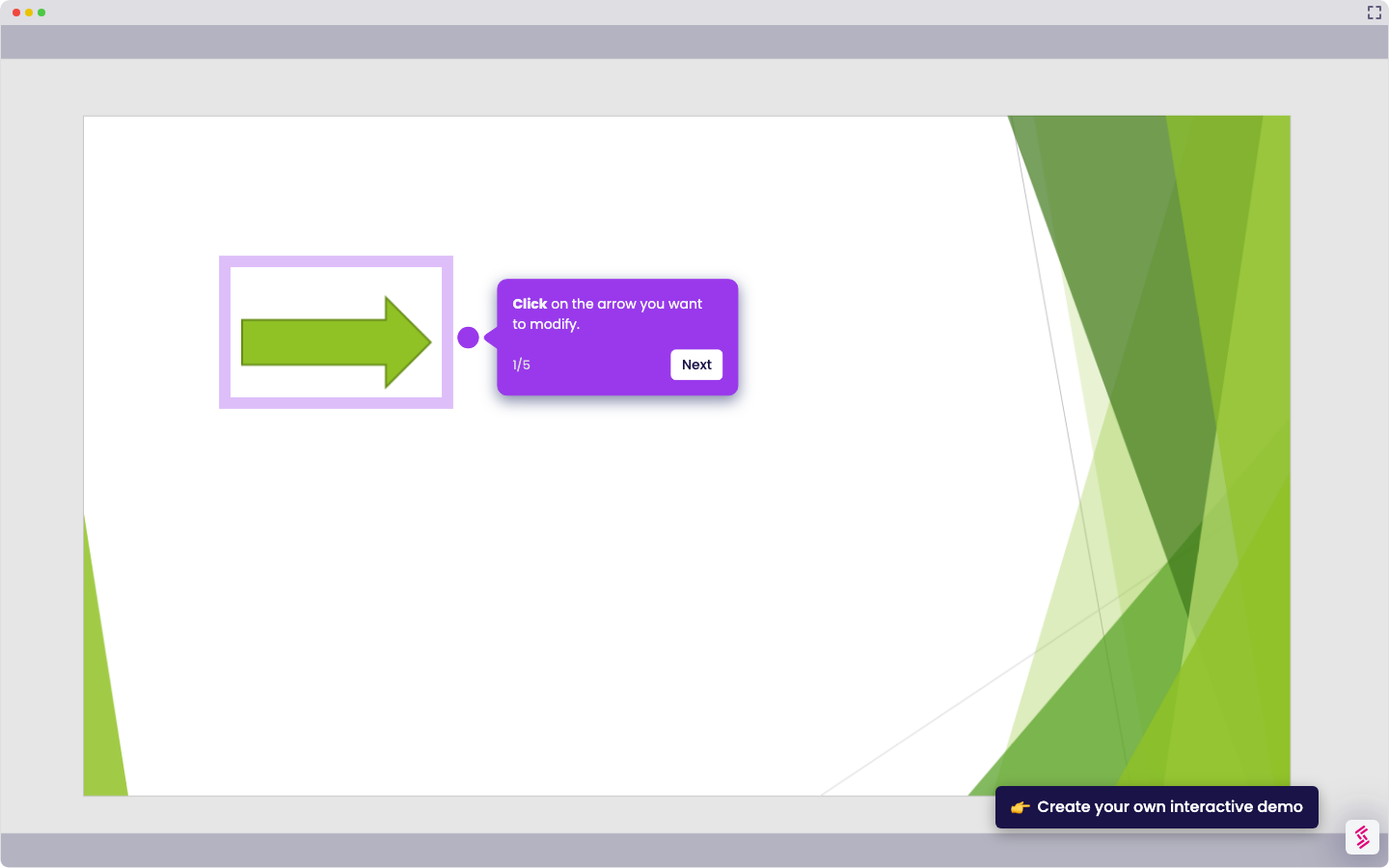
- Select the object or objects in your PowerPoint slide that have an animation applied.
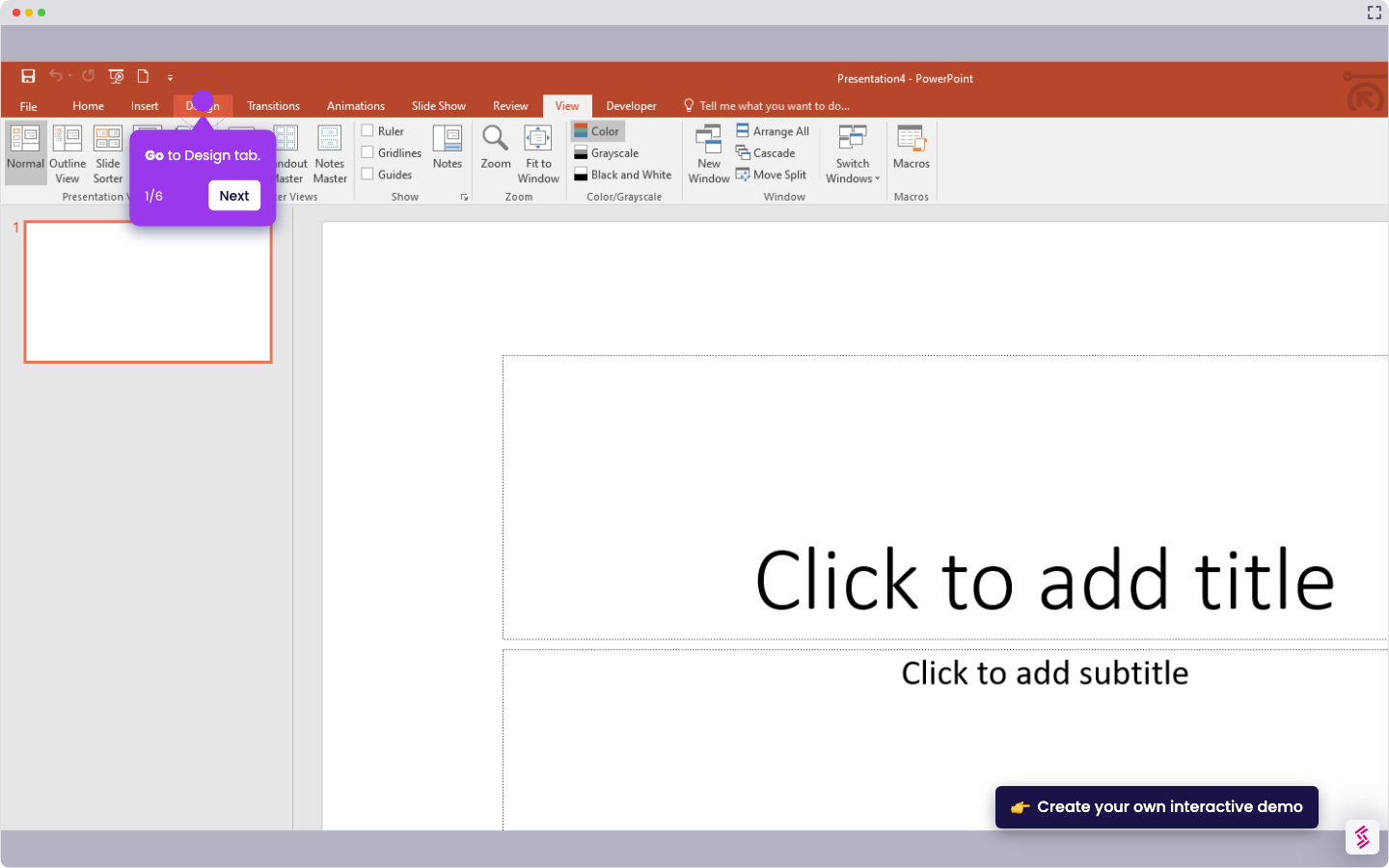
- Go to the Animations tab in the PowerPoint ribbon.
- Select None to stop the animation and remove the effect from the selected object.