.svg)
.gif)
.svg)



To share your project link in Framer, follow these simple steps:
- Open your project in Framer.
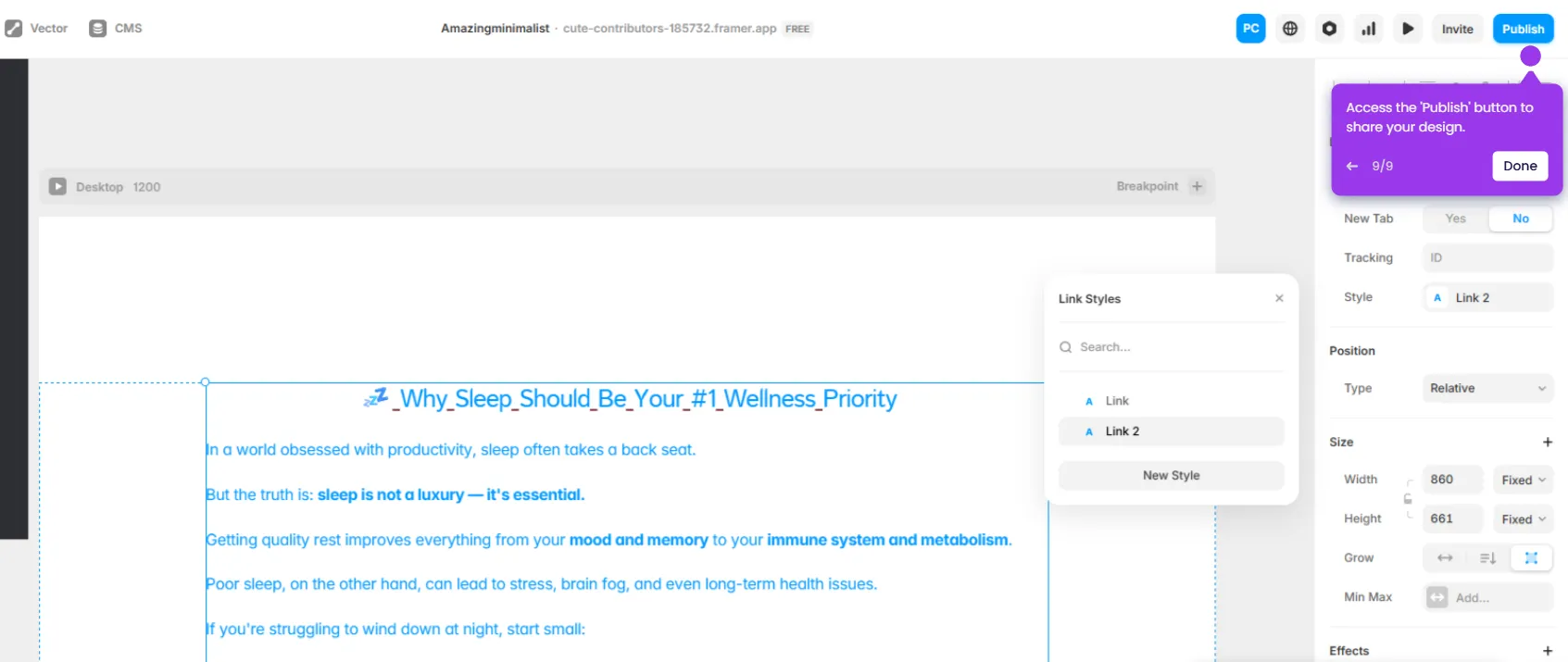
- In the Framer project, click the 'Invite' button.
- Review your project link settings and adjust visibility options before sharing with your team.
- Click 'Copy' to generate a shareable link to quickly distribute your design to stakeholders.