


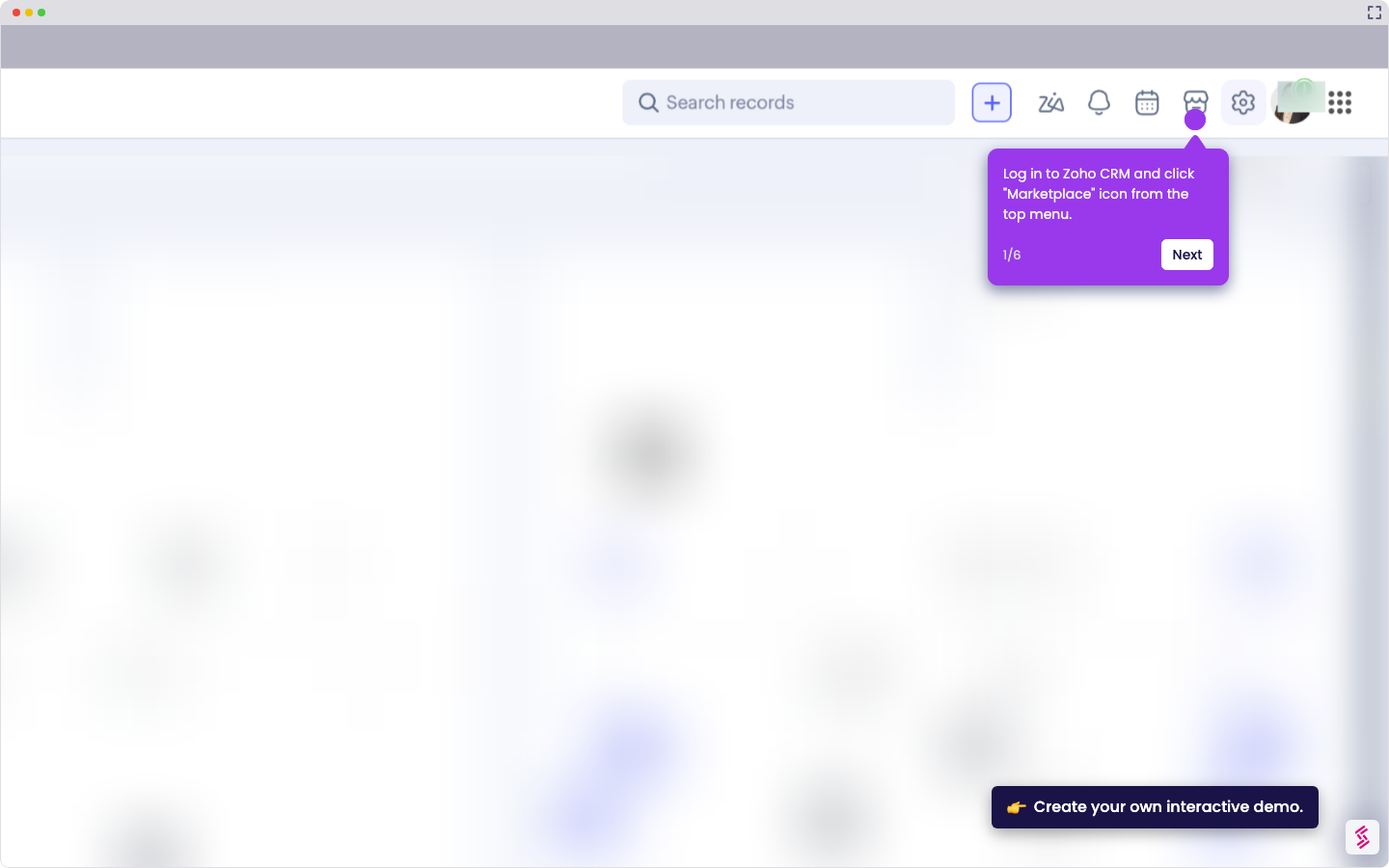
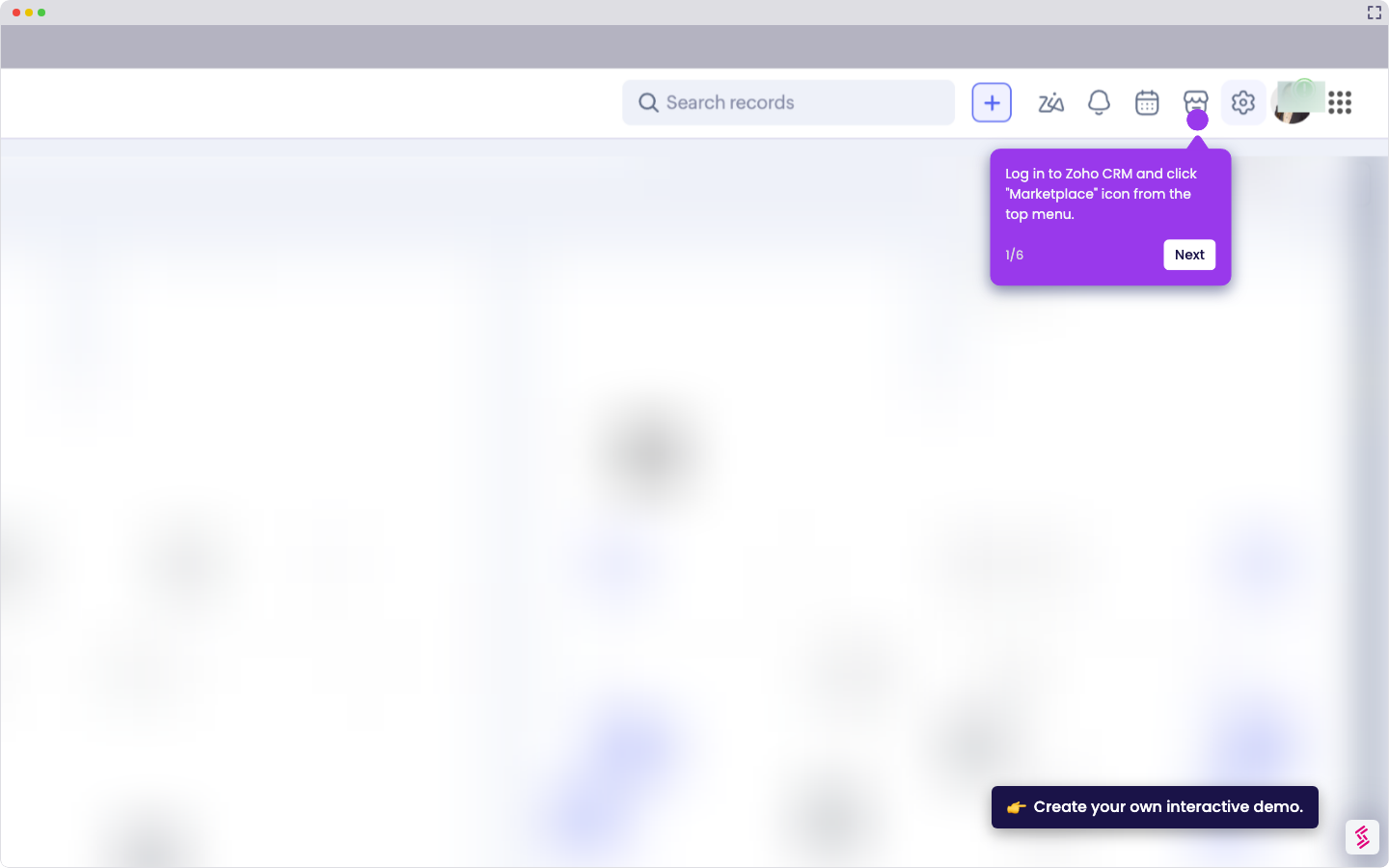
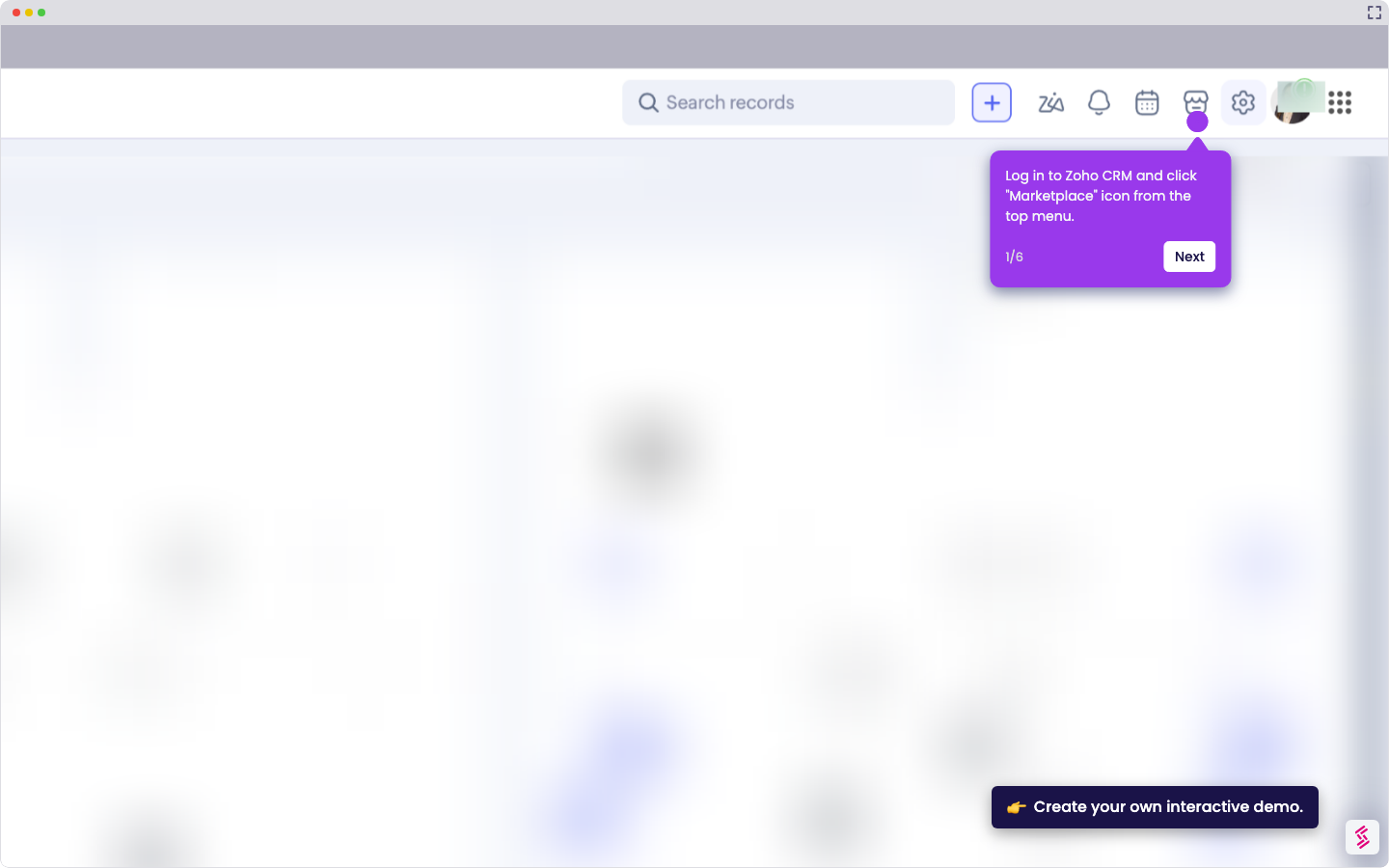
- Log in to Zoho CRM and open a record (e.g., Lead, Contact, or Deal).
- Select the contact you want to email.
- Click "Send Email".
- Compose your email or select a template.
- Click "Schedule" (instead of Send).
- Choose the date and time you want the email to be sent.
- Click "Schedule" to confirm.
How To Schedule An Email Out Of Zoho CRM
Use this step-by-step demo to learn how to schedule an email out of Zoho CRM.
Your product deserves an interactive demo
Similar Articles
No items found.