This tutorial shows how to identify and remove synthetic keys in Qlik Sense by renaming or qualifying fields in the Data Load Editor.
Note:
Synthetic keys appear when two or more tables share more than one common field name. Changes are made in the Data Load Editor using Qualify, Rename, or field removal.
- Login and open Qlik Sense App and click your app from the hub to launch it.
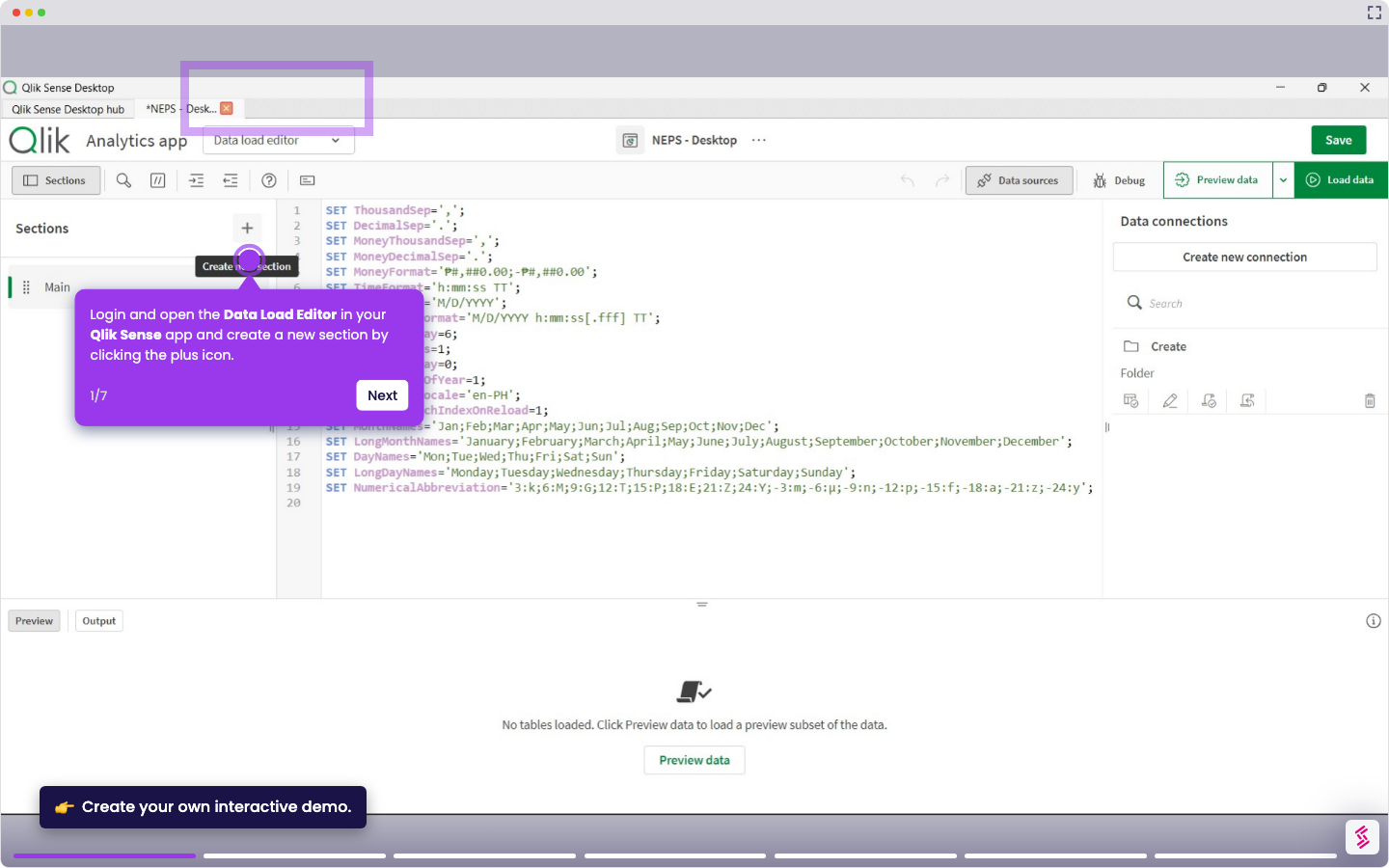
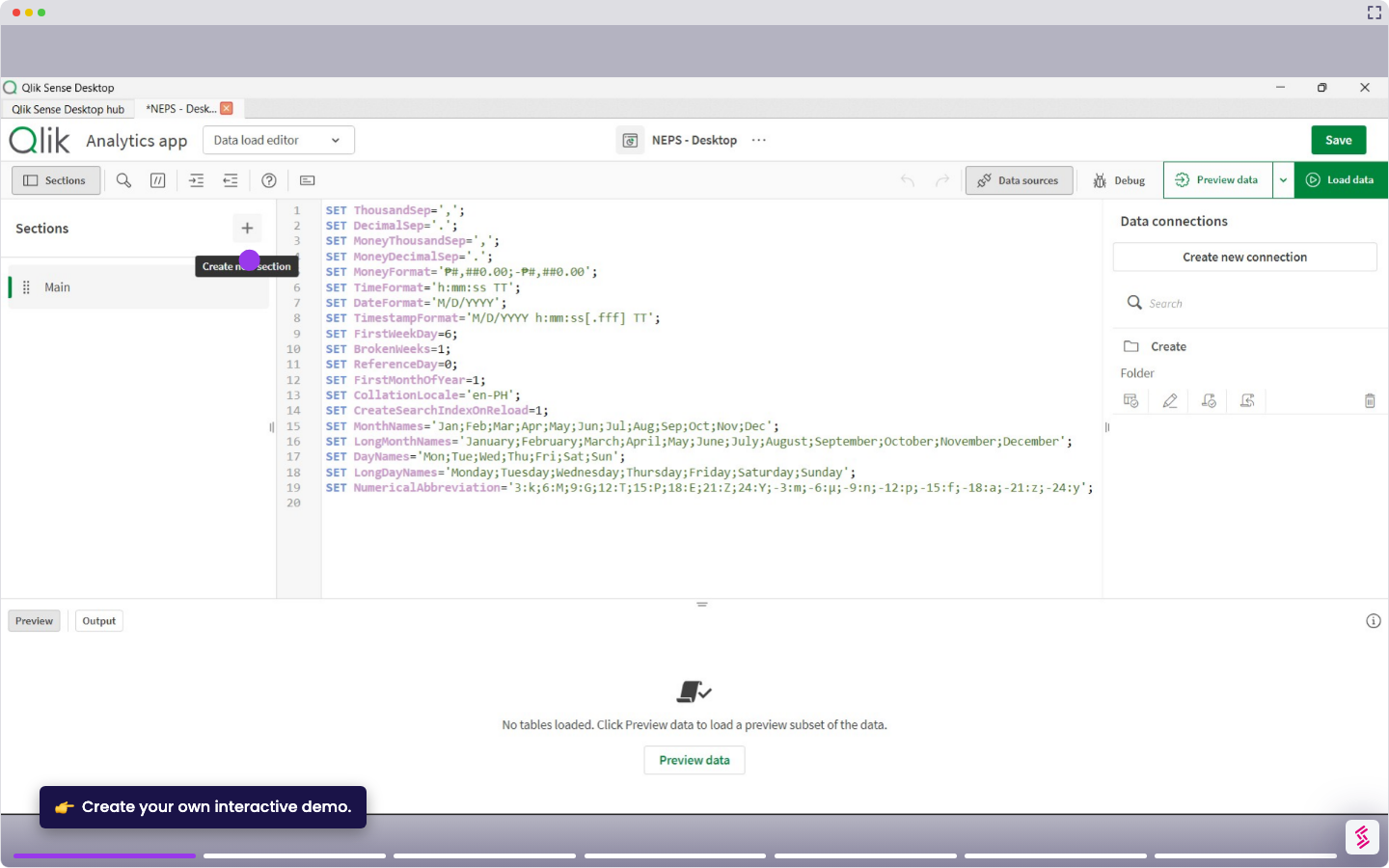
- Go to Prepare from the top menu, then open the Data Load Editor.
- In the Data Load Editor, click Load data and review your load script and identify fields that appear in multiple tables (for example, Region and Region Code).
- In one of the tables, rename a duplicate field using AS (for example, Region as rg).
- Click Load data to reload the script and apply the changes.
- Open the Data Model Viewer to confirm the synthetic key has been removed.