This tutorial shows how to access a QlikView document (.qvw) in Qlik Sense so you can view and work with it.
Notes:
- QVW files are QlikView documents and are not native to Qlik Sense.
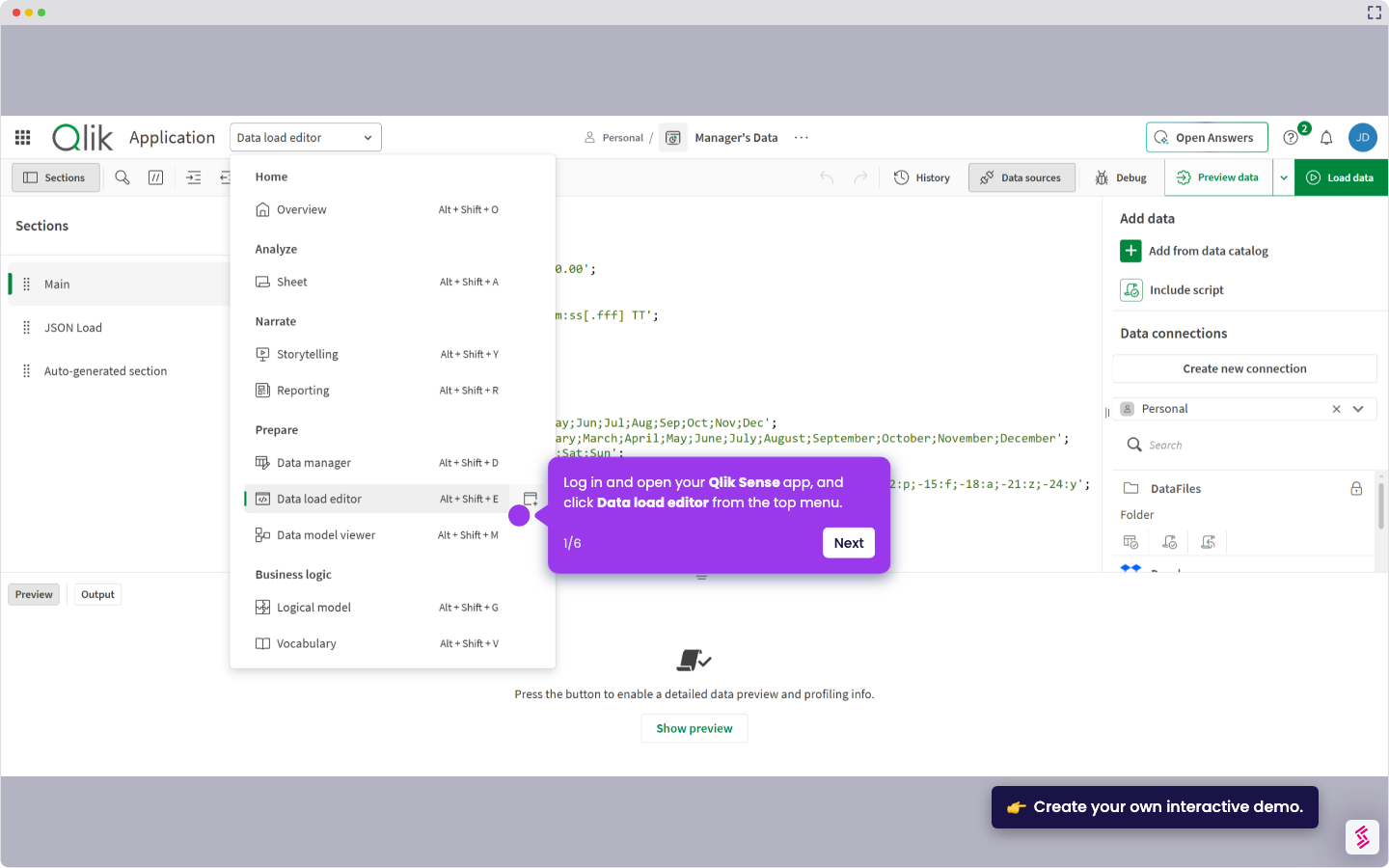
- In Qlik Sense Cloud, QVW files open in compatibility mode after upload.
- In Qlik Sense Desktop, QVW files can appear in the hub when placed in the Apps folder.
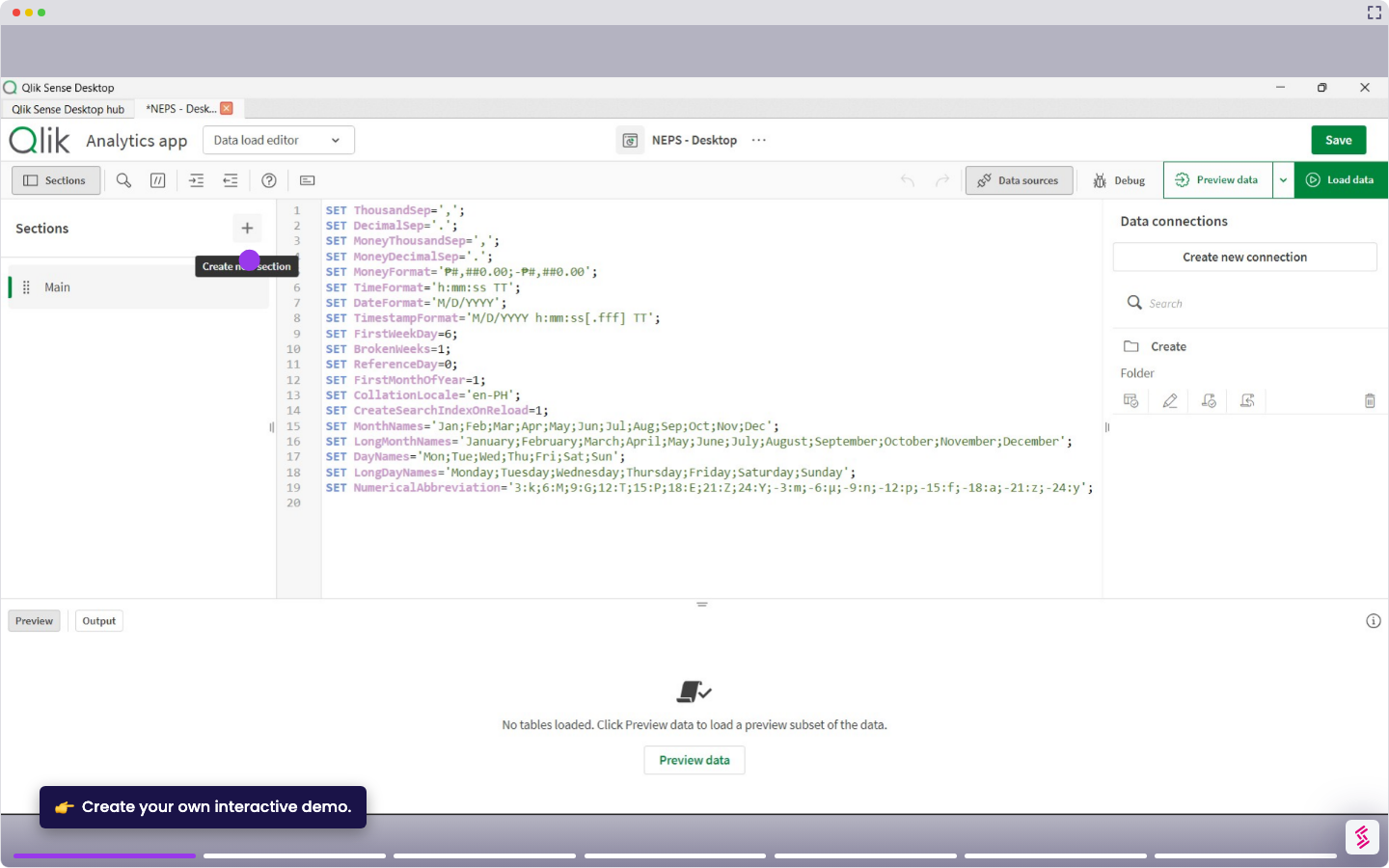
- Open Qlik Sense Desktop and go to the hub.
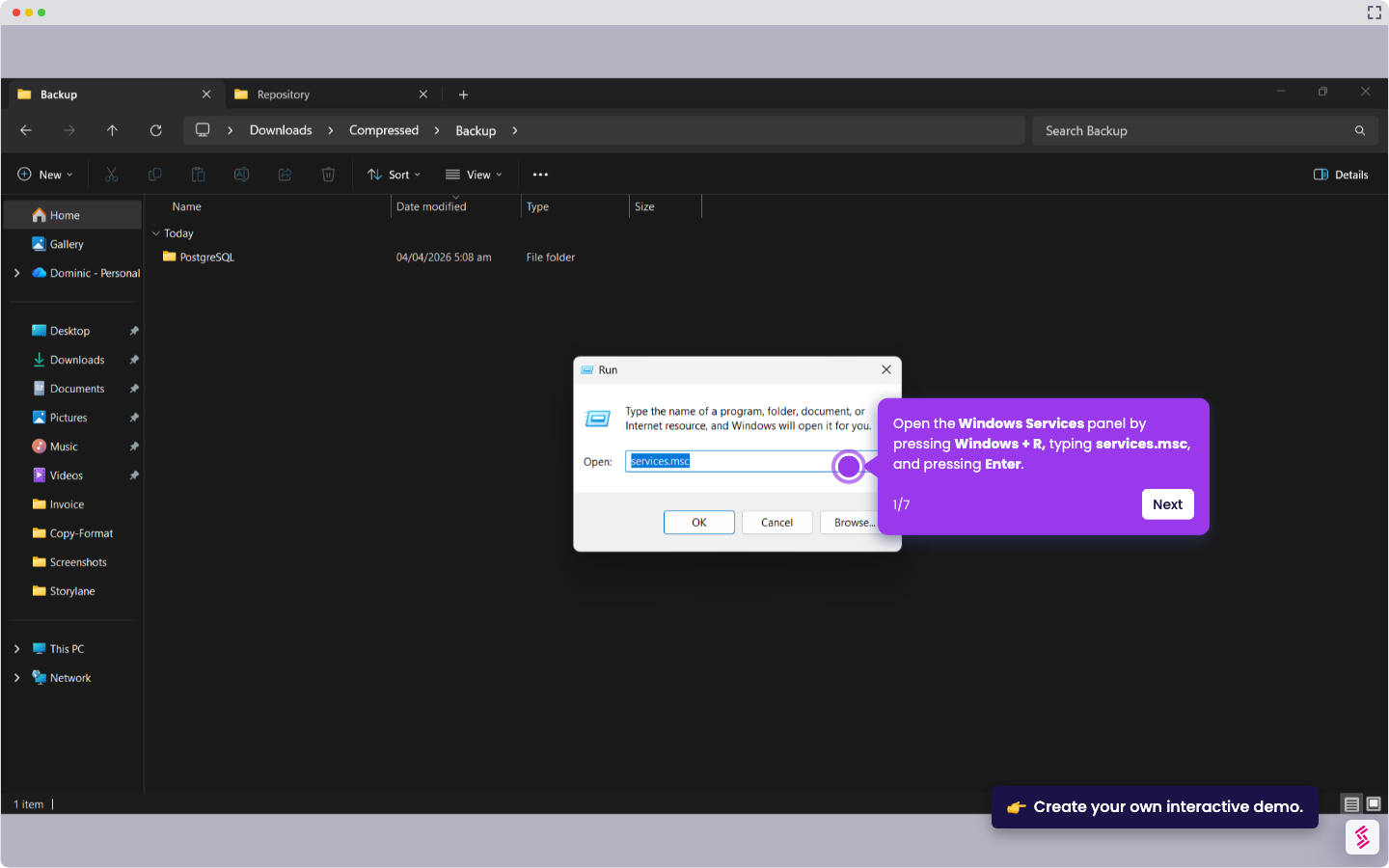
- Locate your Qlik Sense Apps folder (for example, C:\Users{user}\Documents\Qlik\Sense\Apps).
- Copy your QVW file into the Apps folder.
- Return to Qlik Sense Desktop and refresh the hub to see the file listed.
- Click the QVW file in the hub to open it and start working.