


- In your Zoho Desk homepage, click the gear icon in the top-right corner.
- Go to the "Channels" section and select "Instant Messaging”.
- Select "WhatsApp" and click "Configure”.
- Click "Integrate" to connect WhatsApp with your Zoho Desk.
How To Integrate WhatsApp With Zoho
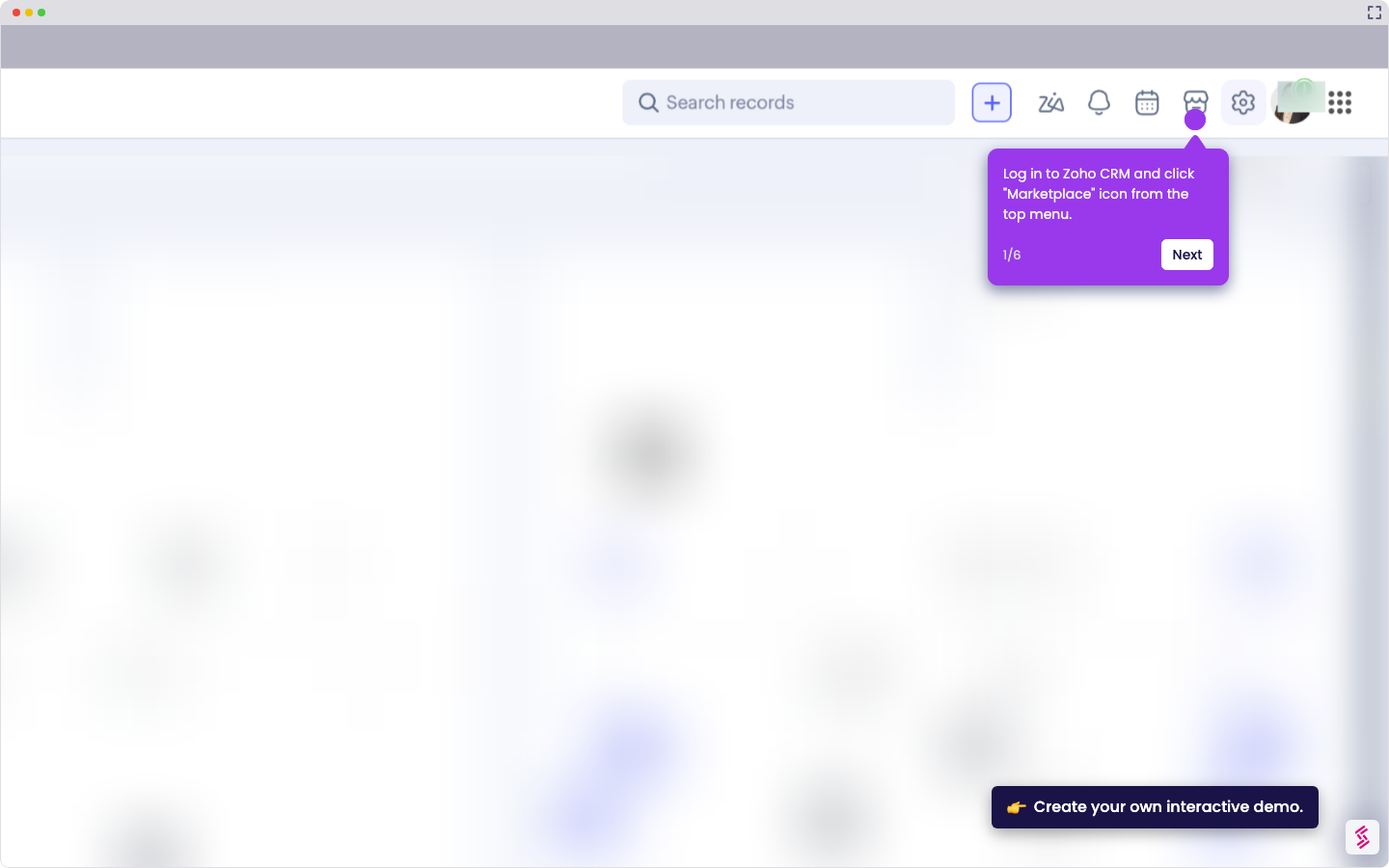
Use this interactive demo to learn how to integrate WhatsApp with Zoho.
Your product deserves an interactive demo
Similar Articles
No items found.