This tutorial shows how to connect Qlik Sense to Salesforce using the native Salesforce connector to load CRM data for analysis and visualization.
Notes:
- Qlik Sense has a native Salesforce connector available in the Data Connections panel.
- You need a Salesforce account with API access enabled and valid login credentials.
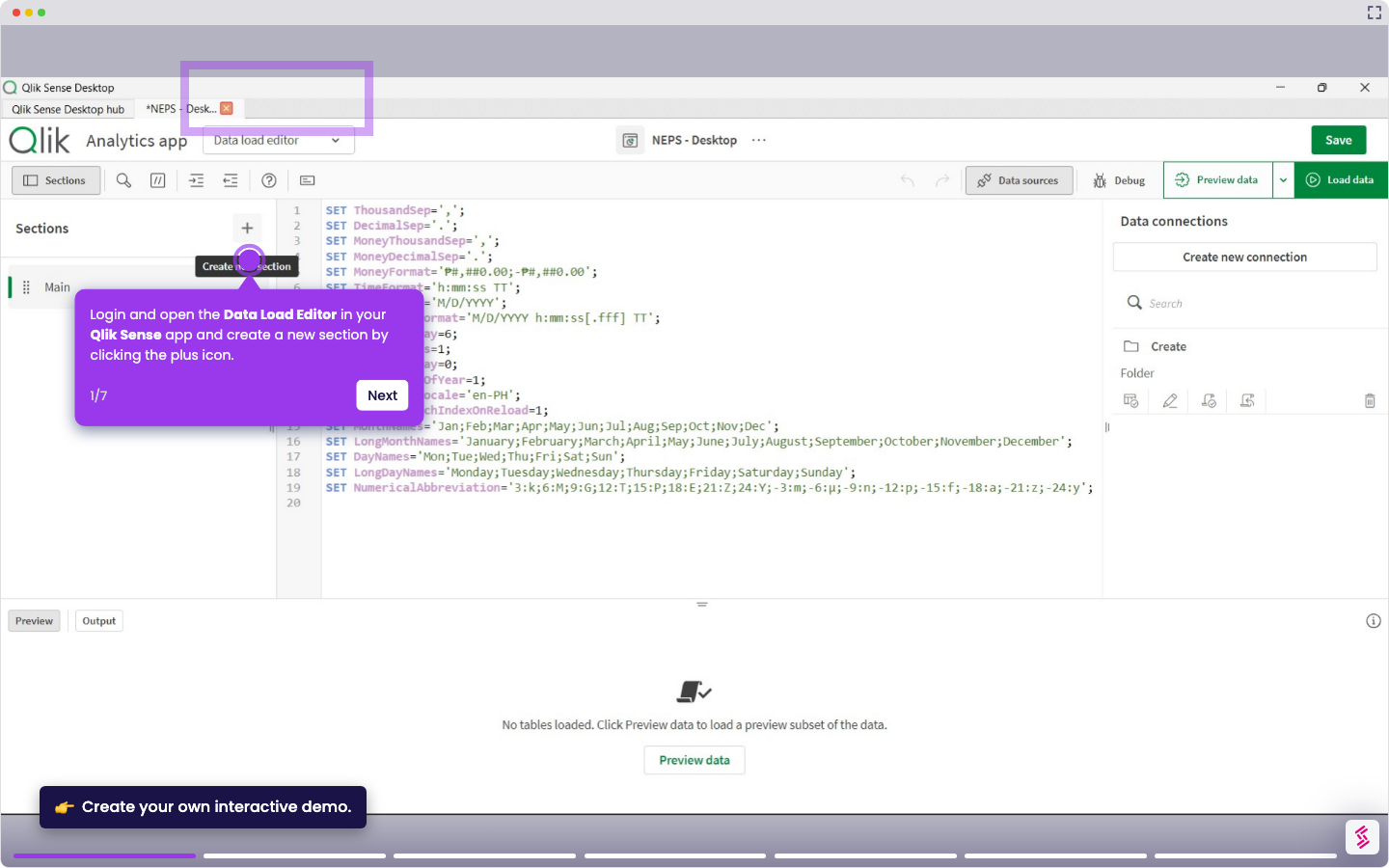
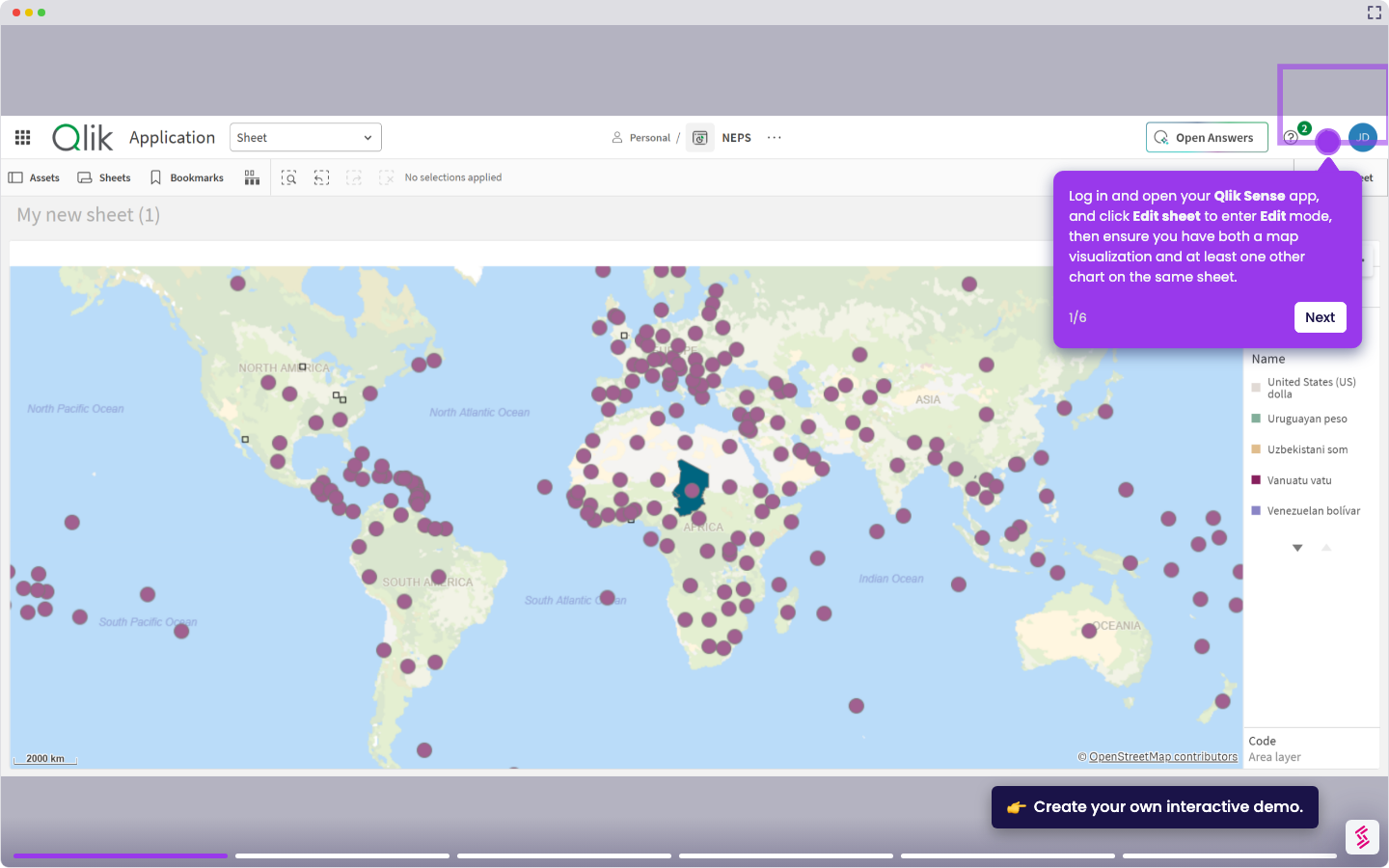
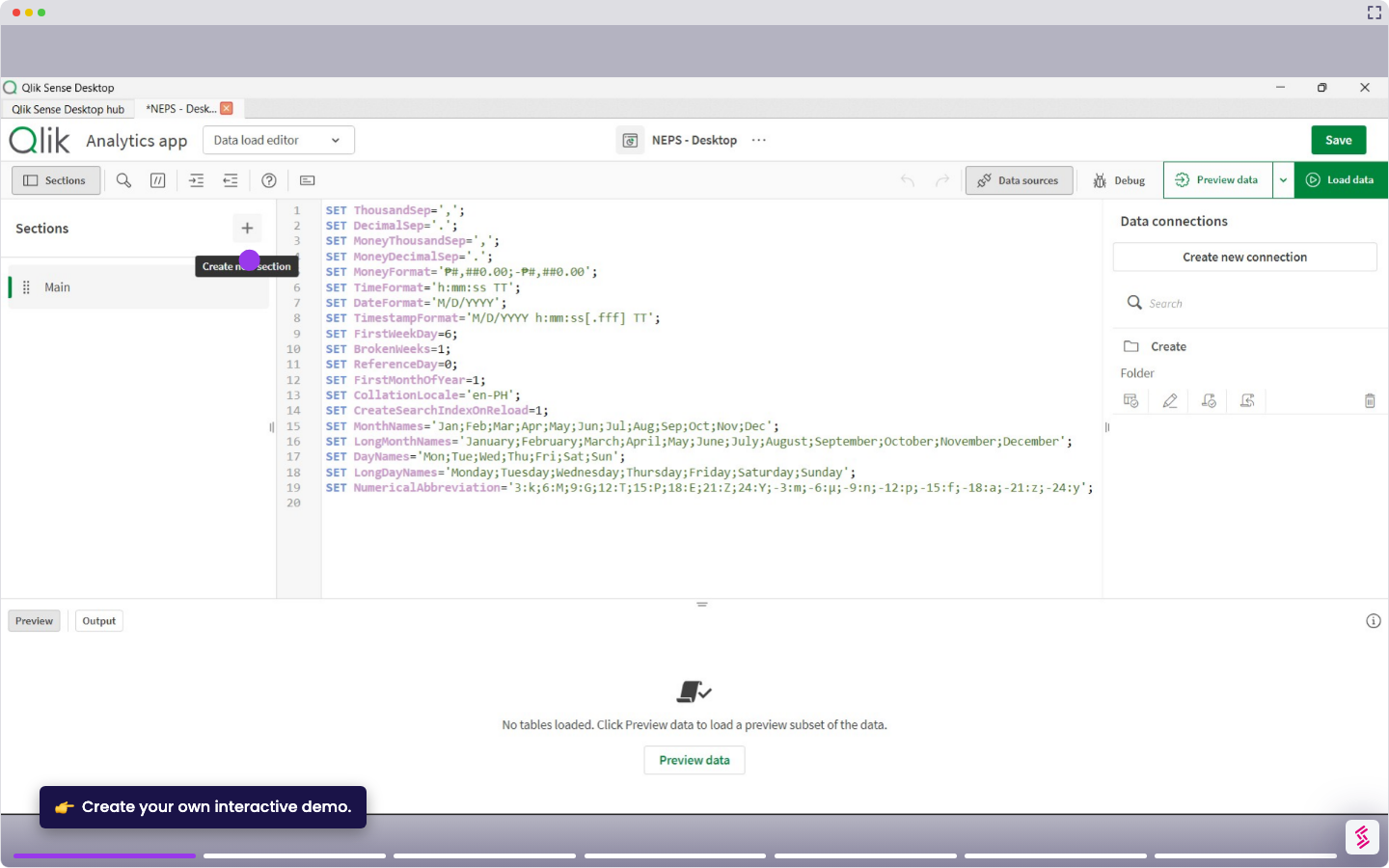
- Log in and open your Qlik Sense app, and click Data load editor from the top menu.
- Click Create new connection in the Data connection panel on the right.
- Select Salesforce from the list of available connectors.
- Enter your Salesforce credentials and Security token.
- Click Authenticate to complete the login and grant Qlik access to your Salesforce org.
- Click Create to store the connection. You can now access the saved connection, browse the available tables, and select the ones you want to load into your app.