This tutorial shows how to load a CSV file into Qlik Sense as a data source for analysis and visualization.
Notes:
- CSV files must be accessible from your local machine or a connected folder.
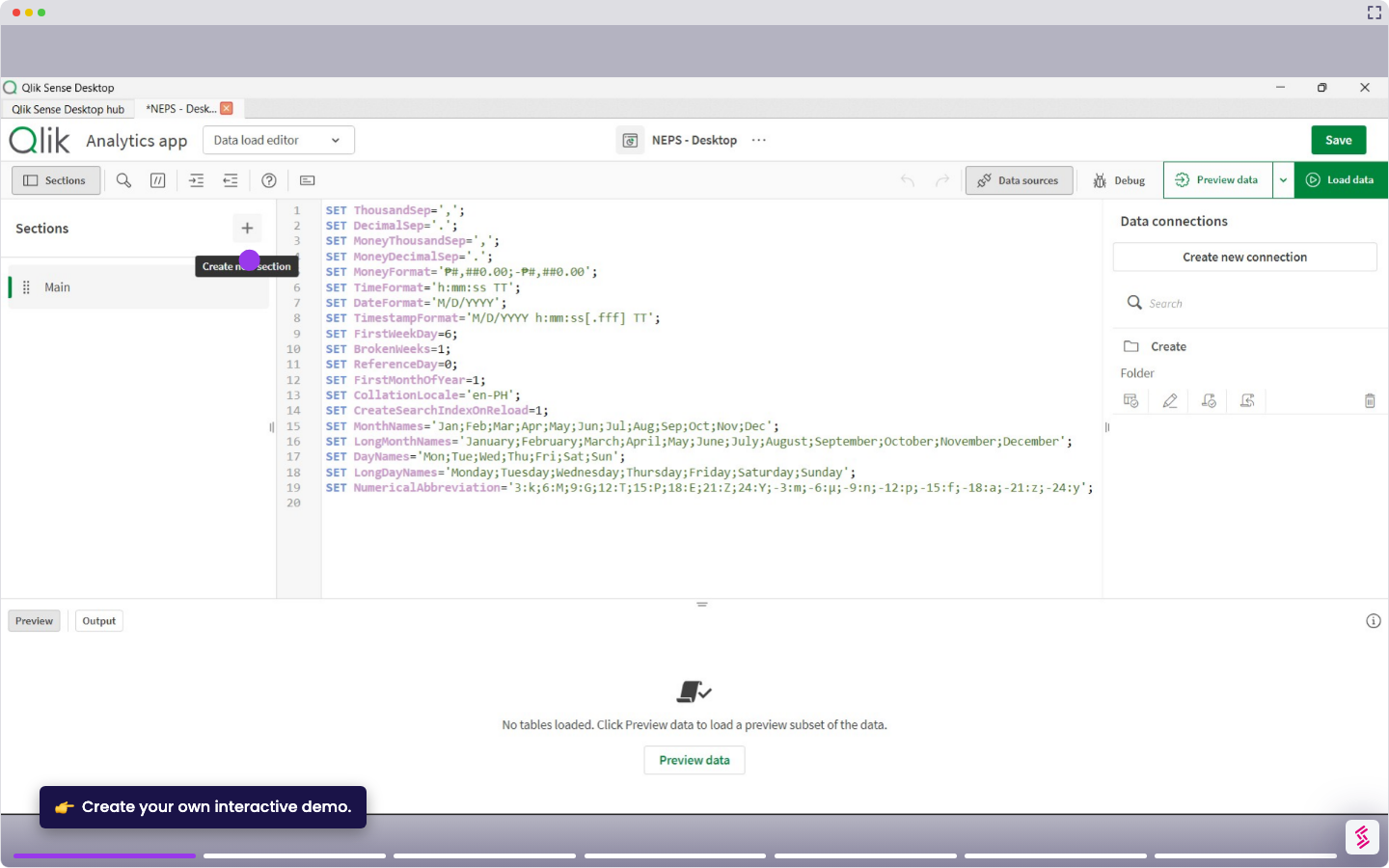
- Qlik Sense reads CSV files using the Data Load Editor or the Add Data workflow.
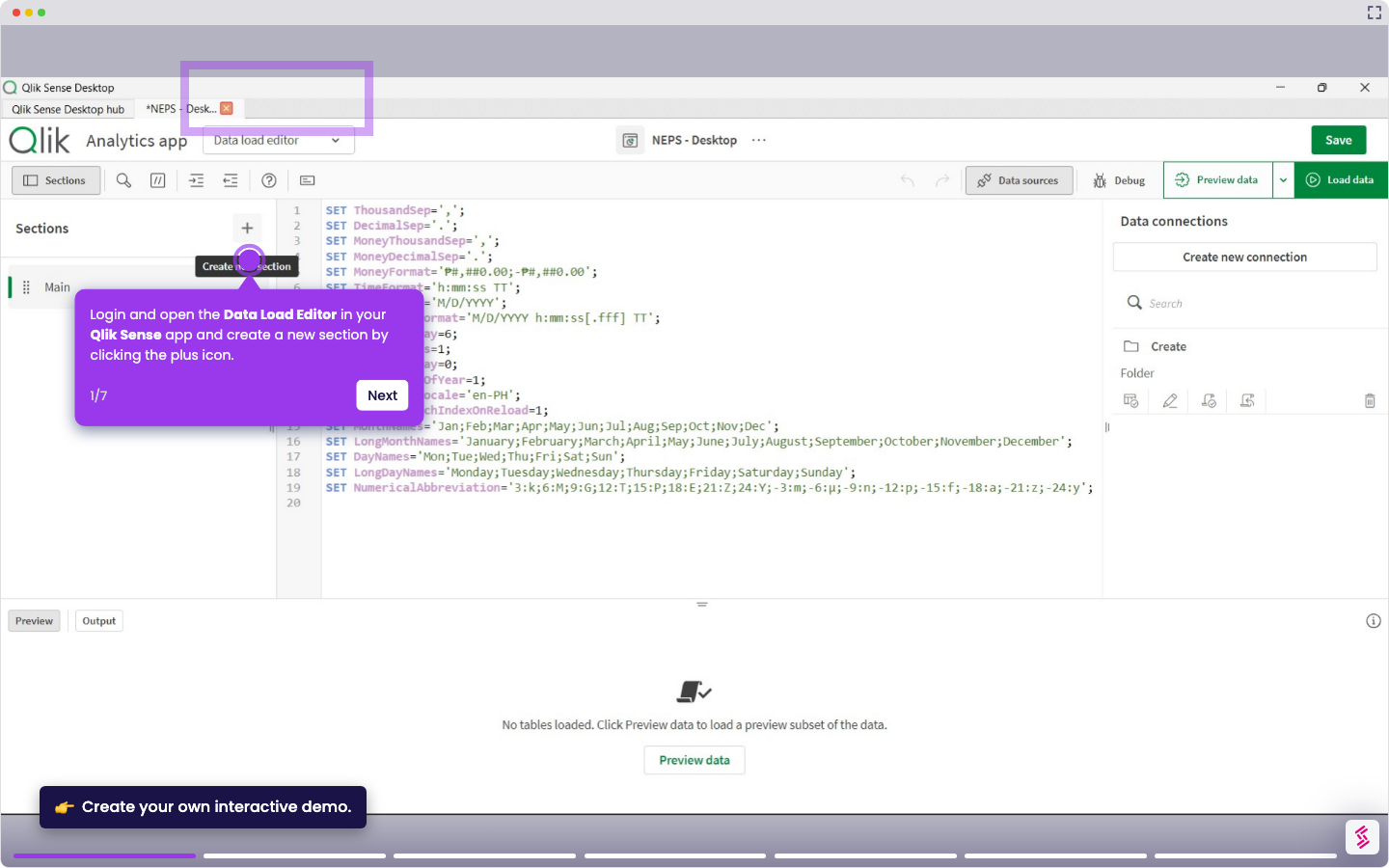
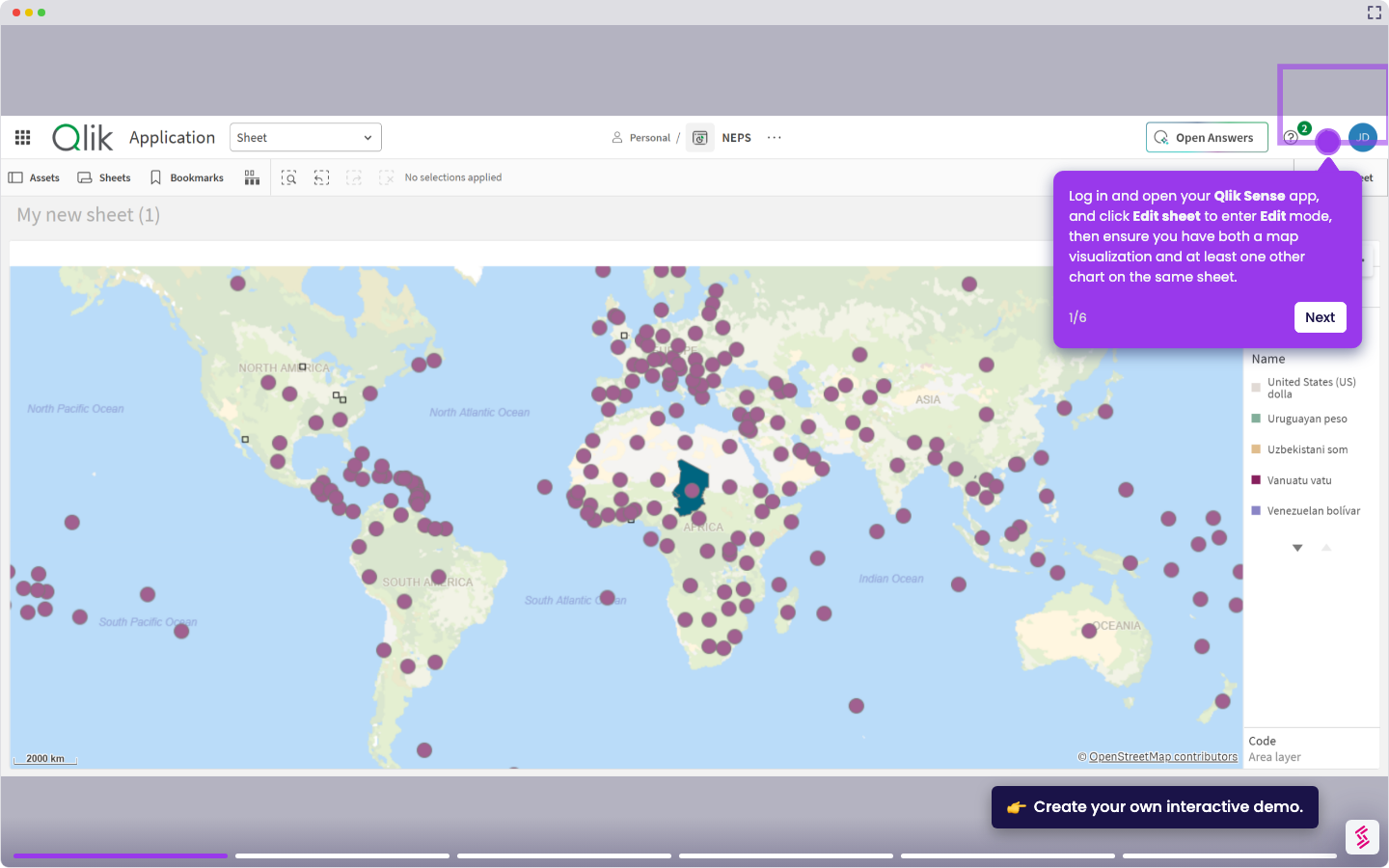
- Login and open your Qlik Sense app, and click Data manager from the top menu.
- Click Add data and select File and other sources from the list of source types.
- Browse your local folders and select the CSV file you want to load.
- Review the preview table and confirm the delimiter, headers, and field names are correct; adjust the delimiter (comma, semicolon, or tab) if columns are misaligned.
- Click Next to load the file into your data model.
- Click Load data to run the script and make the data available across your app.