This tutorial shows how to connect Qlik Sense to Microsoft Advertising (Bing Ads) using the REST connector to load campaign and performance data for analysis.
Notes:
- Qlik Sense does not have a native Microsoft Advertising connector. The REST connector using the Microsoft Advertising API is the recommended approach.
- You need a Microsoft Advertising account, a registered developer application, and OAuth 2.0 credentials from the Microsoft Azure portal.
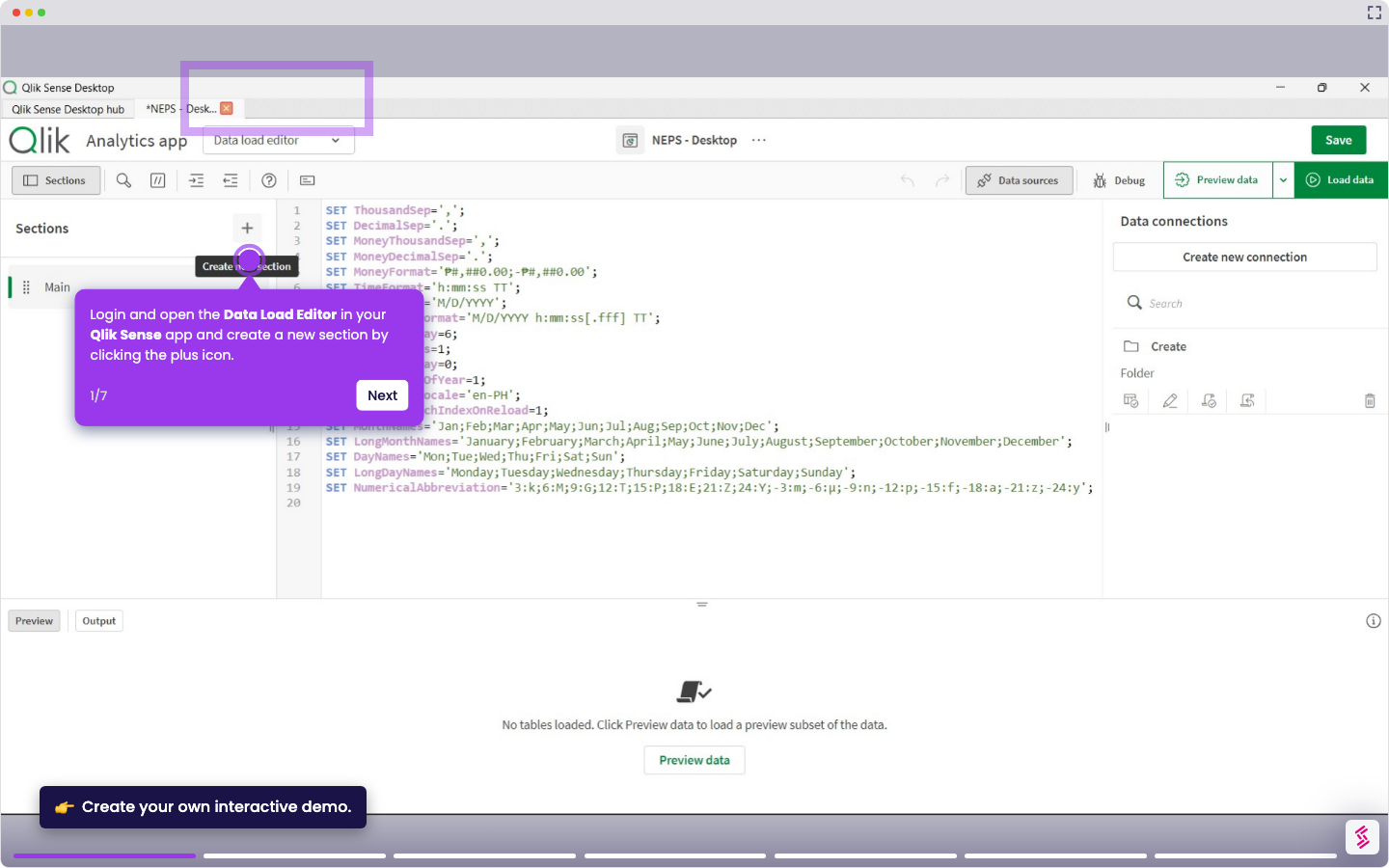
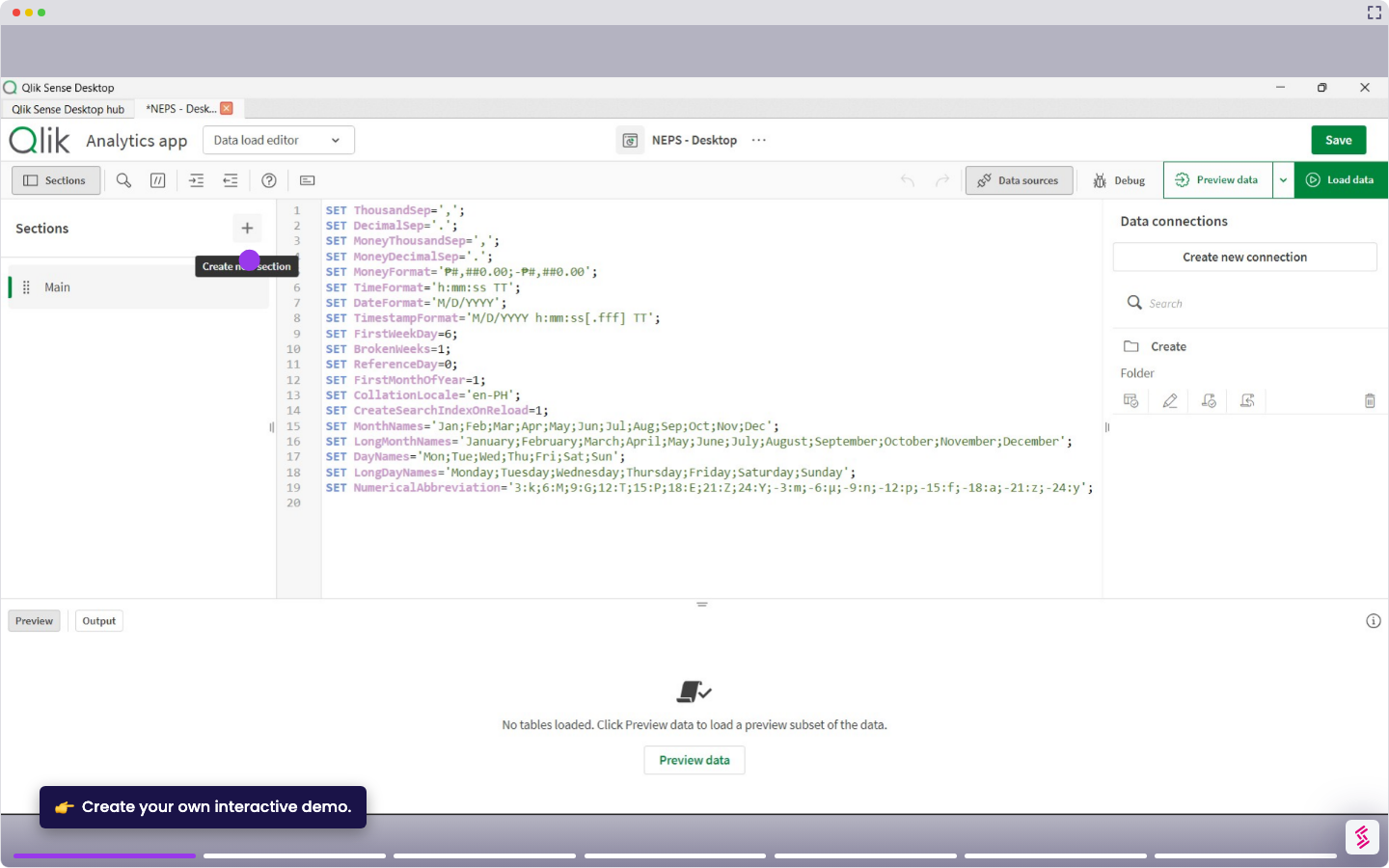
- Log in and open your Qlik Sense app, and click Data load editor from the top menu.
- Click Create new connection in the Data connection panel on the right.
- Select REST from the connector list.
- Enter a Microsoft Advertising API endpoint URL (for example, a reporting or campaign performance endpoint).
- In the request headers, add an Authorization header with your Microsoft access token, then click Test connection to verify the request.
- Click Create to store the connection. You can now access the saved connection, browse the available tables, and select the ones you want to load into your app.