This tutorial shows how to load data from a Microsoft Access database file into Qlik Sense for analysis and visualization.
Notes:
- Microsoft Access databases use the .mdb or .accdb file format.
- An Access ODBC driver must be installed on your machine to connect Qlik Sense to an Access file.
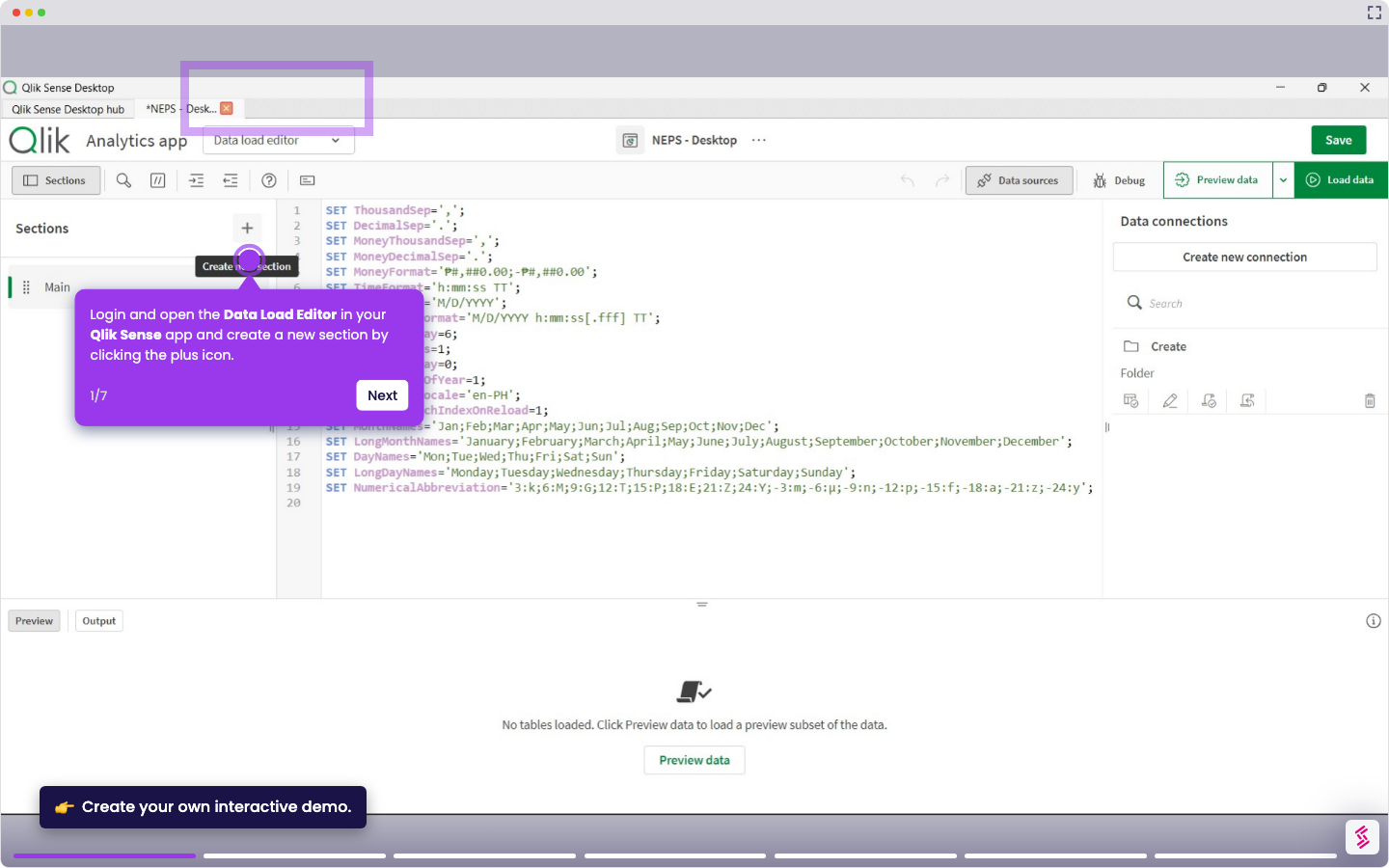
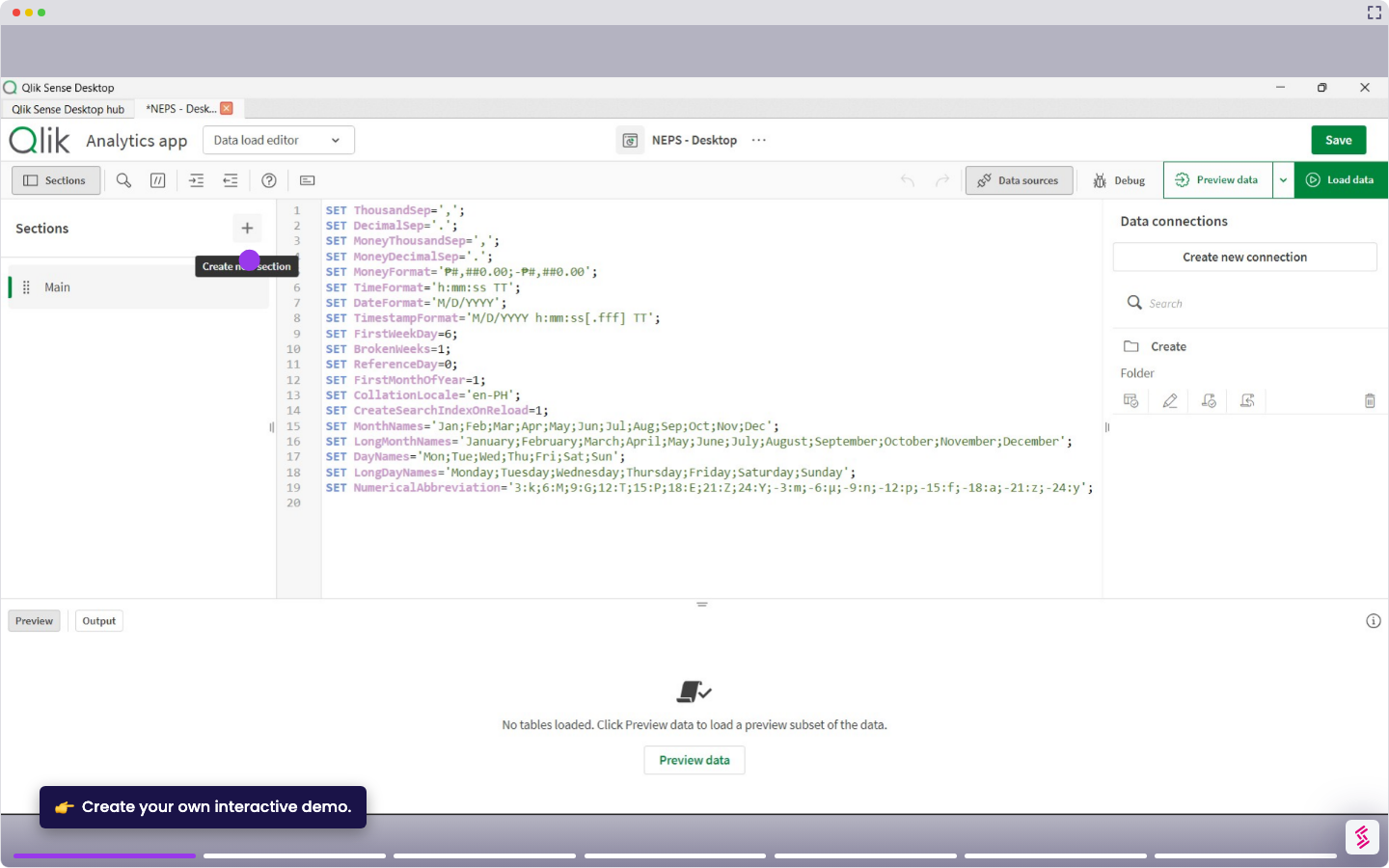
- Log in and open your Qlik Sense app, and click Data load editor from the top menu.
- Click Create new connection in the Data connections panel on the right.
- Select ODBC from the list of connectors.
- In the ODBC setup, choose the Microsoft Access Driver from your installed ODBC drivers.
- Browse and select your Access database file (for example, C:\Data\saas_analytics.mdb). (*.mdb, *.accdb).
- Enter any required credentials, then click Test Connection to verify.
- Click Create to save the connection. You can now browse tables and select the data you want to load.