It is very easy to integrate Airtable with Evernote via Zapier. Here’s a short tutorial on how to do it in simple steps:
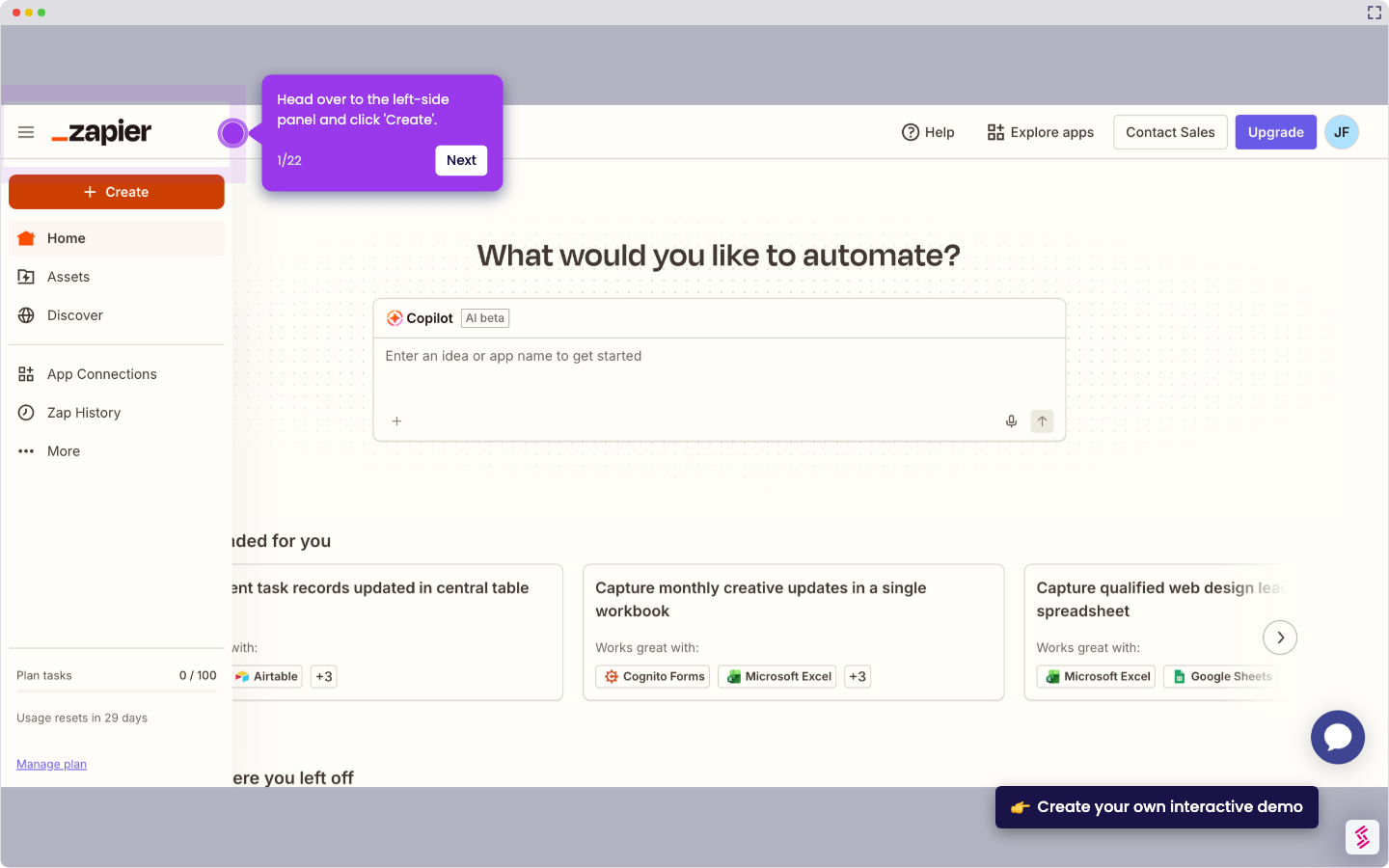
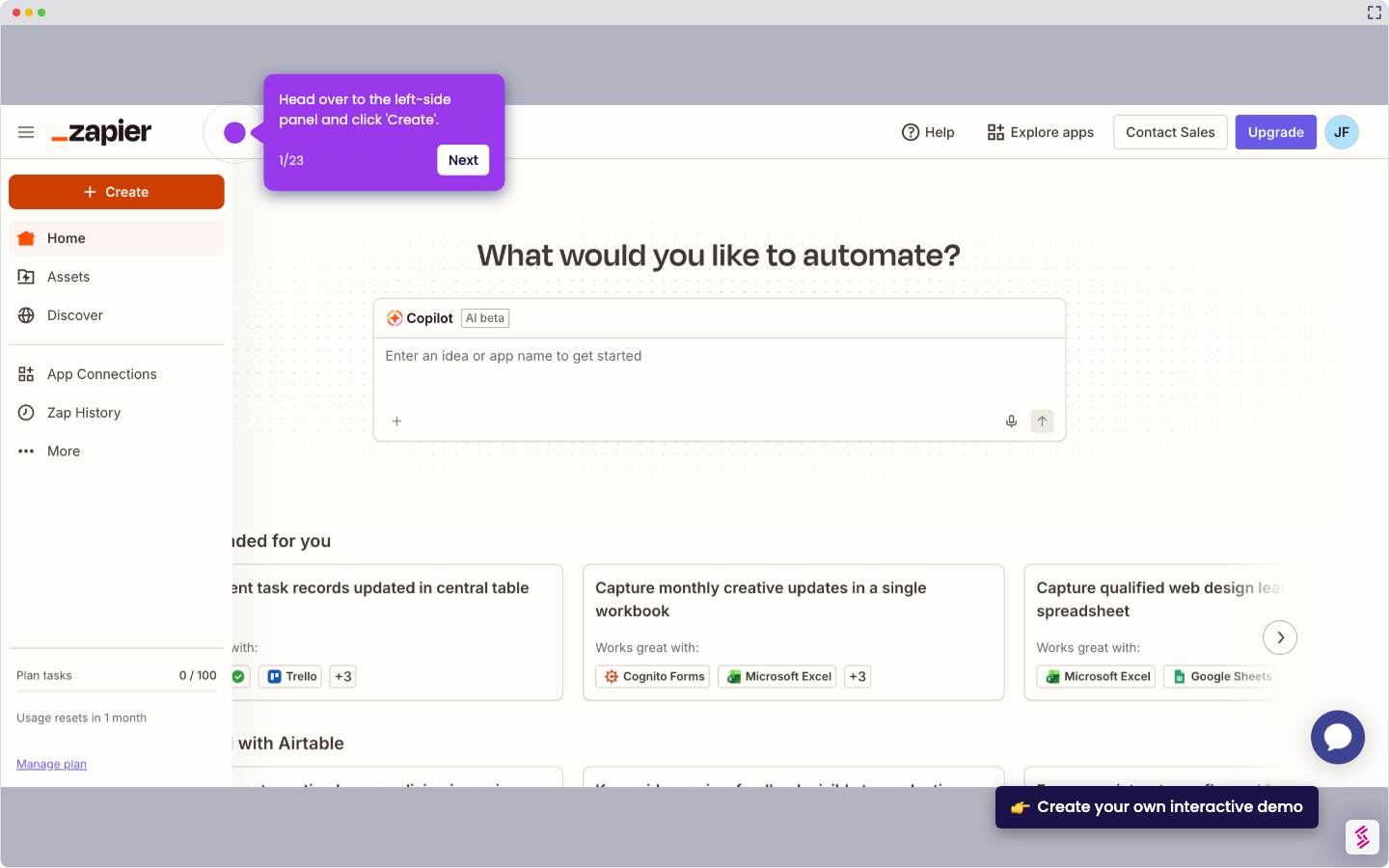
- Head over to the left-side panel and click 'Create'.
- Choose 'Zaps' from the list of options.
- After that, click the 'Trigger' tab to start the integration process.
- Search for 'Airtable' and select it from the suggested results.
- Next, specify your preferred 'Trigger Event'. Click the menu and select one from the given options.
- Tap 'Sign In' afterwards, then log in to your active Airtable account.
- Subsequently, set your preferred type of access. Choose 'Add All Resources' or 'Add a Base'.
- Once done, click 'Grant Access' to apply the changes.
- Click ‘Continue’ to move forward.
- Following that, provide all the required details to set up the Trigger. Enter them into their respective input fields.
- Tap ‘Continue’ afterwards.
- Subsequently, tap 'Test Trigger' to run your input.
- Following that, click 'Continue With Selected Record'.
- Find and select 'Evernote' as the Action app.
- Next, click the drop-down menu and pick the 'Action Event' you wish to execute.
- Click 'Sign In' afterwards, then log in to the Evernote account you wish to use.
- Subsequently, click 'Authorize' to allow the necessary access.
- Tap ‘Continue’ to move forward.
- One by one, fill out the input fields with the required information.
- Once done, tap 'Continue' to publish and enable the integration.
- Finally, your Airtable account will be integrated with Evernote.