.svg)
.gif)
.svg)



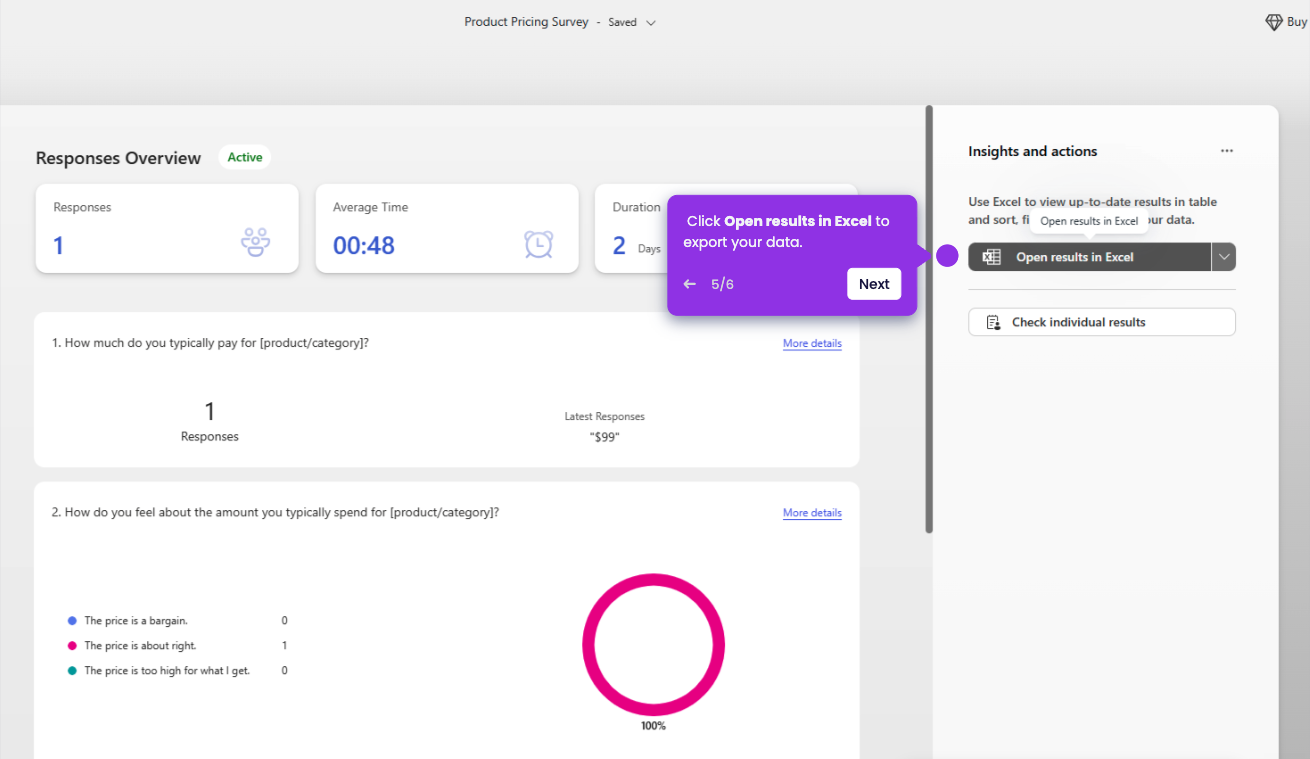
Microsoft Forms stores all submitted responses automatically for form creators to review through visual charts and detailed exports, accessible anytime from the Responses tab.
- Click your published form under Recent or My Forms to open it
- Click the View Responses tab (graph icon) at the top.
- Click Check individual results (bottom section).
- In the top-left corner of the result window, you will see Respondent 1, Respondent 2, etc. That number is the Response ID.