This tutorial shows how to extend a sheet layout to give yourself more room to arrange charts, tables, and other visualizations for detailed analysis.
Note:
You need to have a Qlik Sense app open with at least one sheet created.
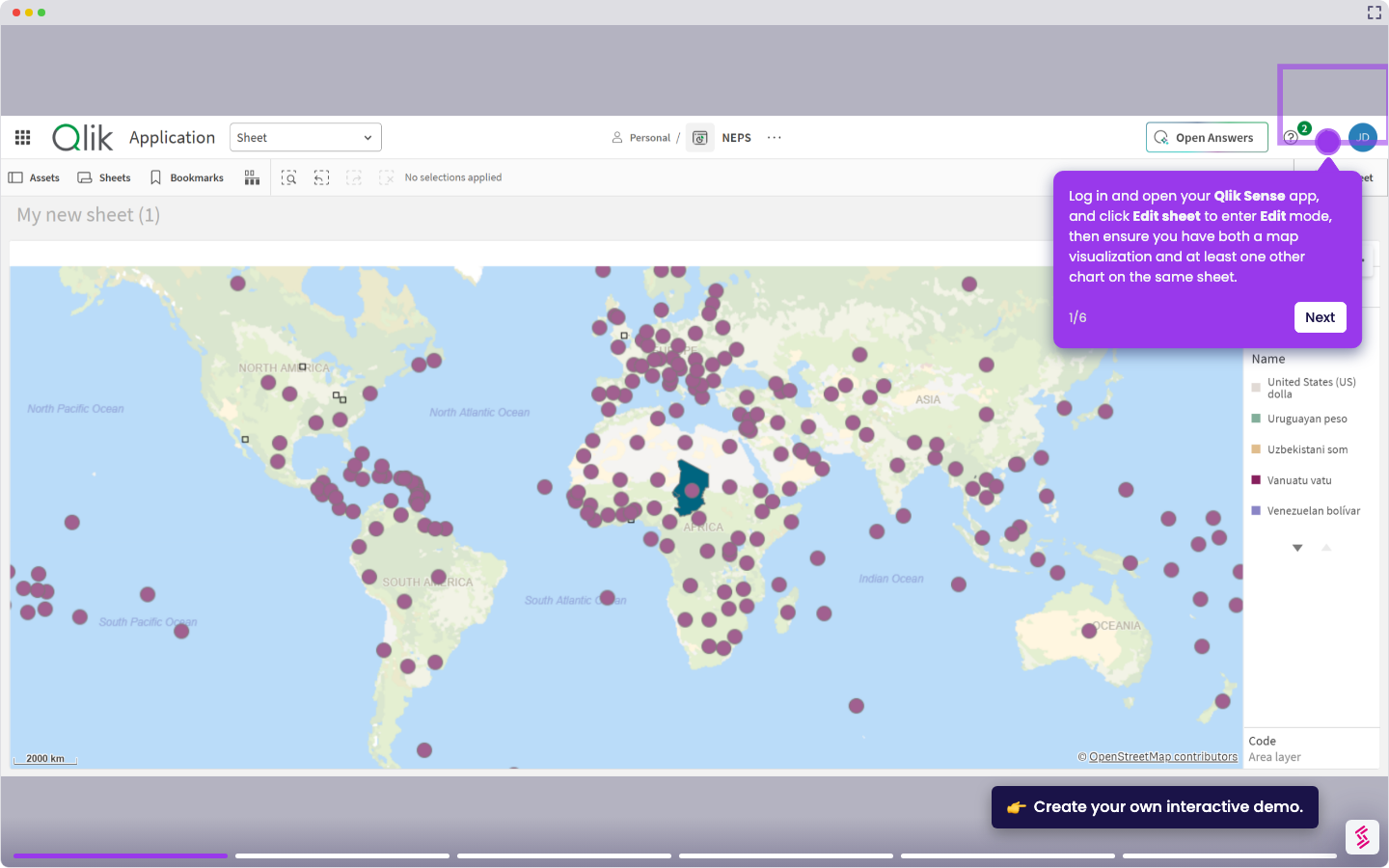
- Login and open your Qlik Sense app and go to the sheet where you want to extend your sheet, click Edit sheet to enter edit mode.
- Go to the Properties tab in the upper-right corner.
- In Sheet properties, look for the Extend sheet option and toggle it on.
- When the Extend sheet button appears, click it to expand the sheet layout and increase the available canvas space.
- Your sheet is now extended with more room to add and arrange visualizations as needed. Repeat the process when needed.