Quick summary
Duplicating a funnel in ClickFunnels 2.0 takes just a few clicks inside the Funnels panel. This guide walks you through locating your funnel and using the Duplicate Funnel button to create an instant copy.
Steps
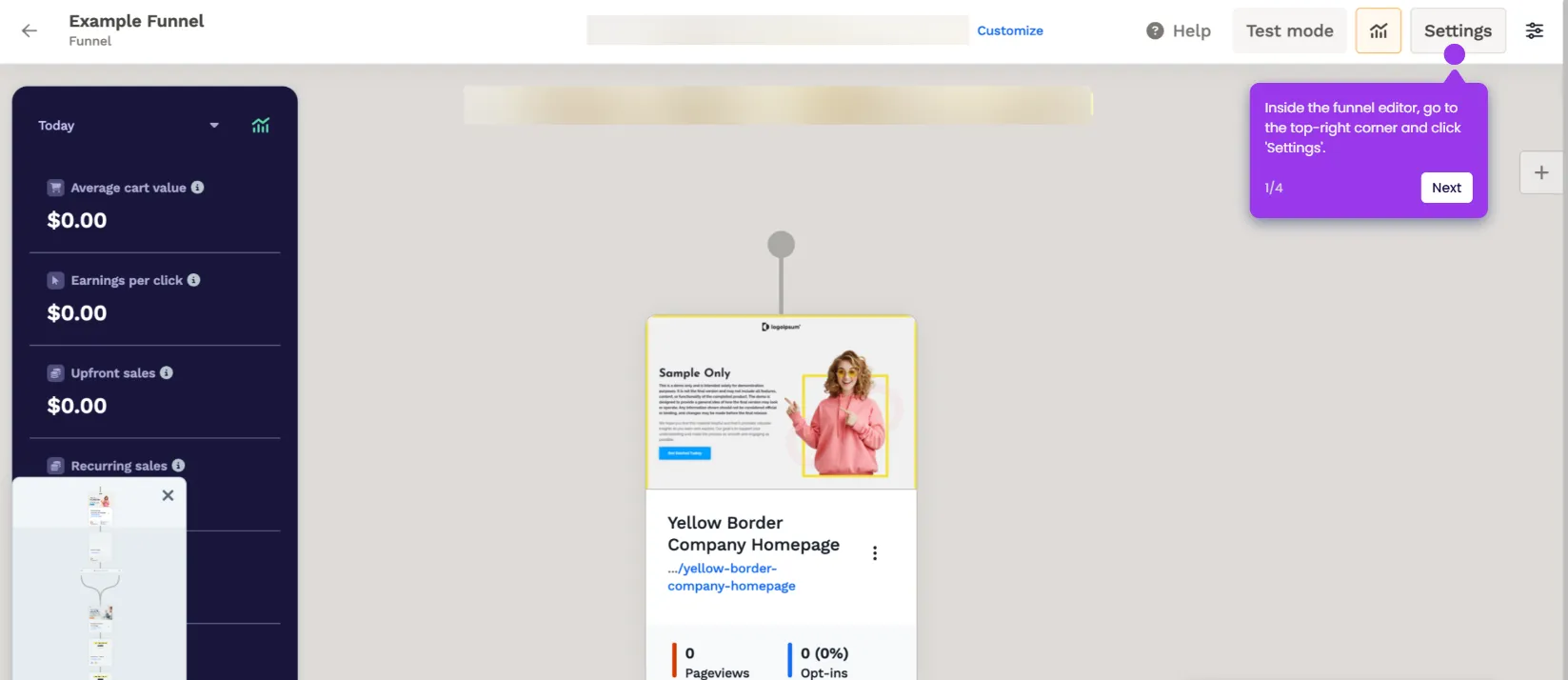
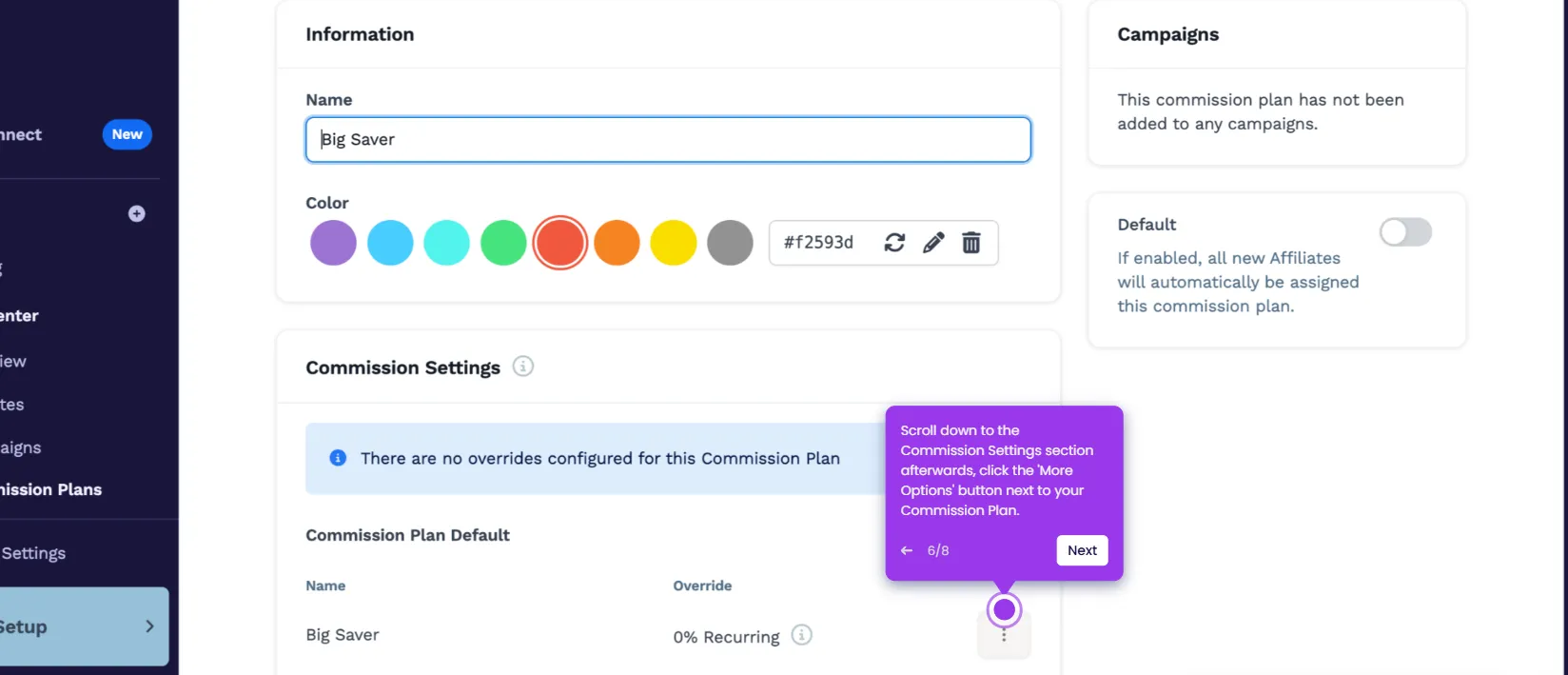
- Navigate to the left-side panel and click Funnels.
- Find the specific funnel you want to copy, then click its corresponding Duplicate Funnel button.
- The selected funnel will be duplicated instantly and appear in your funnel list.