This tutorial shows how to remove a QVD file from your system so it is no longer used in your Qlik Sense app.
Notes:
- QVD files are stored on your computer or server, not inside the Qlik Sense interface.
- Deleting a QVD file does not automatically remove references to it in your app scripts.
- Make sure the QVD file is not used in active load scripts before deleting it.
- Open File Explorer on your computer and navigate to the folder where your QVD file is stored.
- Locate the QVD file you want to delete (for example, filename.qvd).
- Right-click the QVD file and click Delete. If prompted, confirm the deletion to remove the file from your system.
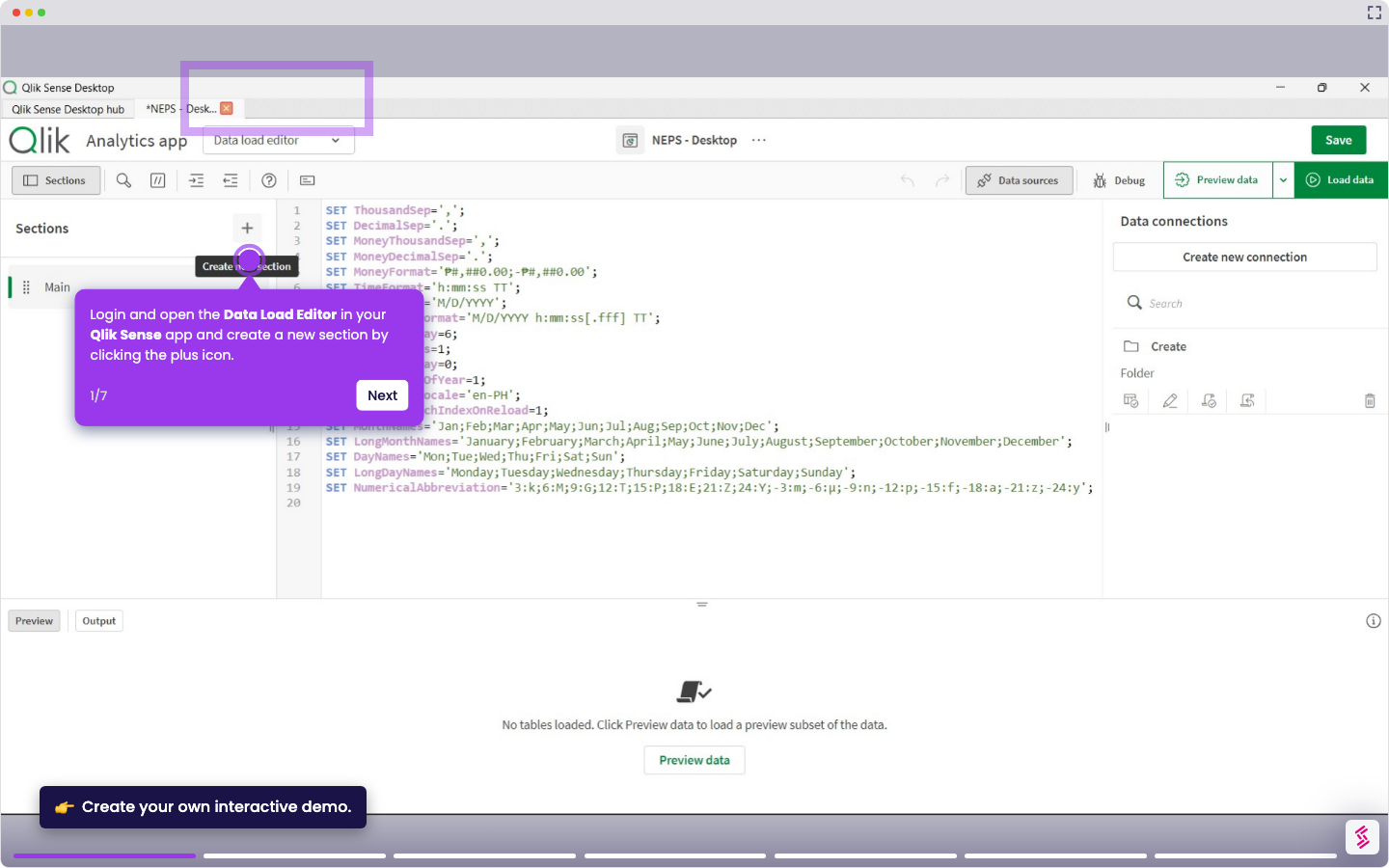
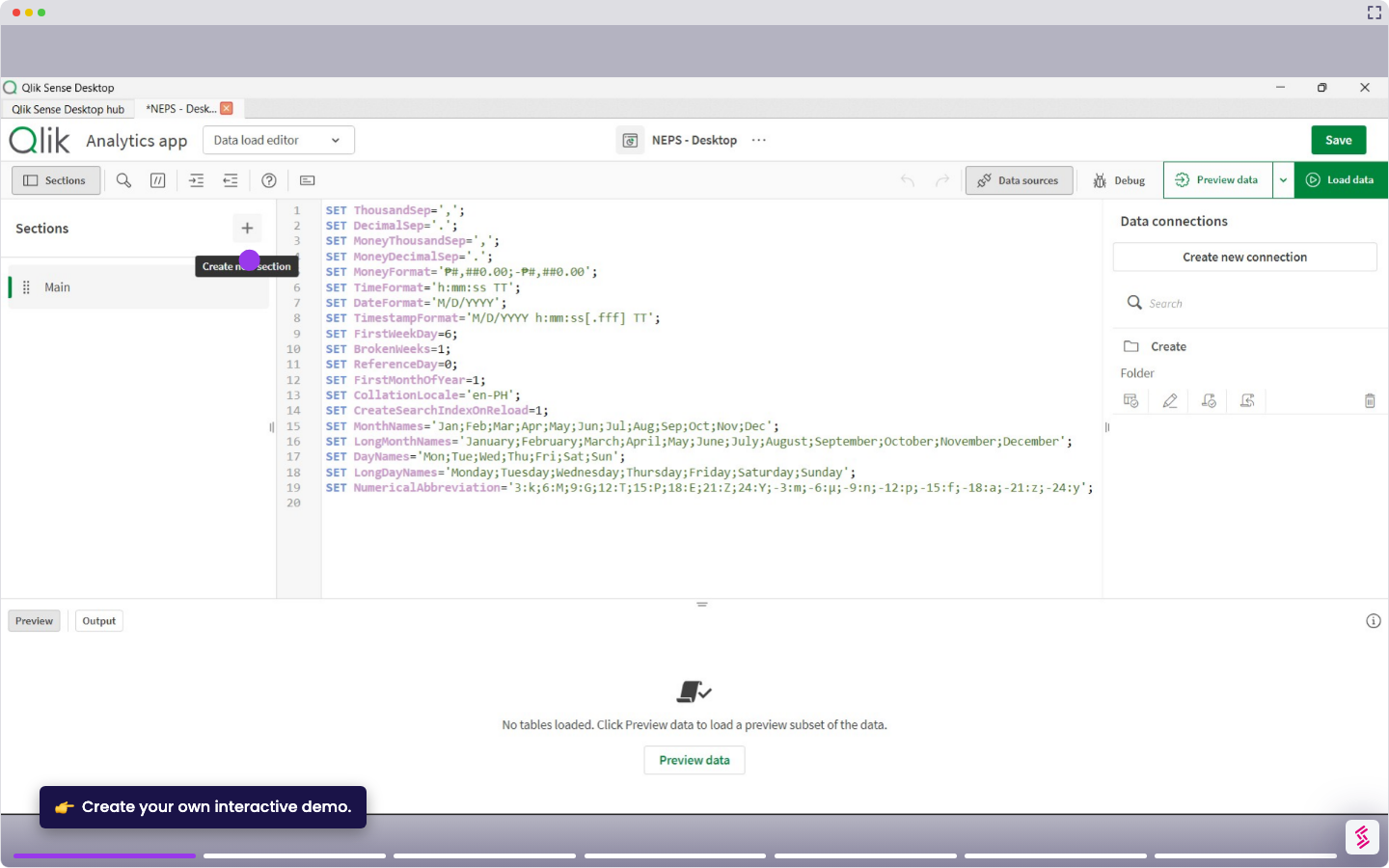
- Return to Qlik Sense and open your app’s Data Load Editor.
- Remove or update any script that references the deleted QVD file to avoid load errors.