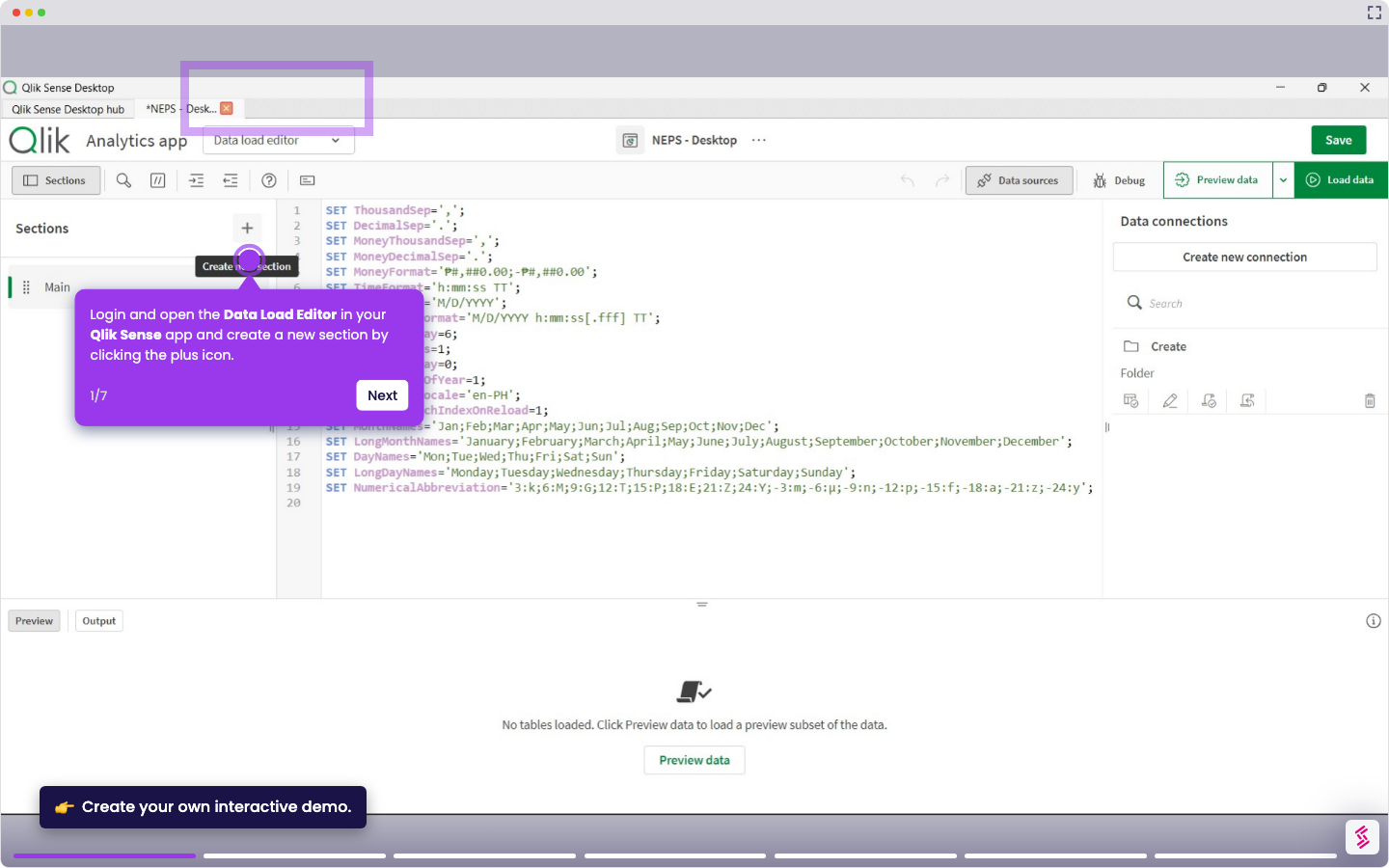
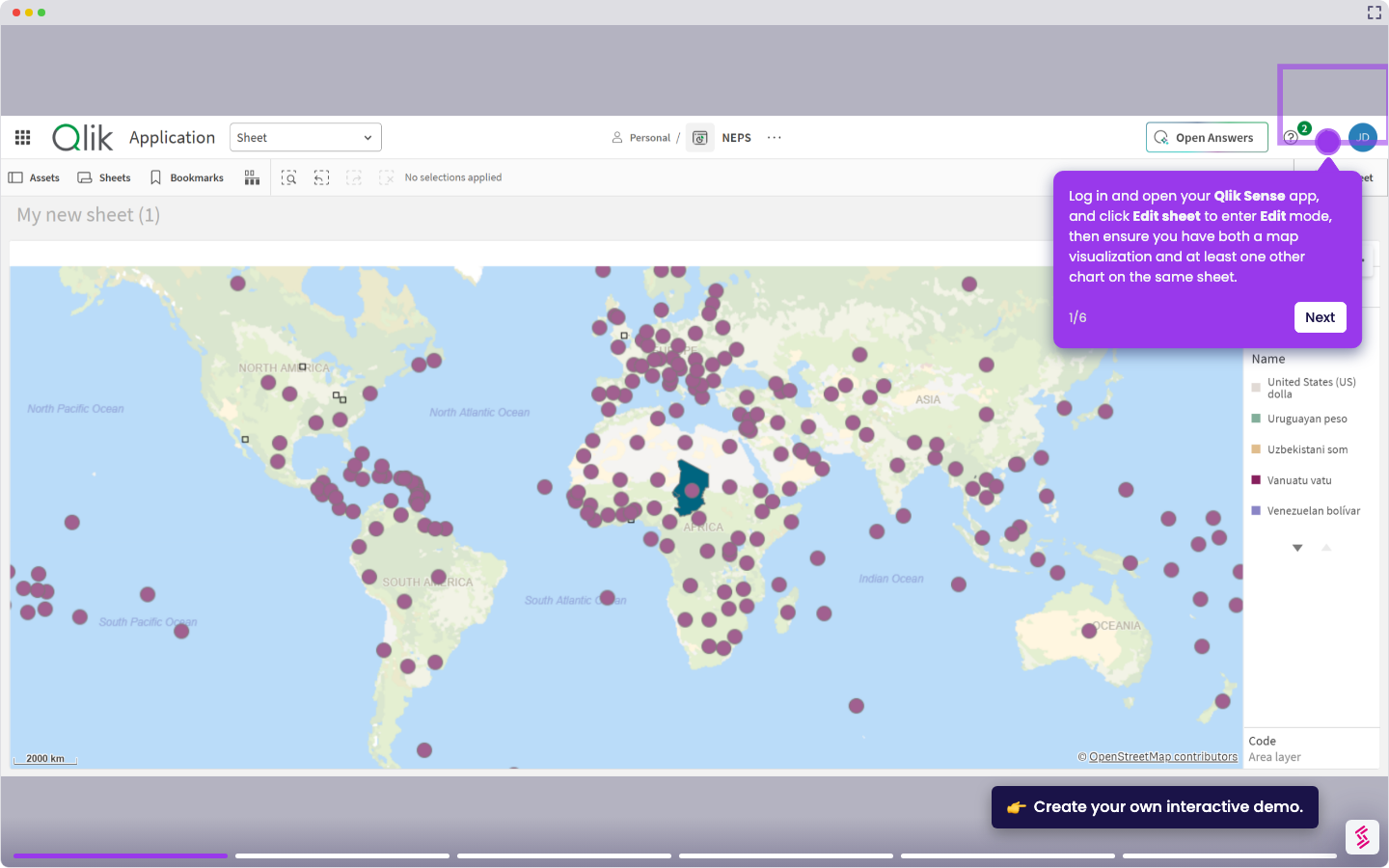
This tutorial shows how to create a simple dashboard by adding visualizations to a sheet in your Qlik Sense app.
Notes:
- You need data loaded into your Qlik Sense app before creating a dashboard.
- Dashboards in Qlik Sense are built using sheets and visualizations like charts, tables, and KPIs.
- You can drag and drop fields to quickly generate visualizations automatically.
- Open Qlik Sense App and click your app from the hub to launch it.
- Go to Analyze from the top menu, then click Sheet and open it.
- In the sheet, click Edit sheet to enter edit mode.
- From the Assets panel on the left, drag a field onto the canvas to automatically create a chart.
- Use the Properties panel on the right to change the chart type (for example, bar chart, pie chart, or table) and adjust measures and dimensions.
- Click Edit Sheet again to stop editing the sheet and view the dashboard.