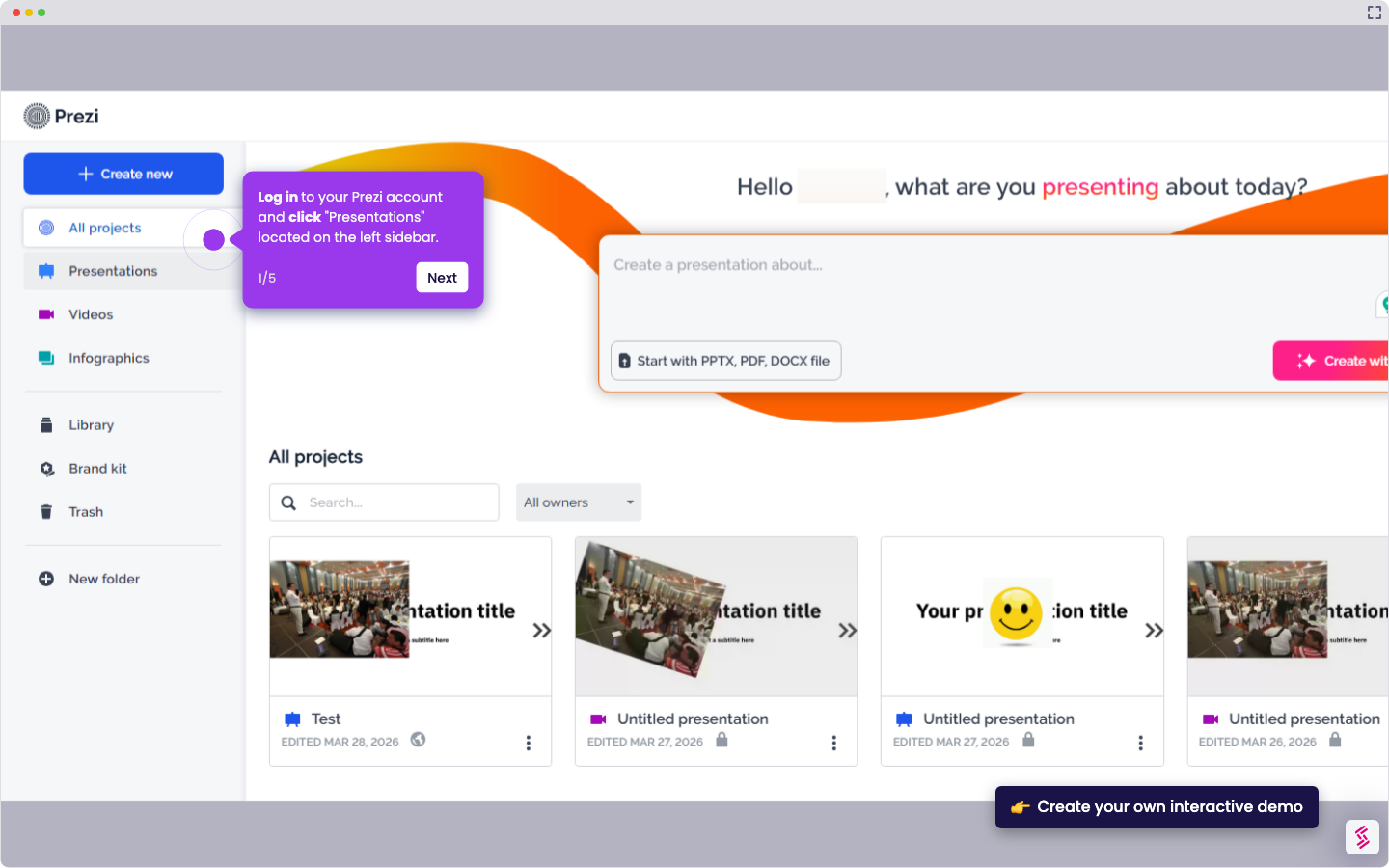
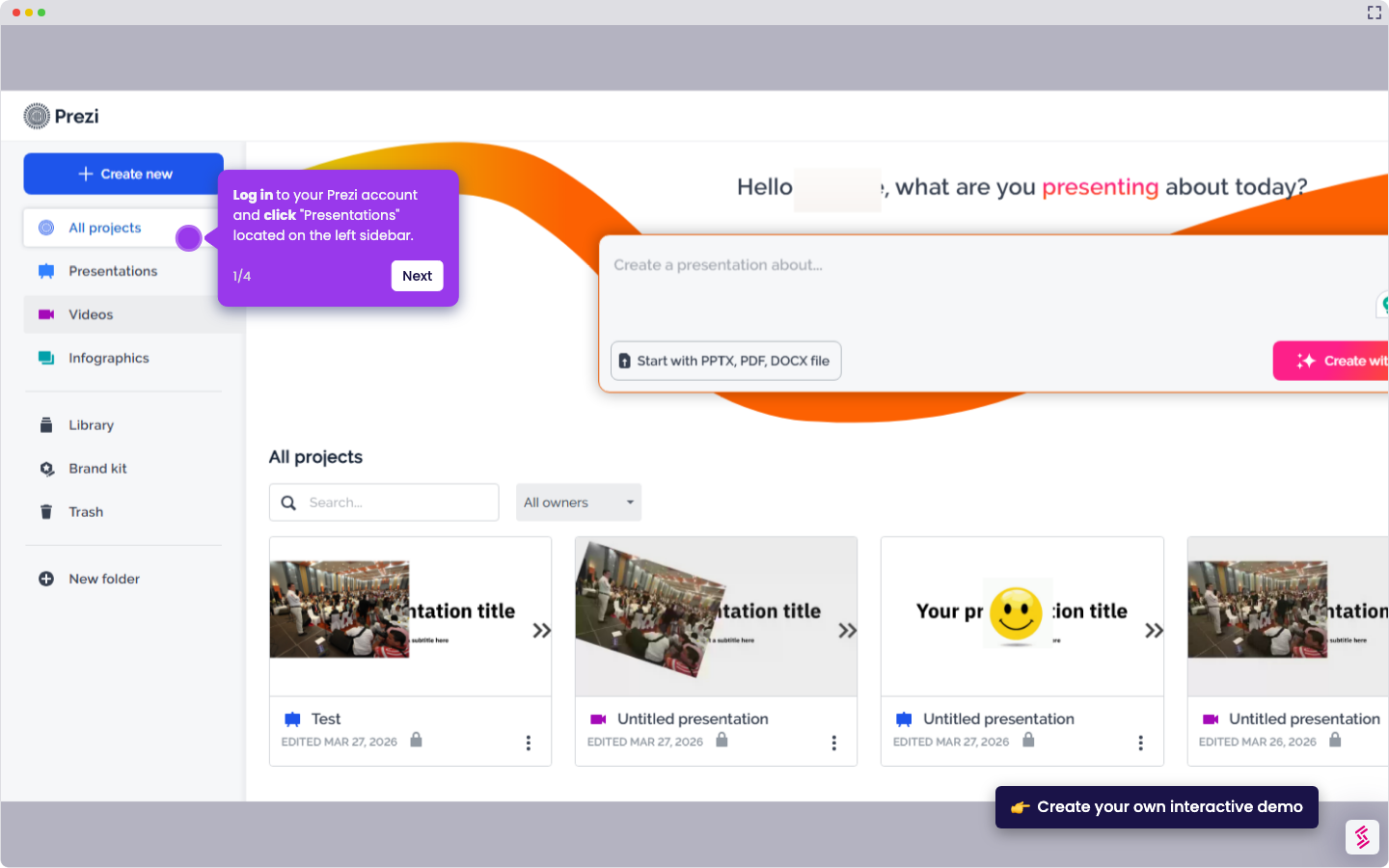
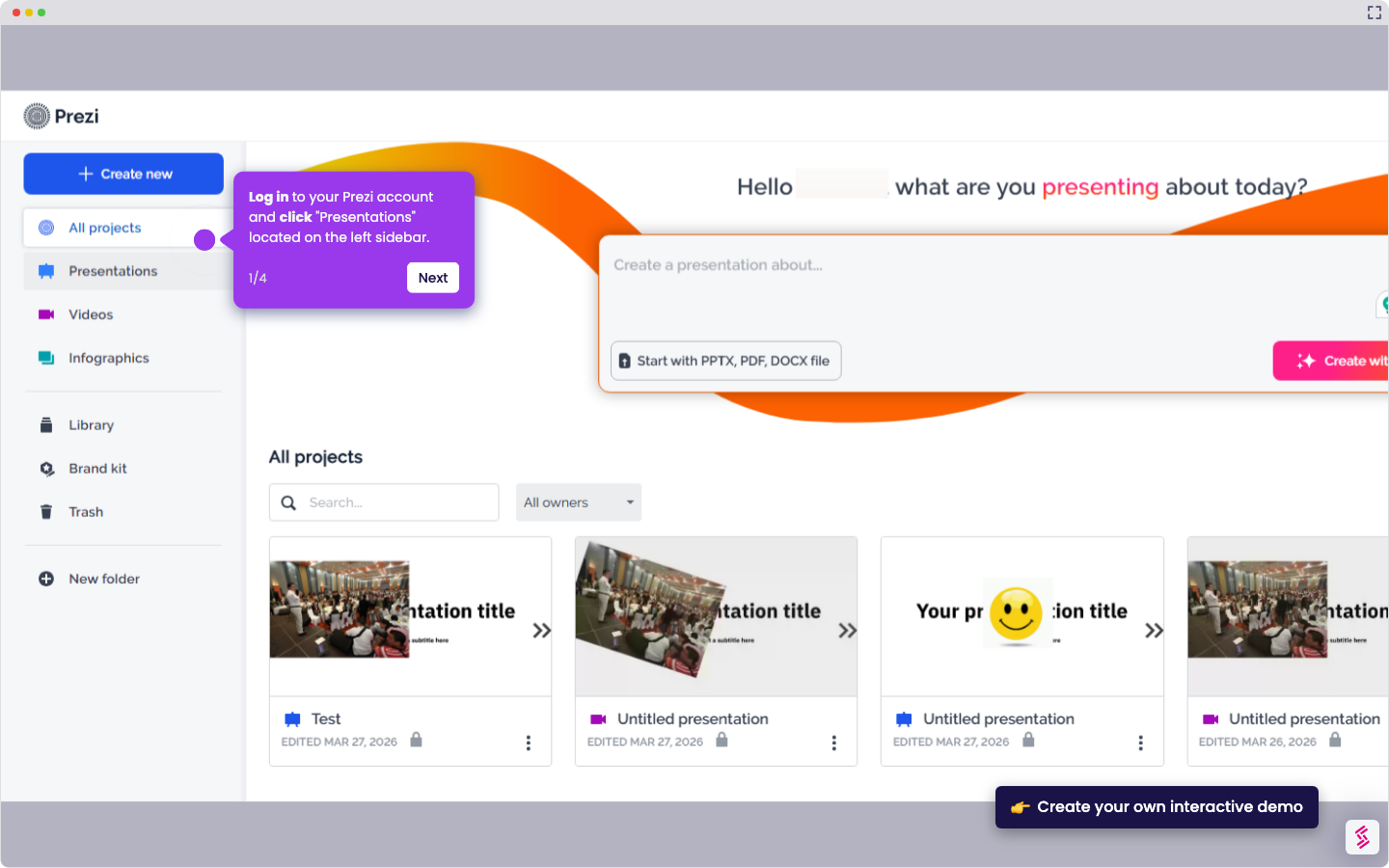
- On the dashboard, click Create New.
- Choose Create from Template for a ready-made design or Create from Scratch for a blank canvas.
- Start by adding your title and main topic.
- Add frames or sections to organize your content (each frame acts like a slide).
- Add text, images, icons, or videos using the toolbar
- Customize the design: colors, fonts, and backgrounds to match your style.
- Set your background by choosing a color, image, or pattern to fit your presentation’s style.
- Click Present to preview or Share to send your presentation.
How to create a Prezi presentation
Use this step-by-step demo to learn how to create a Prezi presentation.
📌 Why this matters
Creating dynamic presentations lets you engage audiences through non-linear storytelling and smooth visual transitions that keep viewers focused on your message. Unlike traditional slide decks that move sequentially, this approach allows you to zoom between ideas and create spatial relationships between concepts, making complex information easier to follow. Your presentations become memorable experiences rather than static information dumps, which translates to better audience retention and more persuasive communication, whether you're pitching to clients, teaching students, or presenting research findings.
Your product deserves an interactive demo