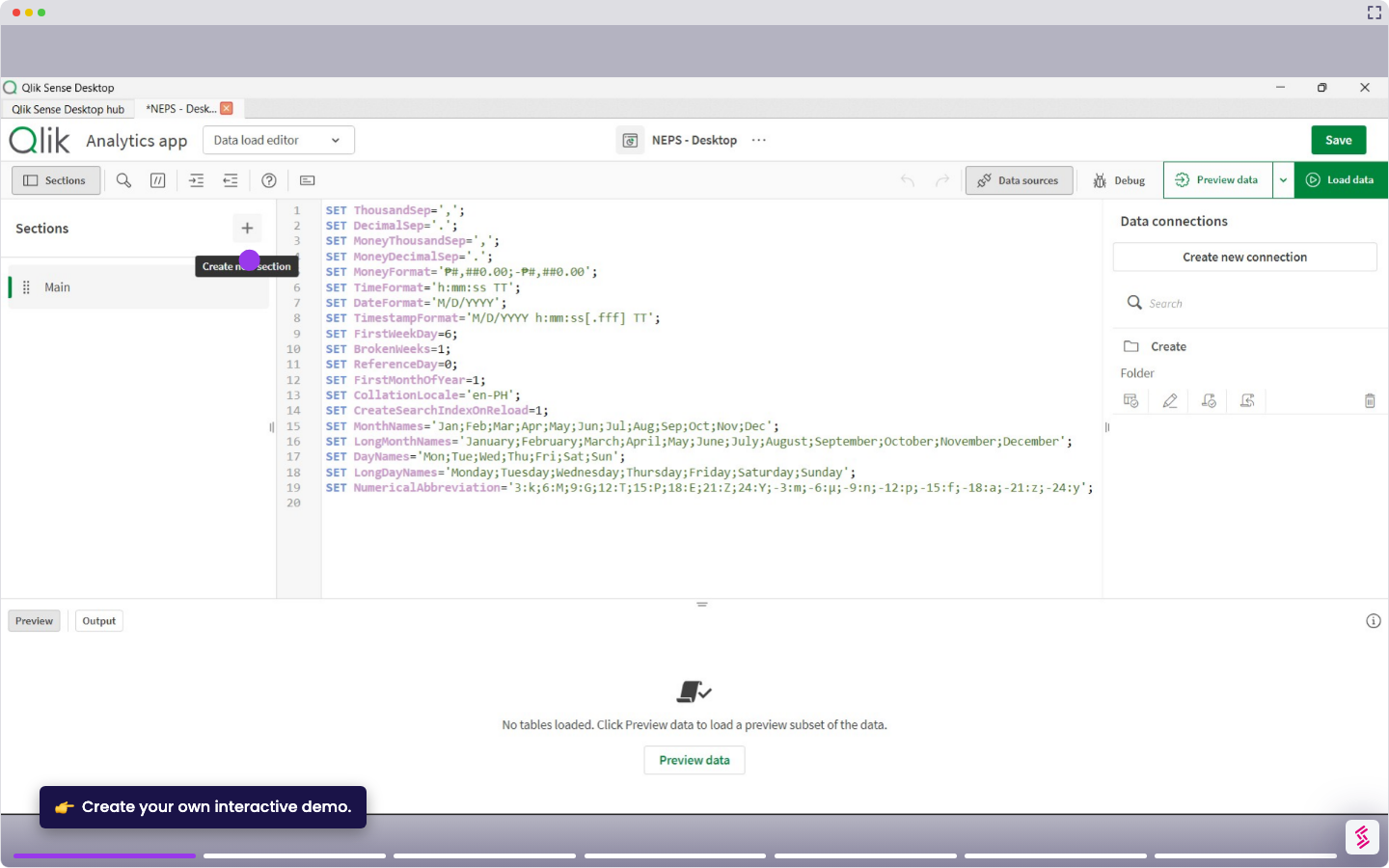
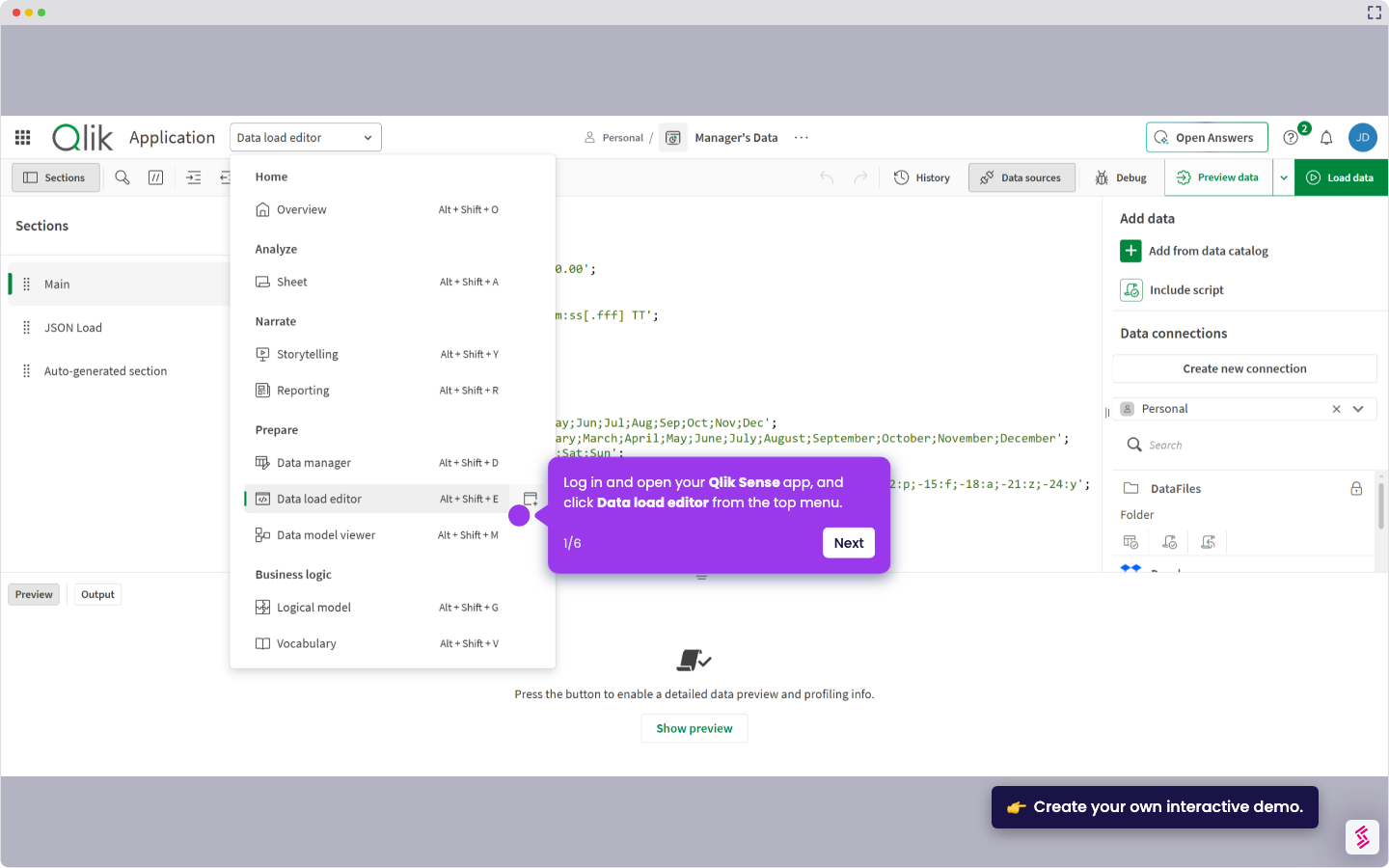
This tutorial shows how to verify your Qlik Sense Desktop version using two methods: the Windows Programs menu or by checking the Engine.exe file properties. Notes:
- You need to have Qlik Sense Desktop already installed on your computer to check the version.
- The version number helps you determine if you need to upgrade or if you have the latest features and security patches.
- Both methods show the File version, which corresponds to your installed Qlik Sense release (for example, November 2025 or March 2026).
- Open the Windows Start menu, and open the Control Panel window.
- In the Control Panel window, choose under Programs - Uninstall a program.
- Scroll through the list of installed programs until you find Qlik Sense Desktop.
- Expand the Qlik Sense Desktop entry by clicking the arrow or expand button next to it until the version number becomes visible.
- Alternatively, open Windows File Explorer and navigate to C:\[User]\AppData\Local\Programs\Qlik\Sense
- Right-click the Engine.exe file, click Properties, switch to the Details tab, and read the File version listed.