


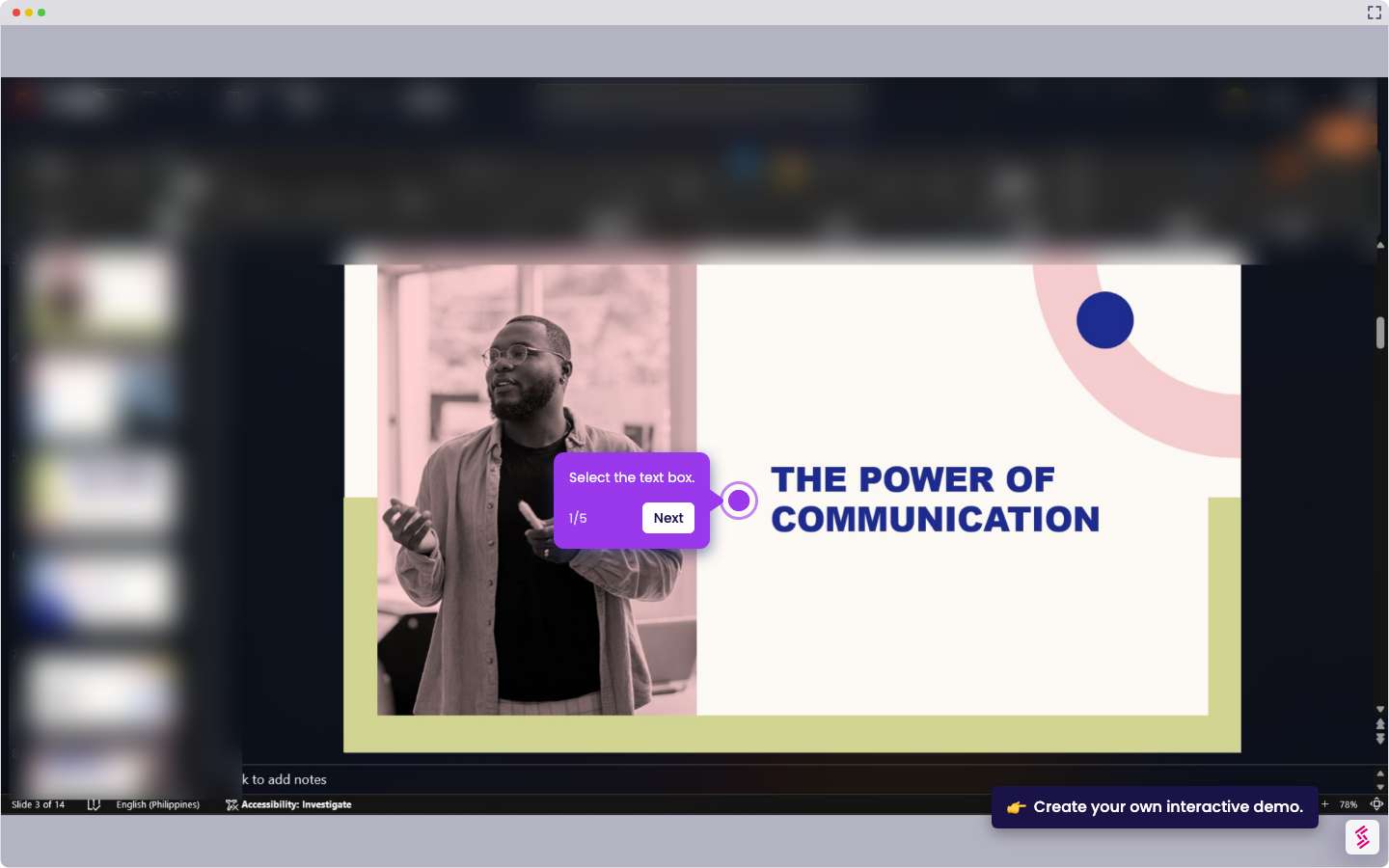
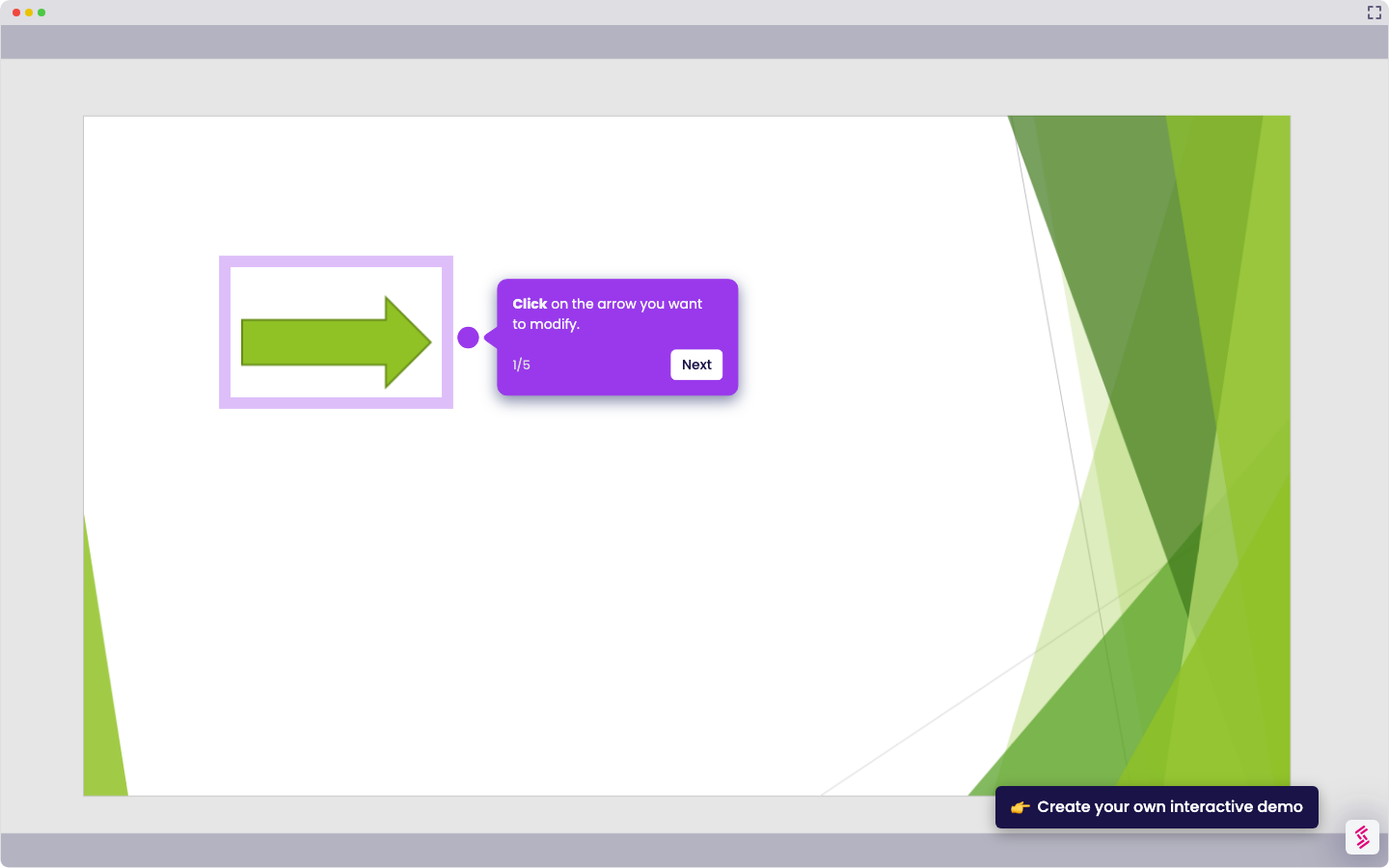
- Select the object (text, image, shape).
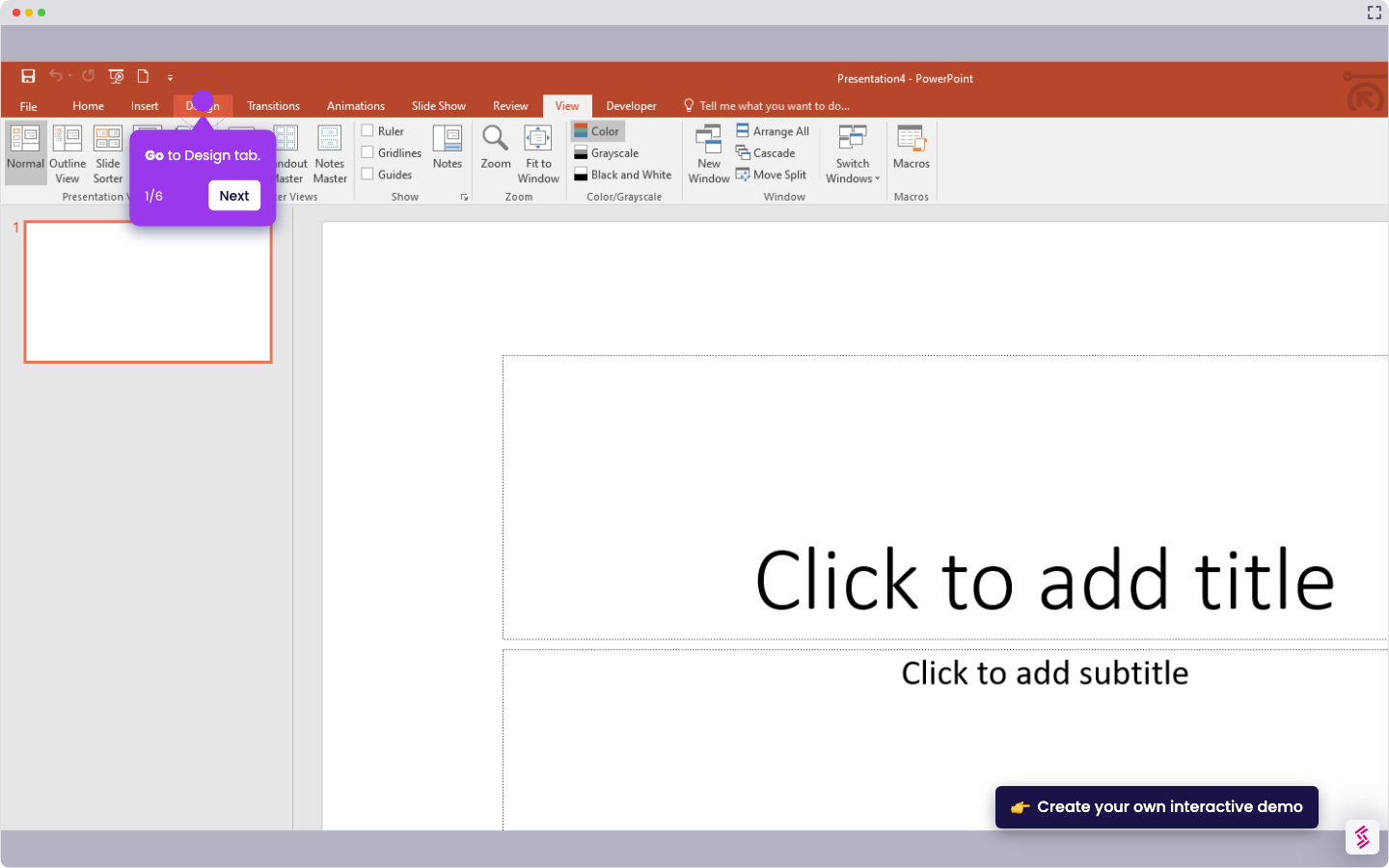
- Open the Home tab.
- Go to the Arrange section, click Align, then choose Align Center (horizontal).
- Click Align Text, then choose Middle for vertical alignment.
How To Center Something In PowerPoint
Try this interactive demo to learn how to center something in PowerPoint.
📌 Why this matters
Centered elements create visual balance that makes your slides feel professional and polished. Beyond aesthetics, proper alignment guides your audience's attention exactly where you want it, reducing cognitive load so they focus on your message rather than trying to process uneven layouts. When elements feel randomly placed, viewers subconsciously spend mental energy figuring out spatial relationships. Centered content eliminates this distraction, making your presentations more persuasive because your audience can dedicate their full attention to understanding and retaining your key points.
Your product deserves an interactive demo
Similar Articles
No items found.