This tutorial shows how to prevent synthetic keys by controlling shared fields when loading multiple tables.
Notes:
- Synthetic keys form when two or more tables share multiple fields with the same name.
- They can be avoided by keeping only one common field between related tables.
- Renaming duplicate fields before loading data is the simplest way to prevent them.
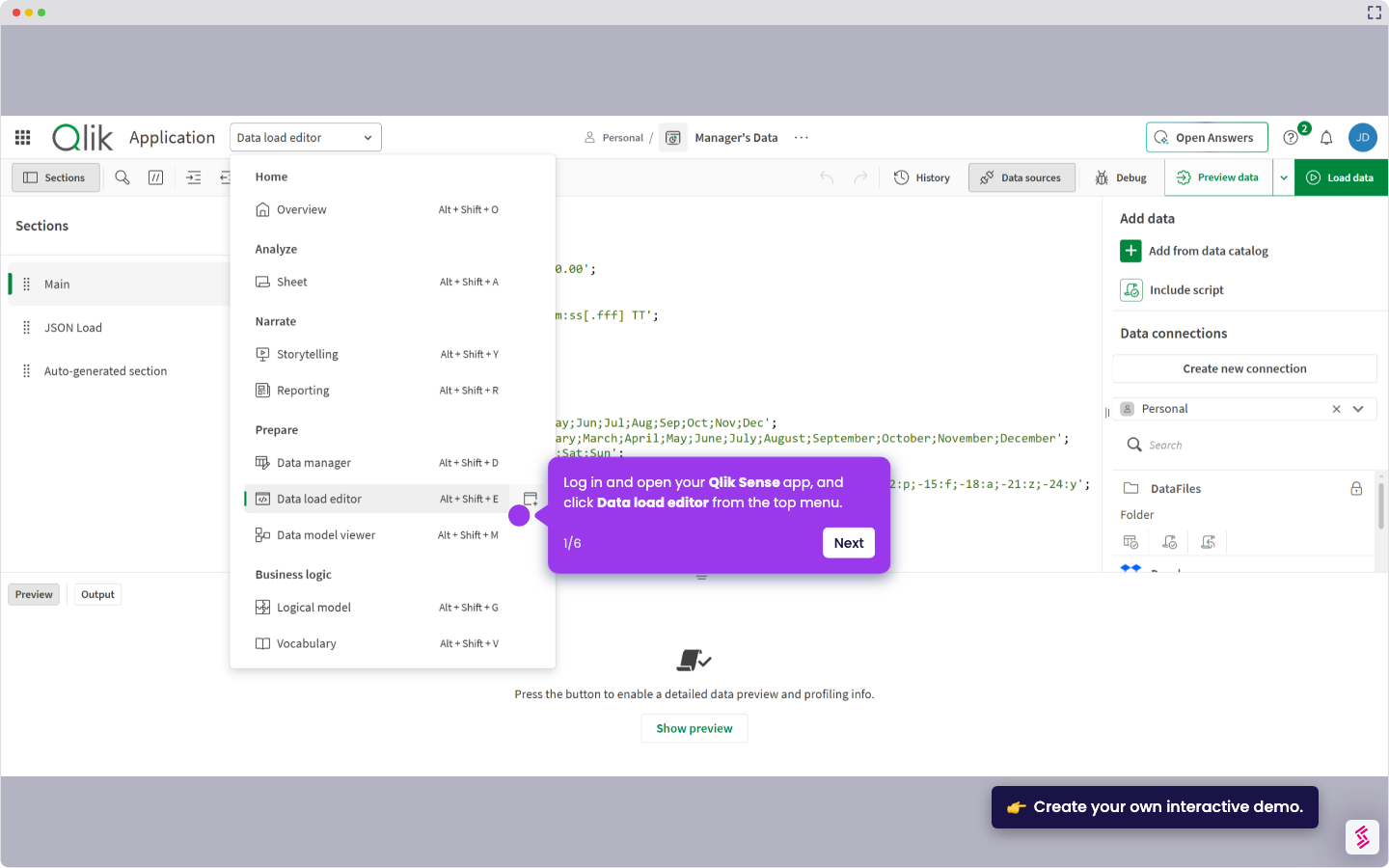
- Login and open Qlik Sense App and click your app from the hub to launch it.
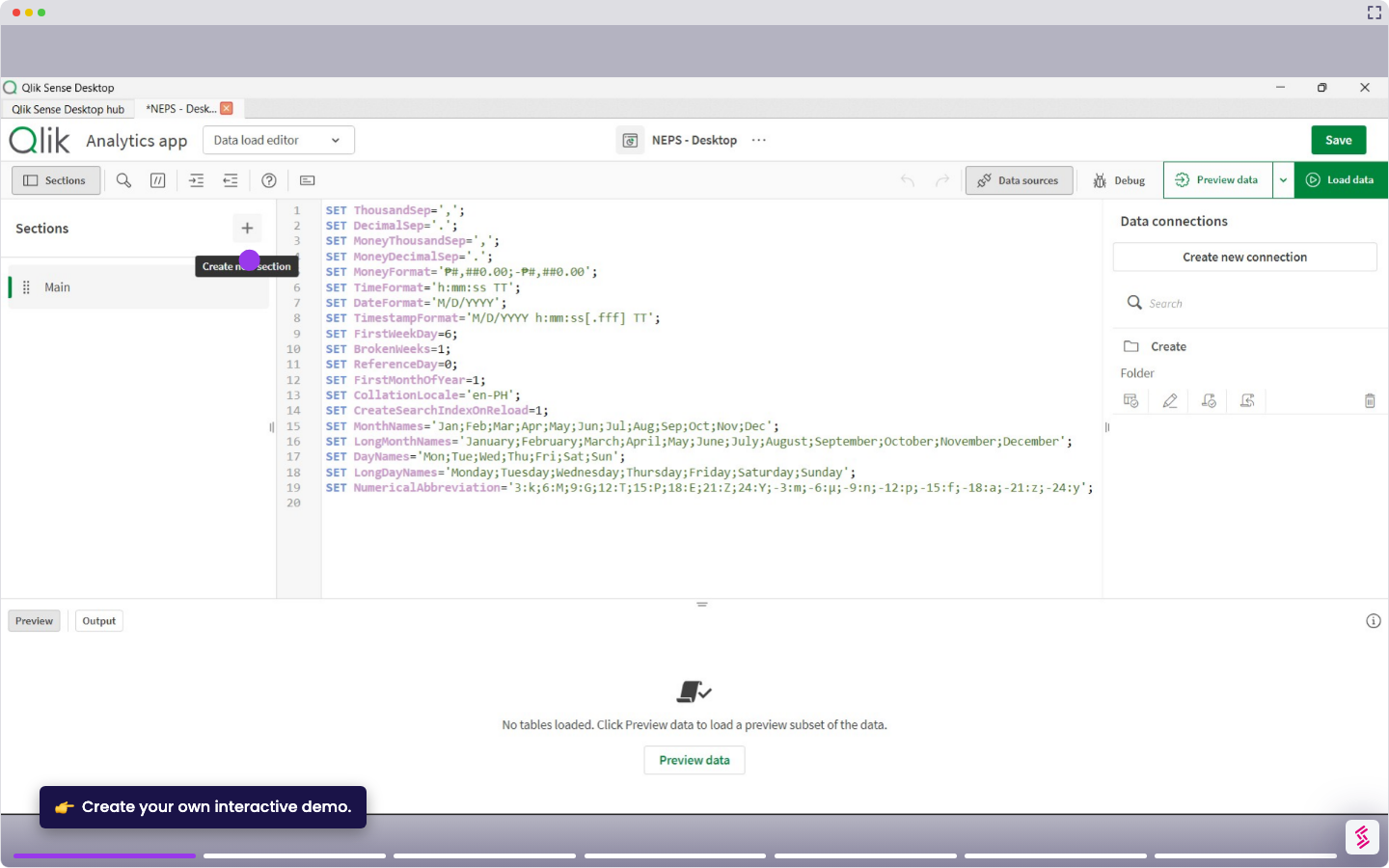
- Go to Prepare from the top menu, then open the Data load editor.
- Check your tables (for example, Region and Customers) and review fields that appear in both tables, such as Region and Region Code.
- In one of the tables, rename a duplicate field using AS (for example, Region as rg).
- Ensure only one field remains shared between the tables to act as the key (for example, keep Region Code as the common field and rename Region in one table), then click Load data.
- Open the Data Model Viewer to confirm no synthetic key table appears.