.svg)
.svg)


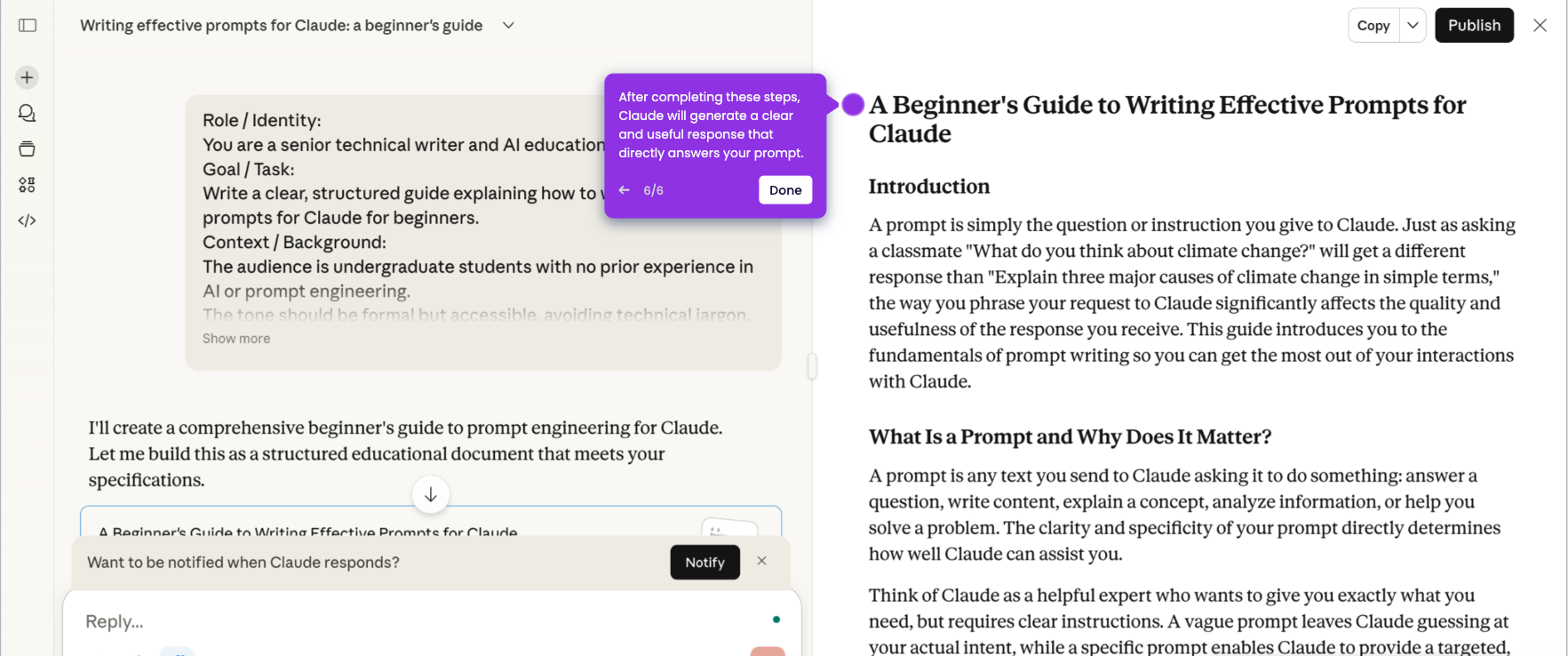
It’s very easy to write prompts for Claude. Here’s a quick guide on how to do it in simple steps:
- On Claude's main dashboard, tap the chat box and start typing your prompt. It can be a question or a task you want assistance with.
- You may click the 'Add' or 'Extending Thinking' button if you wish to personalize your prompt further.
- Once done, click the 'Send' button to process your prompt.
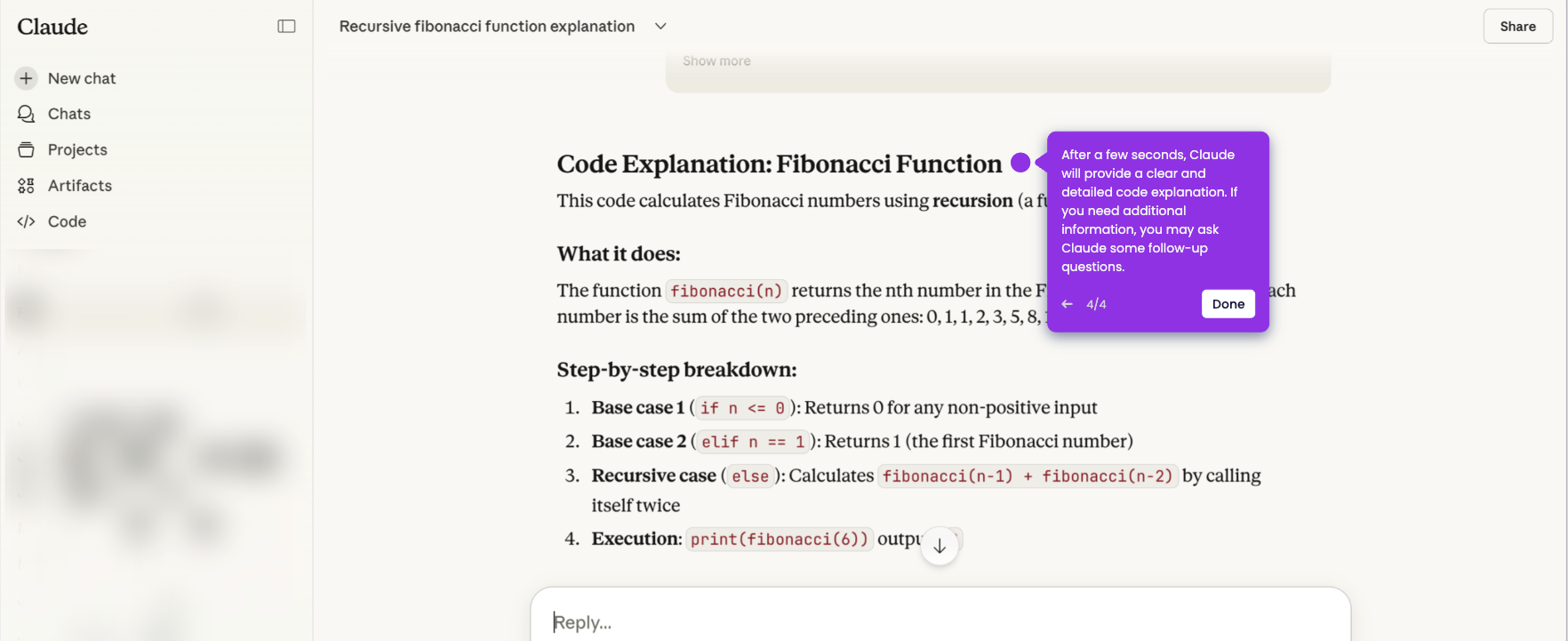
- After completing these steps, Claude will generate a corresponding response to your prompt.