.svg)
.gif)
.svg)



Quick summary
Canva's AI image generator lets you create custom visuals from a text prompt in seconds, directly inside the Canva editor. Once generated, images can be edited and exported using Canva's standard design tools.
Steps
- Log in to canva.com and navigate to the Canva AI section.
- Enter your text prompt describing the image you want to generate.
- Select "Create an image" to generate AI-powered visuals from your prompt.
- Click "Submit" to send your prompt and start the image generation process.
- Review the results and click the image you want to use.
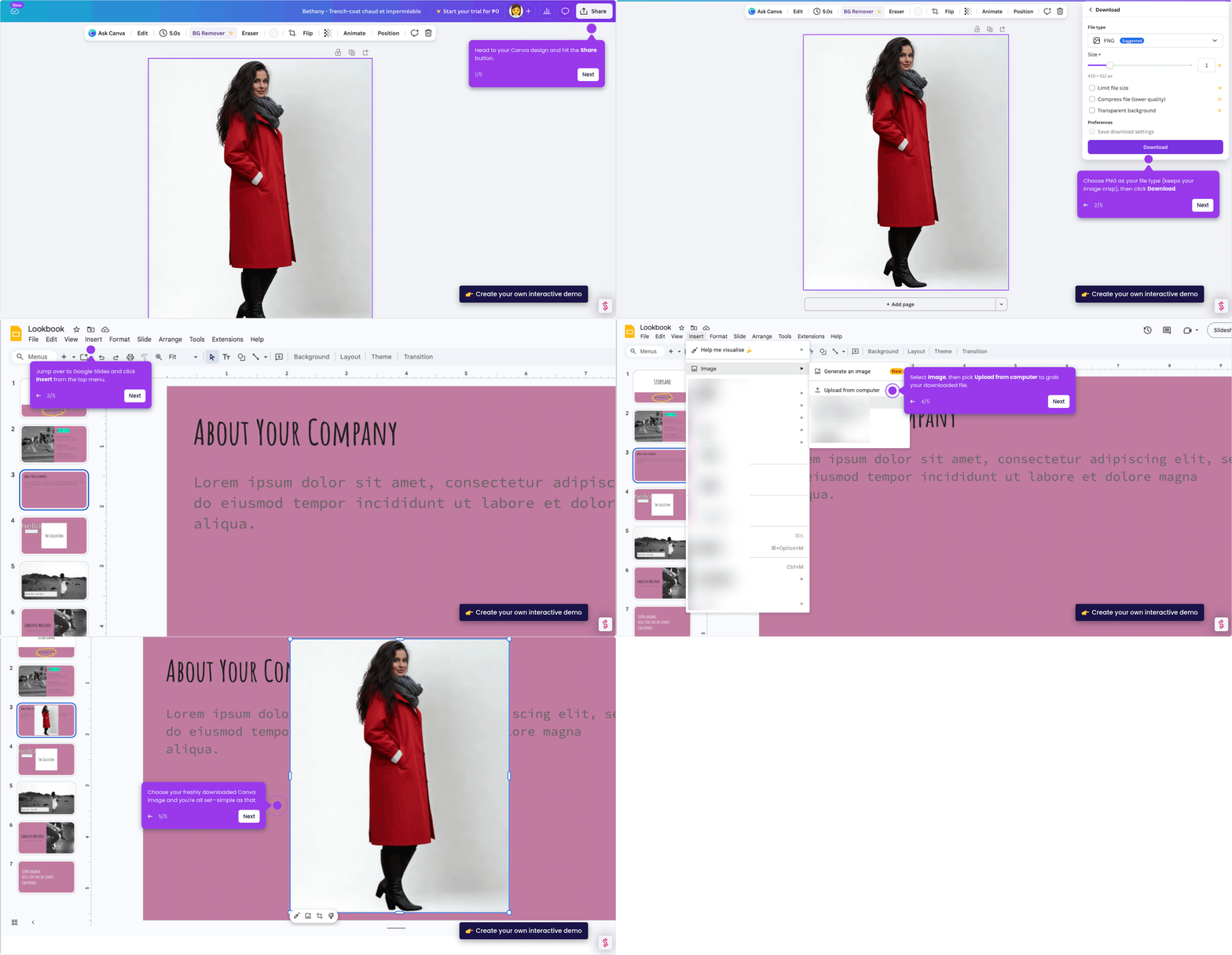
- Edit the selected image as needed, then click "Share" to export your finished design.