.svg)
.gif)
.svg)



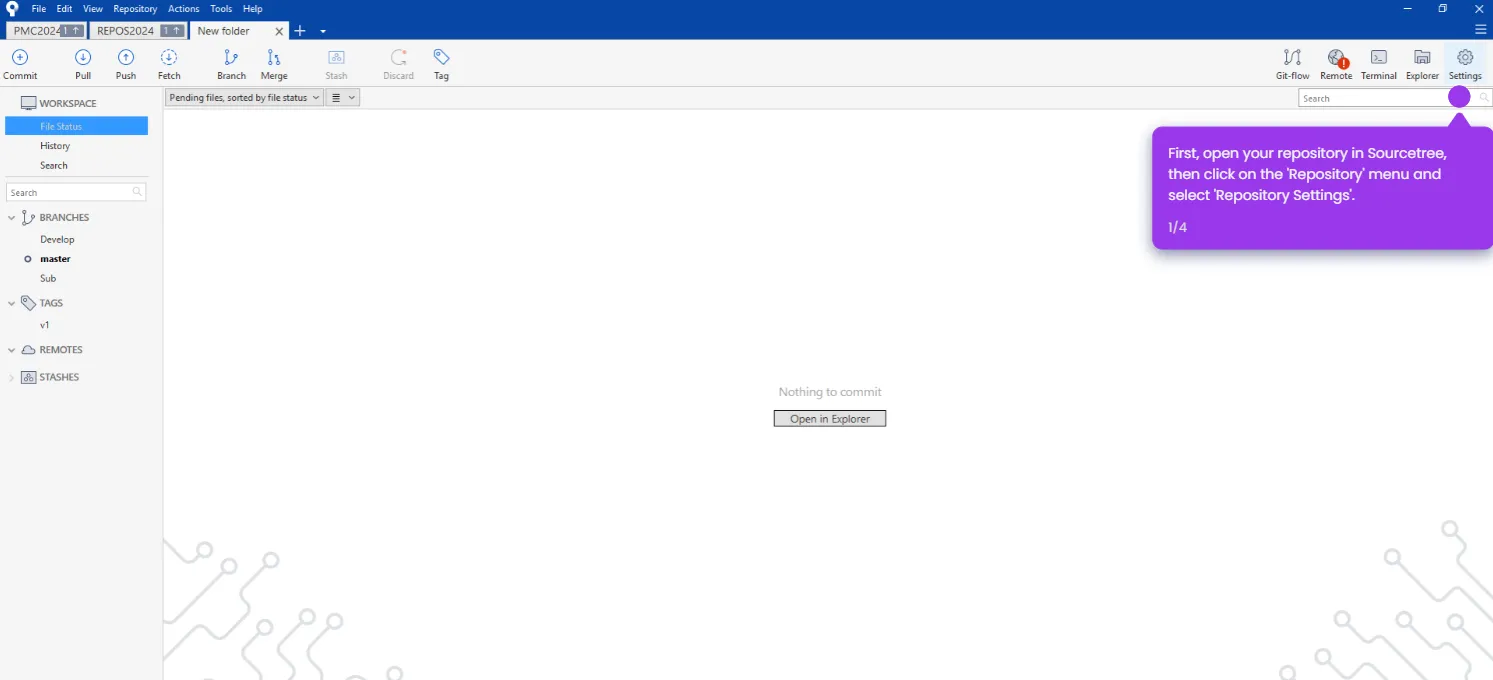
Here’s how to do it:
- Open Sourcetree.
- Navigate to the 'File' tab.
- Click 'Exit Sourcetree' to log out of Sourcetree.


Logging out properly protects your repositories when working on shared computers or switching between multiple Git accounts. You might think simply closing the application is enough, but Sourcetree maintains active connections to your remote repositories and stores authentication tokens in memory.
A proper logout clears these cached credentials and terminates background processes that sync with remote servers. This becomes critical in team environments where different developers access the same workstation, or when you're managing both personal and work repositories that require separate authentication credentials.