.svg)
.gif)
.svg)



Quick summary
ClickFunnels 2.0 includes a built-in website builder that lets you create, customize, and publish multi-page sites directly from your workspace. Using the Site & Blog section and visual page editor, you can edit any page element, configure settings, and save your site in just a few steps.
Steps
- Go to the left-side panel and click 'Site & Blog'.
- Choose 'Overview' from the list of options.
- Tap 'Edit Site' in the top-right corner.
- Select a site theme page from the list in the left panel.
- Select the element you wish to edit and make your desired changes.
- Use the available options in the floating menu bar to customize the element based on your preference.
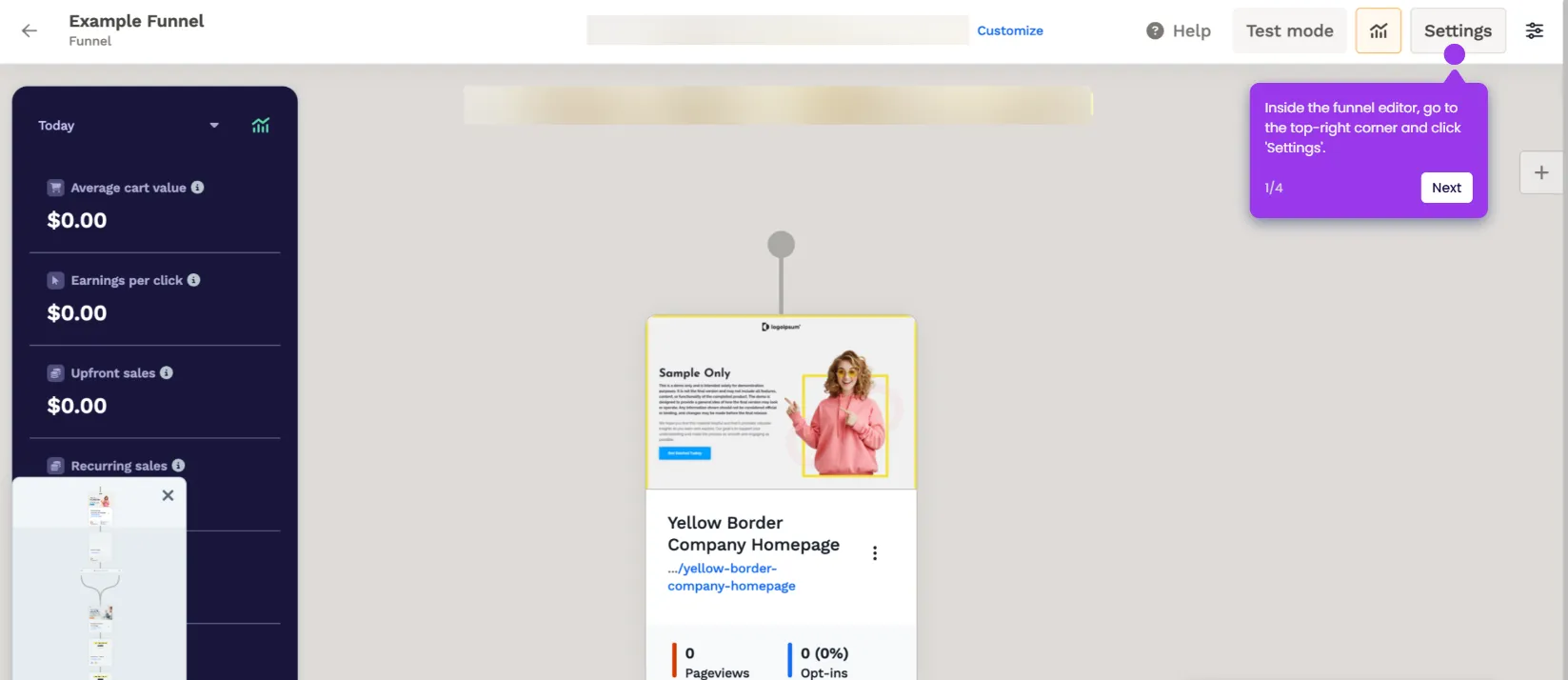
- To edit the selected element further, tap the 'Settings' icon.
- Navigate to the right-hand corner and configure options under Settings and Advanced to apply your modifications.
- Repeat the steps for all site pages, then tap 'Save'.
- Your ClickFunnels site will be created based on your input.