.svg)
.gif)
.svg)



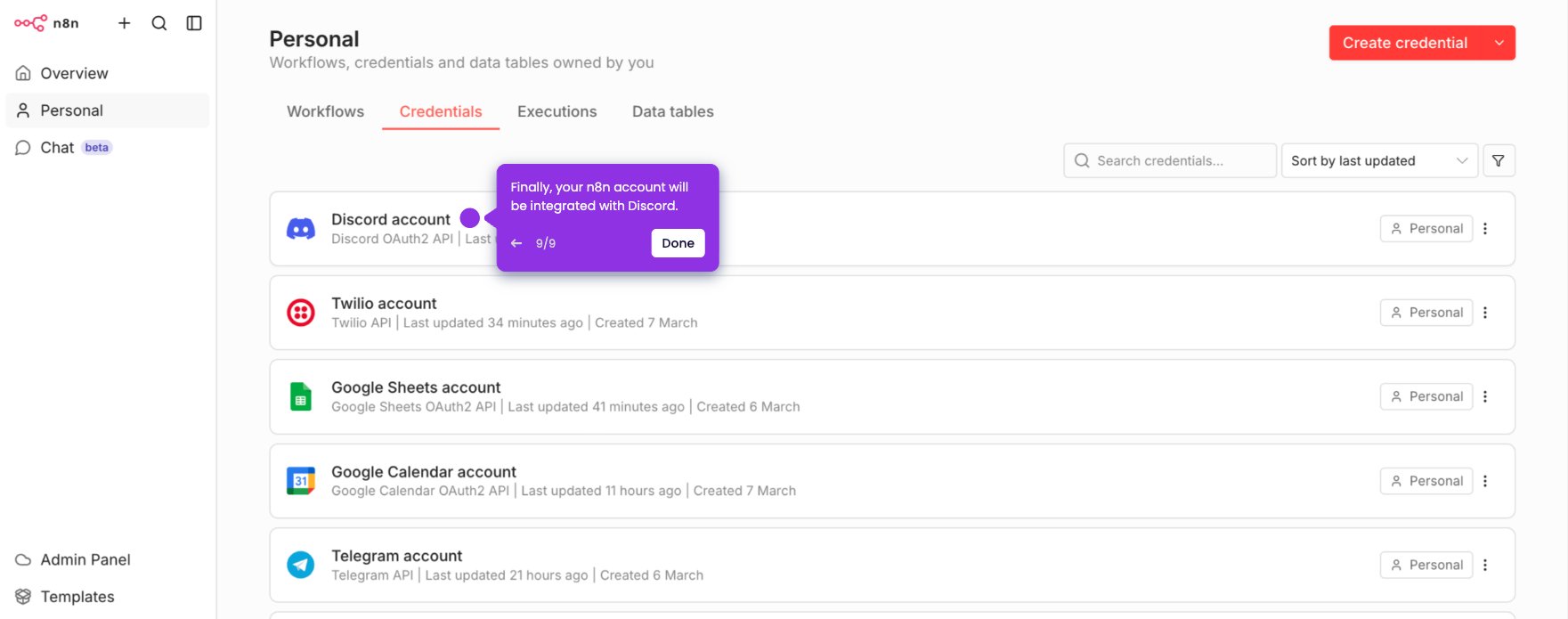
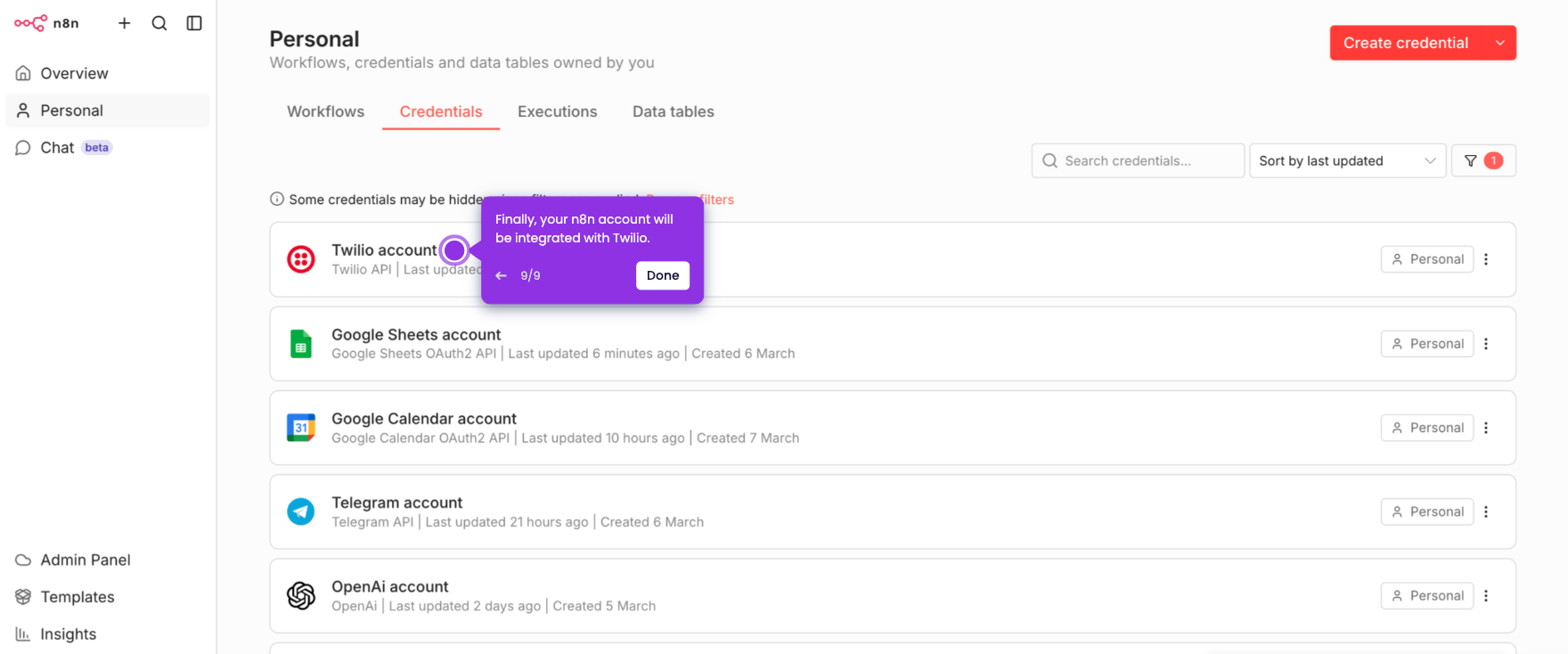
It is very easy to download n8n workflows. Here’s a quick guide on how to do it in simple steps:
- On n8n's main dashboard, find and open the workflow you want to download.
- After that, click the 'More Options' button in the top-right corner.
- Tap 'Download' to proceed.
- Finally, the selected n8n workflow will be downloaded as a JSON file.