

Demo Suite

Hubs
4.7
(1600+ Reviews)
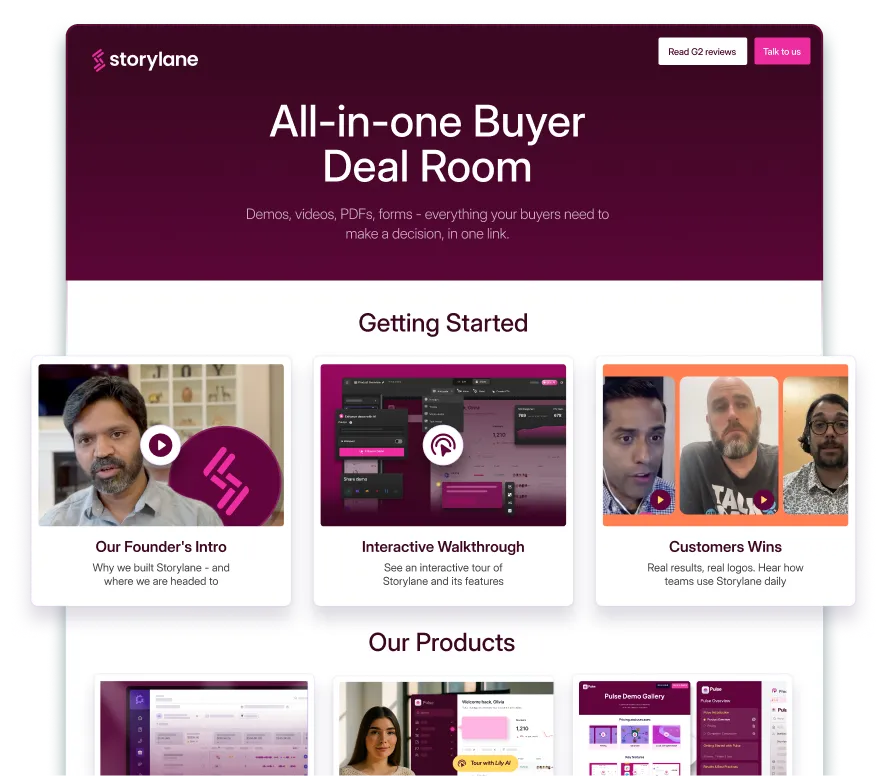
Generate digital sales rooms for every deal
Demos, videos, case studies, pricing and PDFs — all in one link, personalized to every buyer


Trusted by 5,000+ Teams

Describe the deal,
AI builds the room
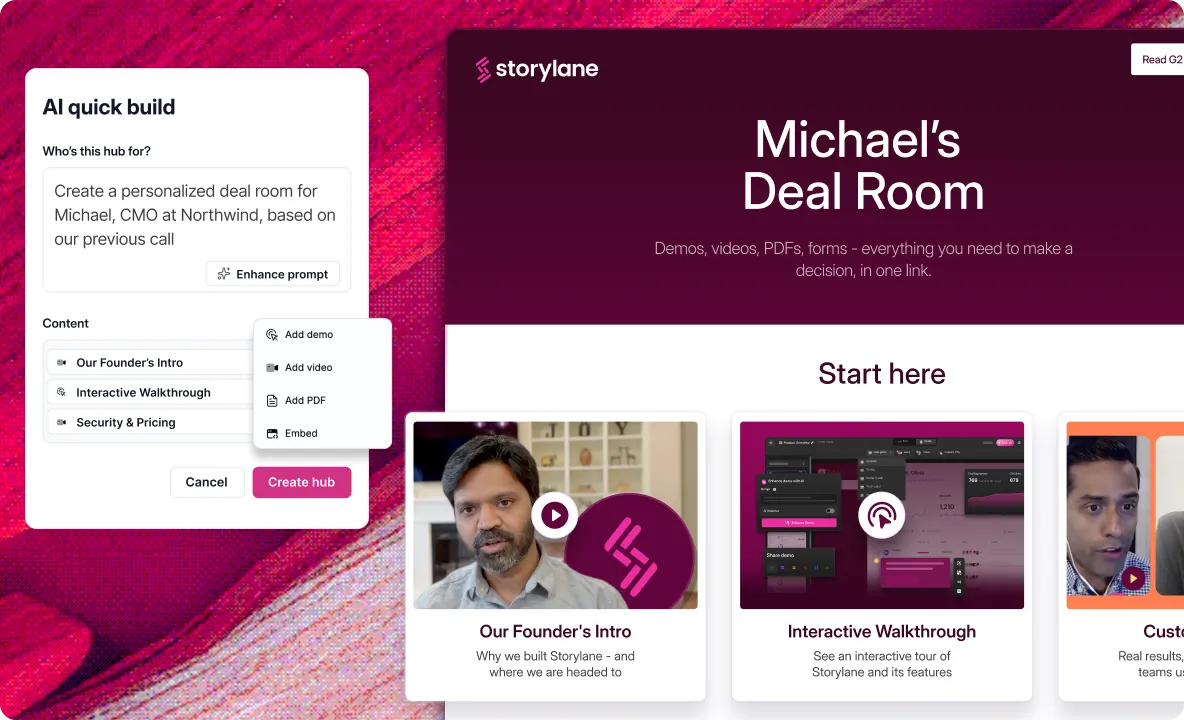
Attach demos, videos and PDFs once, say who the room is for, and AI sorts the sections and lays it out
Build with AI then edit or reorder as needed
Personalize names, logos, currencies, etc.
Match every room to brand fonts and colors
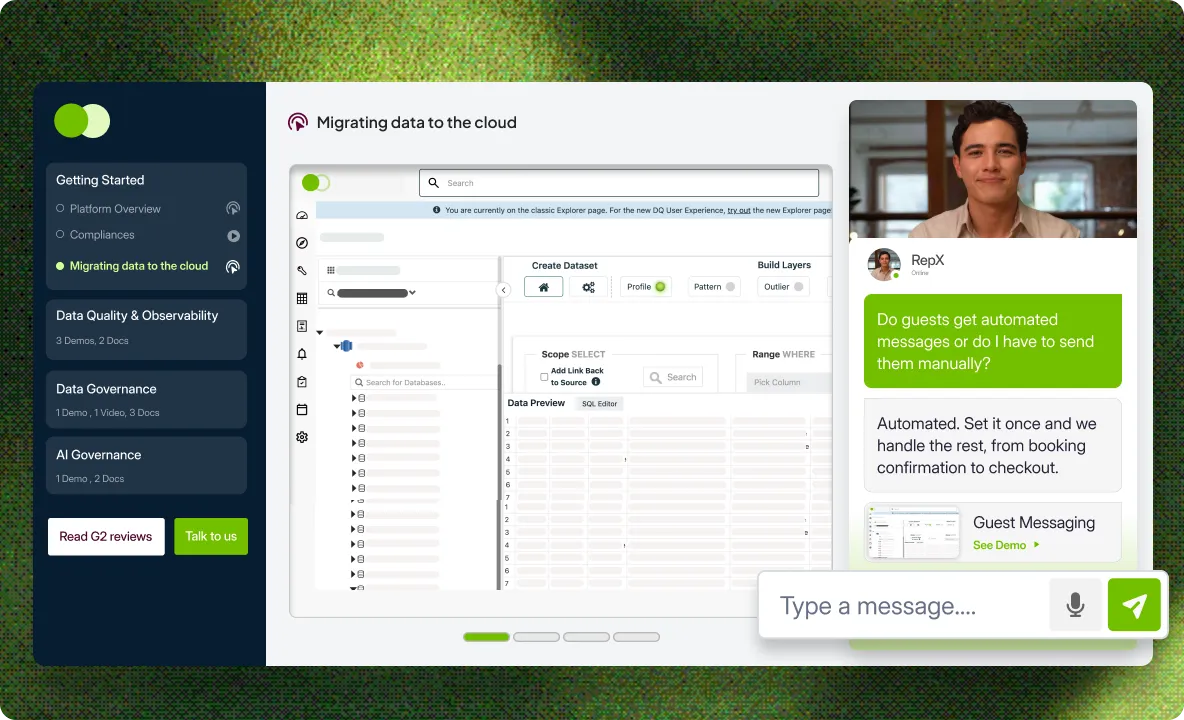
Add a RepX website agent inside every deal room
Get RepX to answer buyer questions, pull up the right demo, and encourage buyers to take next steps
Answer buyer questions 24/7, no human reps needed
RepX navigates the Hub and surfaces the right resources
See what questions buyers ask and how they engage
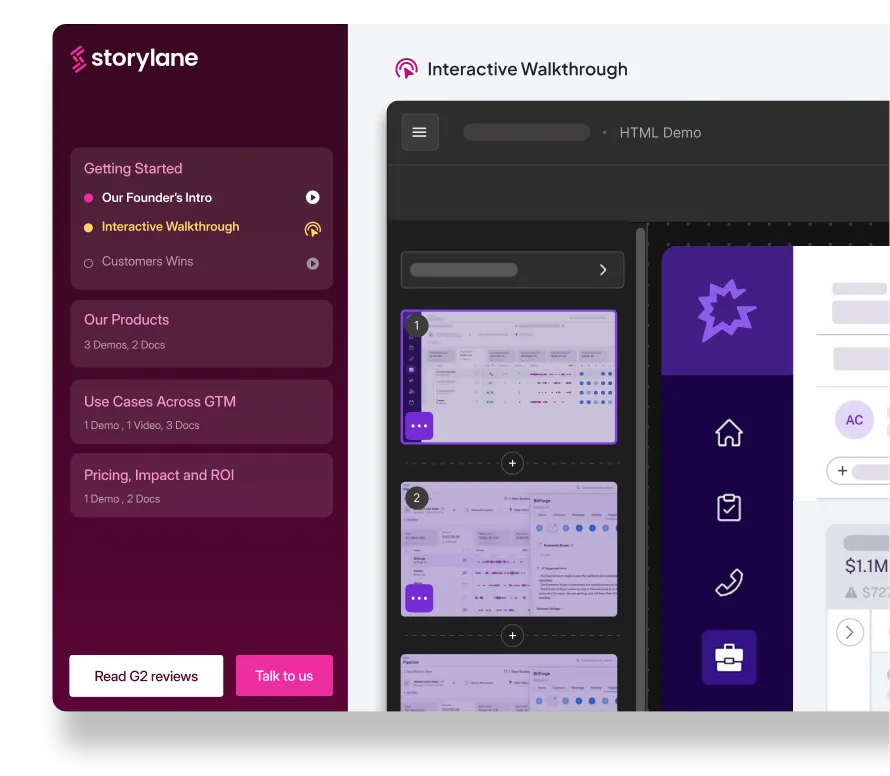
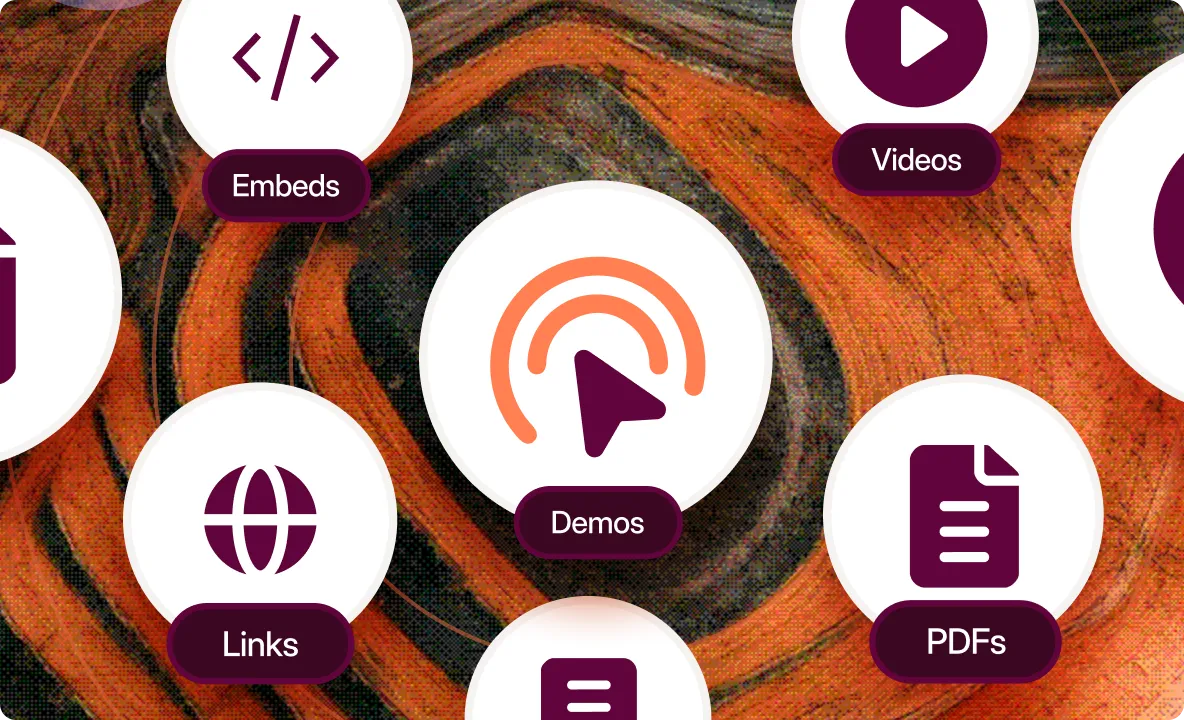
Assemble demos, videos, PDFs, and decks all in one place
Your sellers pick and choose which resources to include, and build the room from there
Pick and choose which resources to include
Download a whole room and run it offline
Translate demos and Hubs in a single click
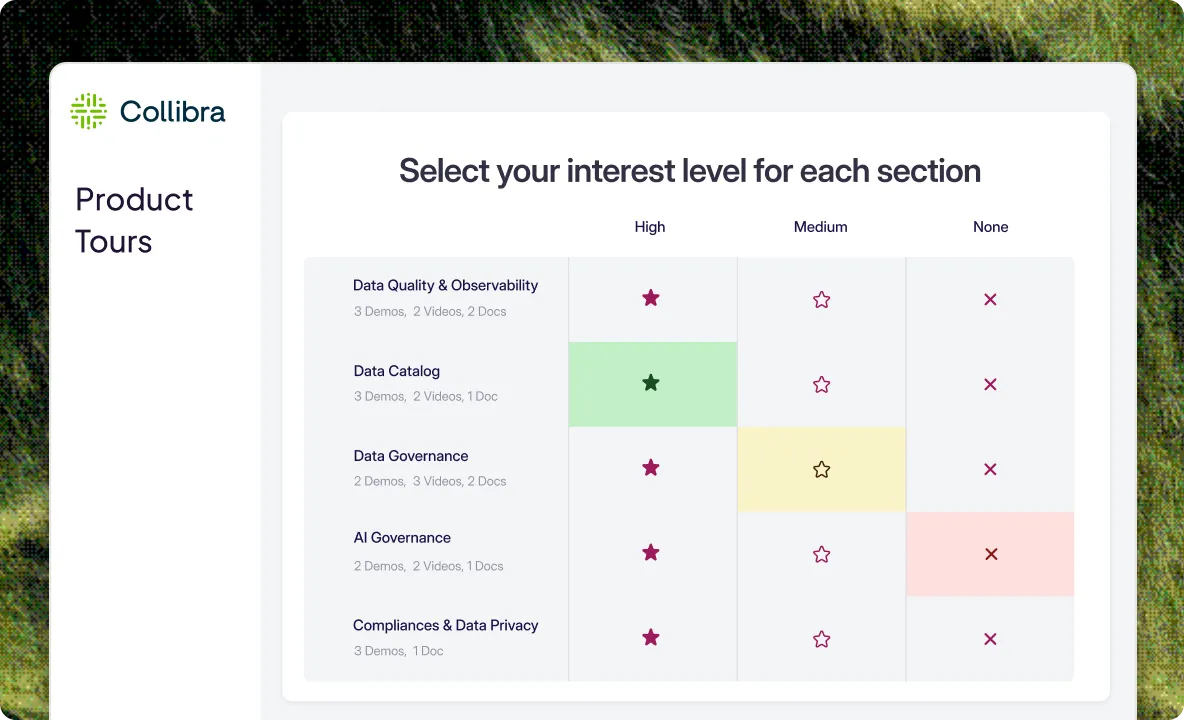
Let buyers pick what they want to see
Buyers rank topics from most to least important, and we assemble a custom room for them
Segment your content by role, pain point, or persona
Track how the buying committee engages
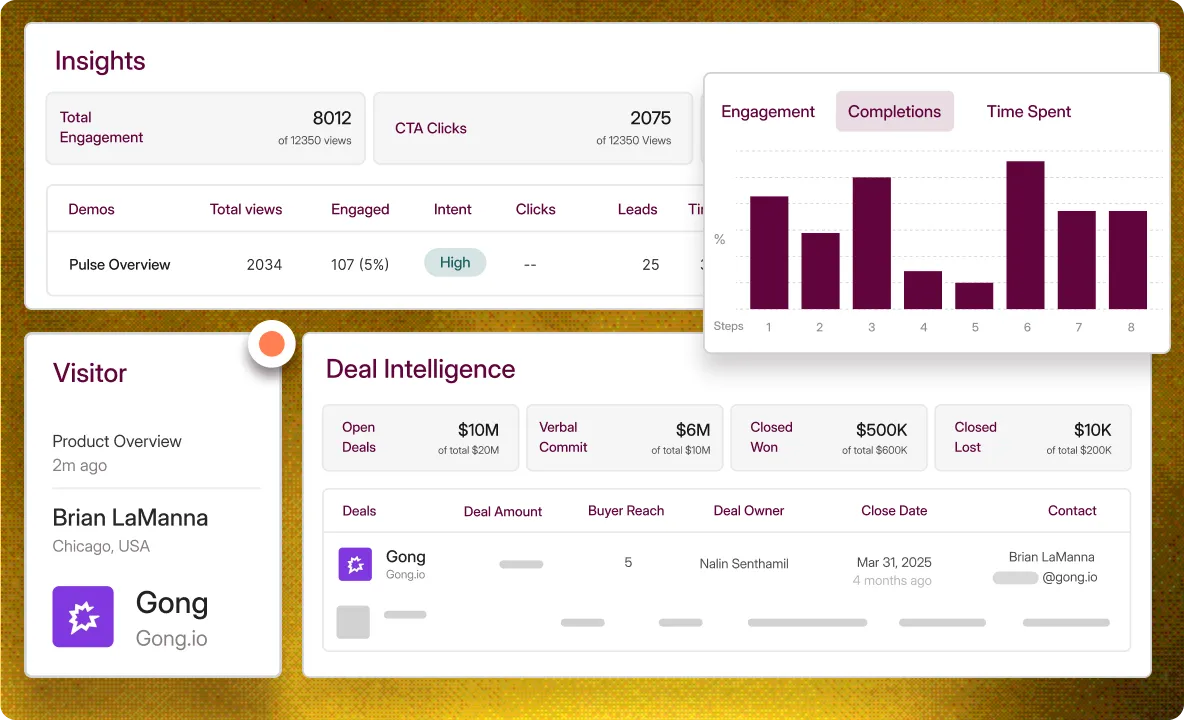
Know who viewed what before your next call
See which stakeholder opened the room, what they watched, and how long they stayed on it.
Get a Slack/Teams alert the moment stakeholders engage
See time spent and completion per asset, not just a link click
Hear from our customers
#1 Demo Automation Software
The UX is fantastic — but what really drew us was the innovation


Intuitive, powerful, and easy to use platform.
Matt Slotten
Marketing
The interactive demo influenced our biggest deal yet!


It’s actually kind of shocking how fast it was for us.
Edward Smith
Sr. Solutions Consultant
35%
increase in pipeline
Tom Josephson
Solutions Consulting

Revolutionized our demo process. The AI tools are incredibly powerful.
Edward Smith
Sr. Solutions Consultant
The UX is fantastic — but what really drew us was the innovation
Intuitive, powerful, and easy to use platform.
Matt Slotten
Marketing
The interactive demo influenced our biggest deal yet!
It’s actually kind of shocking how fast it was for us.
Edward Smith
Sr. Solutions Consultant
35%
increase in pipeline
Tom Josephson
Solutions Consulting
Revolutionized our demo process. The AI tools are incredibly powerful.
Edward Smith
Sr. Solutions Consultant
Storylane's by far the easiest and most reliable out of other competitors.
Martin Kurowski
Product Marketing Manager

Great and super easy to use for quick shareable demo's
Tamar S.
Marketing
$1.3M
Pipeline directly attributed to the interactive demo


Our executive team continues to rave about how well Storylane visualizes our own tool!
Emily Elizabeth
VP Marketing
My Go-To Tool for showing how our platform works — so simple to use!
Christion Parker
Sales Manager
35
demos in 3 weeks
Michael DeMarco
Product Marketing Manager
Storylane's by far the easiest and most reliable out of other competitors.
Martin Kurowski
Product Marketing Manager
Great and super easy to use for quick shareable demo's
Tamar S.
Marketing
$1.3M
Pipeline directly attributed to the interactive demo
Our executive team continues to rave about how well Storylane visualizes our own tool!
Emily Elizabeth
VP Marketing
My Go-To Tool for showing how our platform works — so simple to use!
Christion Parker
Sales Manager
35
demos in 3 weeks
Michael DeMarco
Product Marketing Manager
Over 200k demos created on Storylane
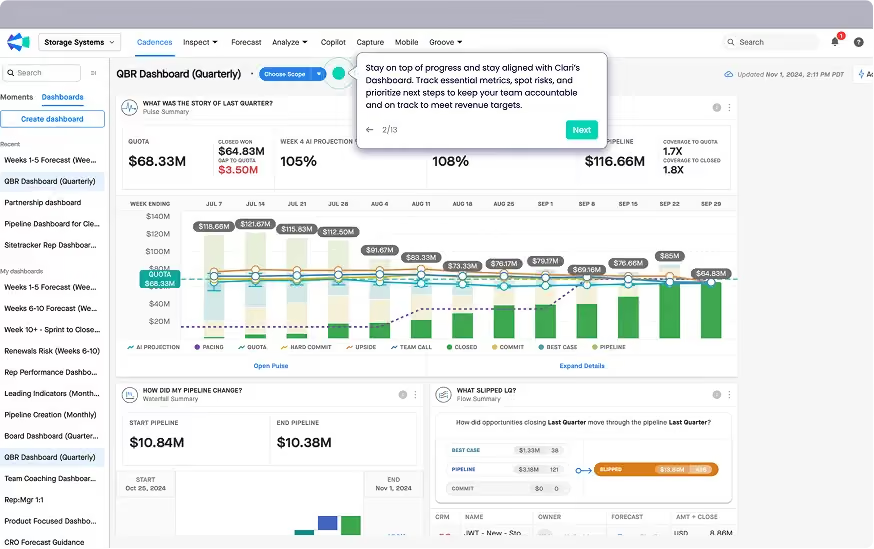
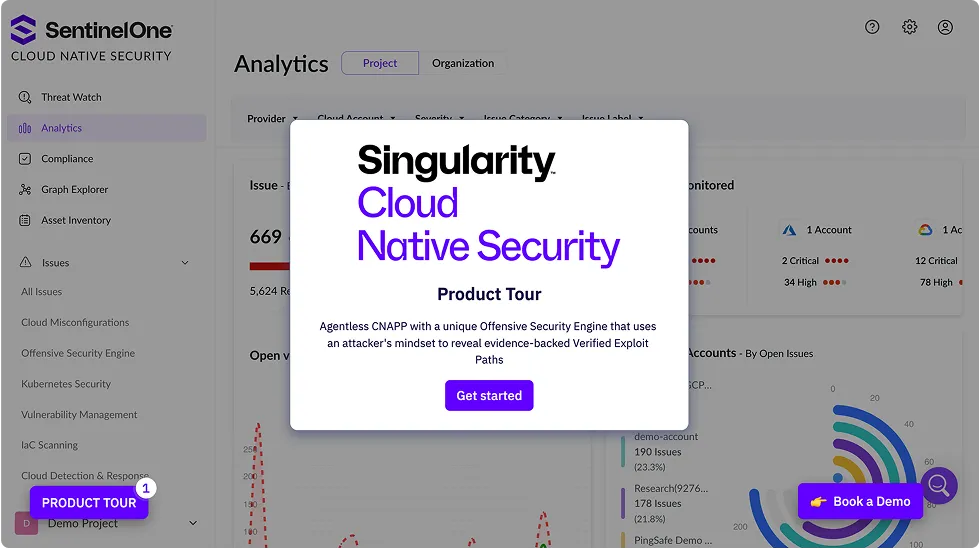
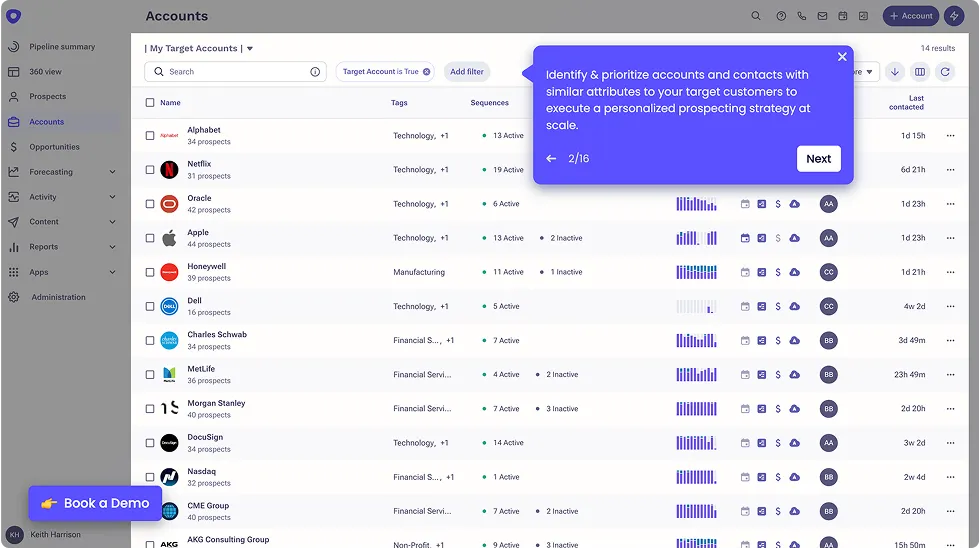
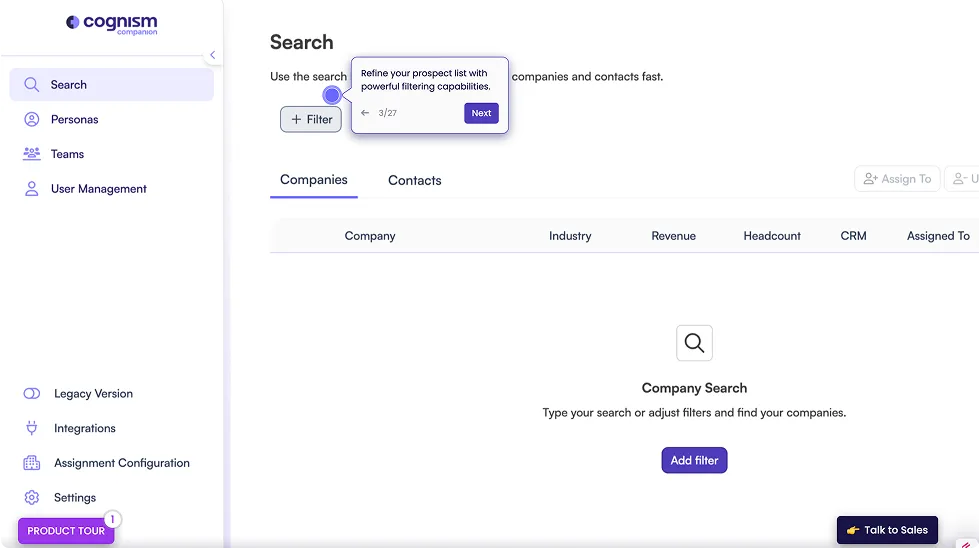
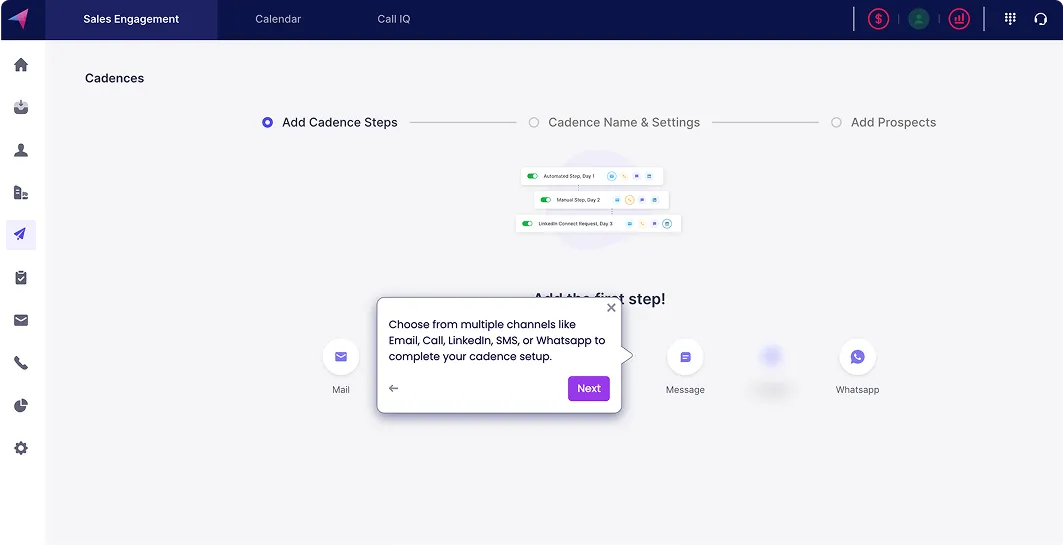
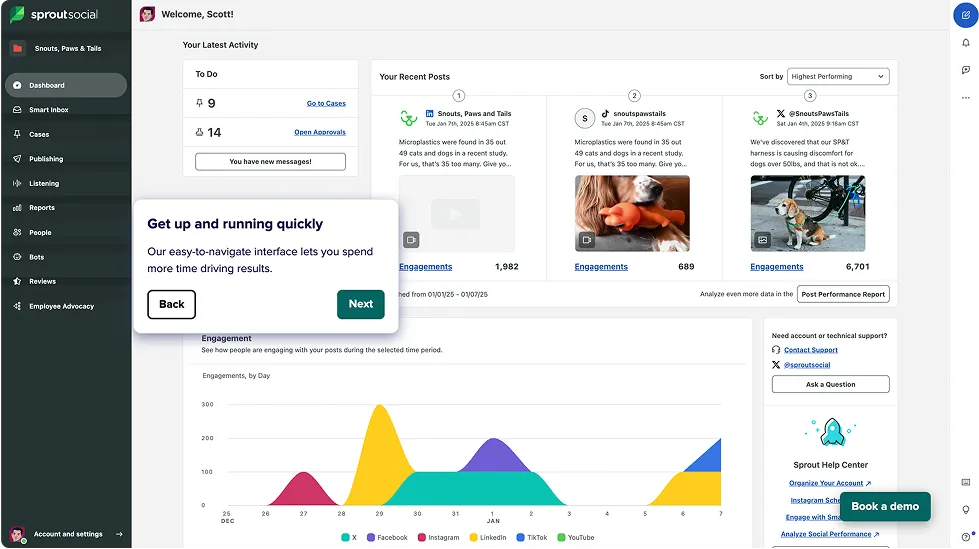
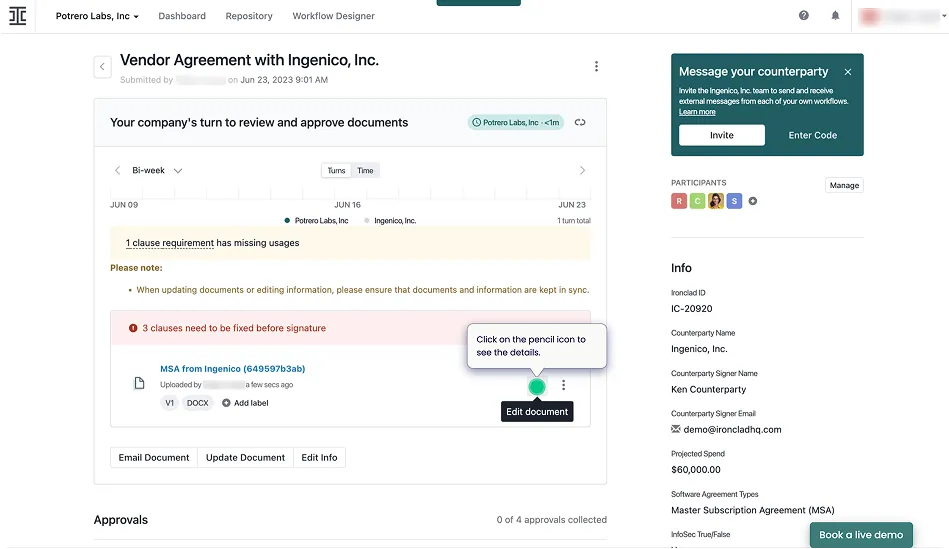
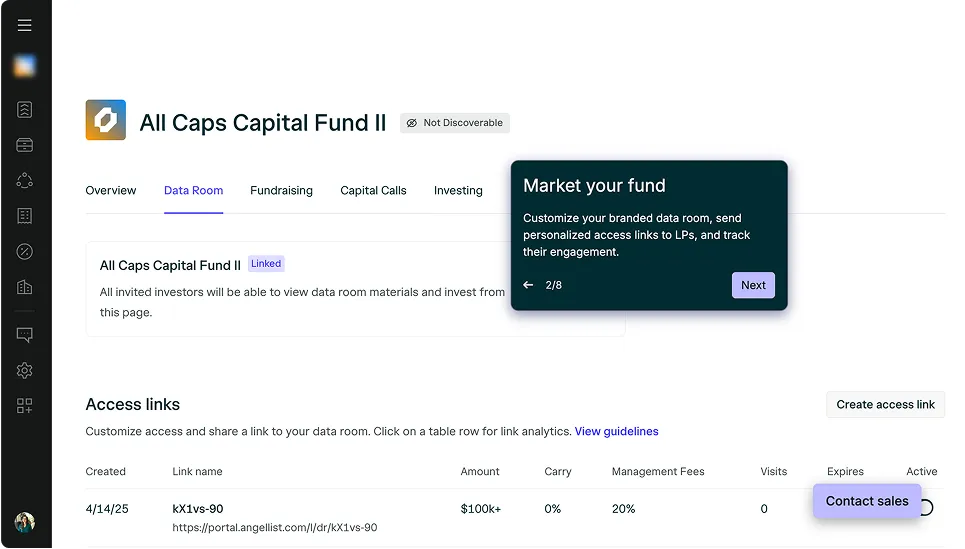
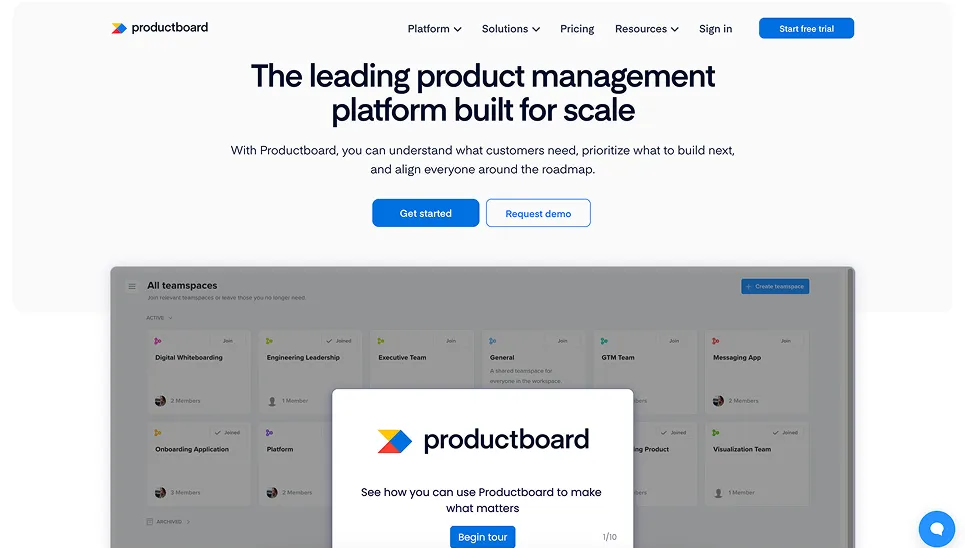
Demos and website agents for every stage of buying
Trusted by Fortune 1000 companies
Ensure industry-standard security practices, professional services, and privacy compliance
Custom Domain URL for your demos
Single-Sign On (SSO) and Universal Login
Demo Whitelabel for branding
SOC2 compliant
Frequently asked questions
What is a digital sales room?
What can I put in a Hub?
Can I see which stakeholders viewed what?
What are interest screens?
Can Hubs be personalized per account?
How does AI assemble deal rooms?


