Quick summary
Connecting Jira to n8n lets you automate project management workflows by linking your Atlassian account via a secure API token. This step-by-step process takes just minutes and requires your Jira email, API token, and domain.
Steps
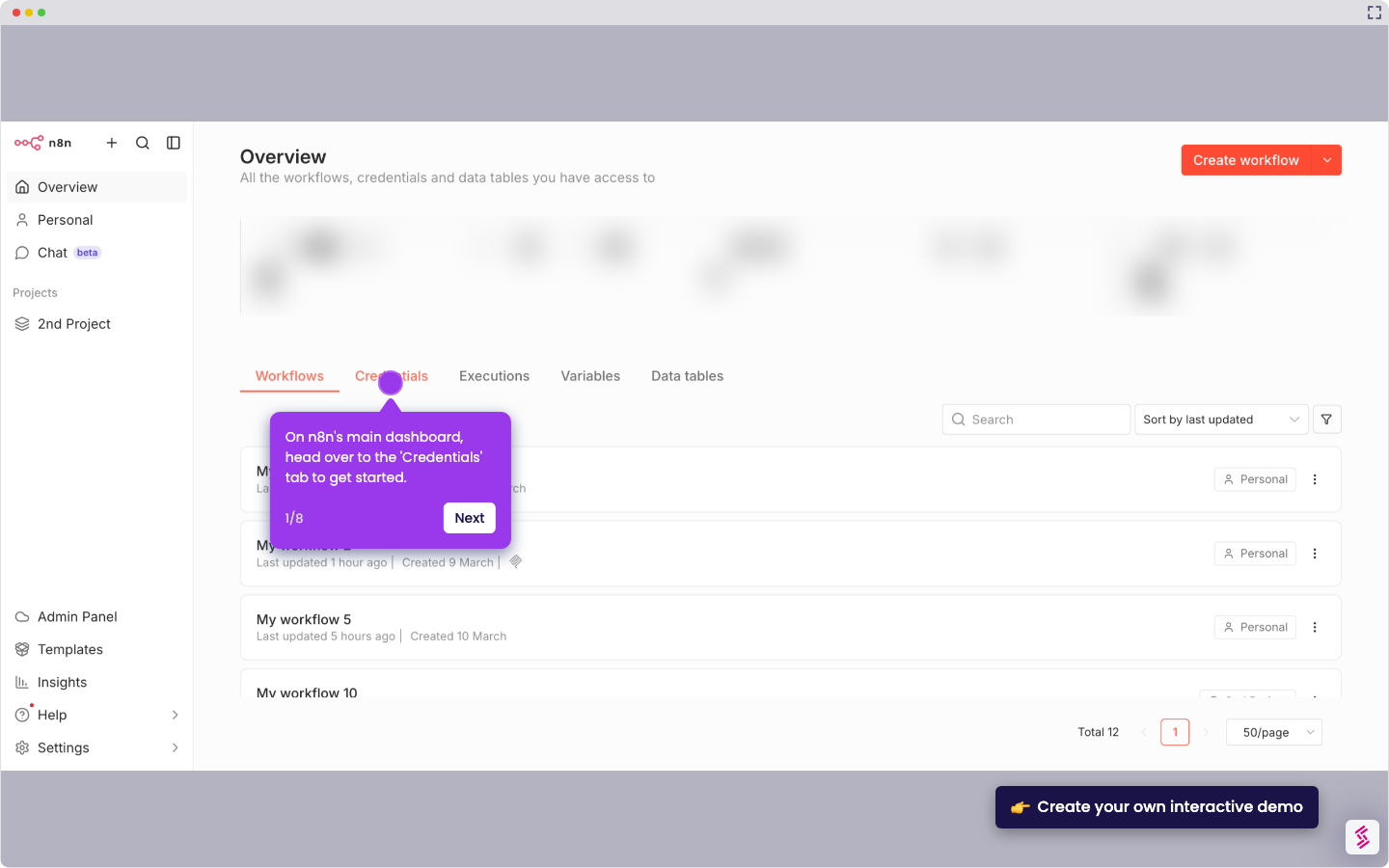
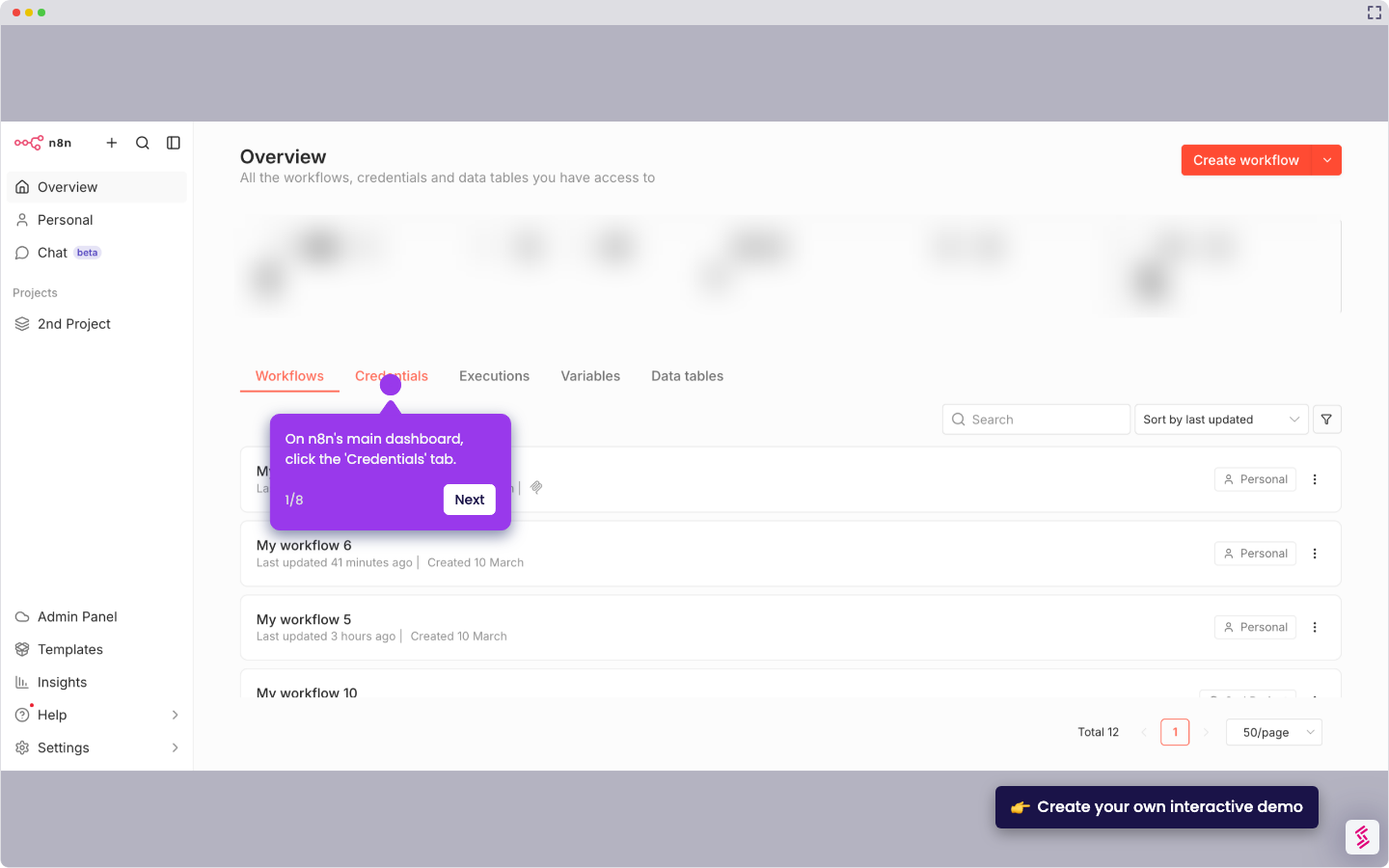
- On the n8n main dashboard, navigate to the menu bar and click Credentials.
- Click Create Credential in the top-right corner of the Credentials page.
- Use the search bar and type Jira to find the Jira integration.
- Choose your preferred connection type (e.g., Jira SW Cloud API) from the available options.
- Click Continue to proceed to the credential setup form.
- Enter all required connection details: your Jira email, API token, and domain.
- Click Save to store your credentials.
- Confirm the connection tested successfully message — your Jira account is now integrated with n8n.